# Real Integrations
Three Gravity Wiz products already ship a Flowcrafter integration. They're the best reference you have, because they're real code solving real problems — and between them they exercise nearly the whole extension API. If you're building your own integration, read the one closest to your goal and copy its shape.
| Product | Seam(s) used | What it does | Render mode |
|---|---|---|---|
| **GP Populate Anything** | Register new nodes + extension provider + runtime filters + loop hydrators | Ships whole new query nodes ([Get Posts](/documentation/flowcrafter/nodes/actions/get-posts/), [Get Users](/documentation/flowcrafter/nodes/actions/get-users/), [Get Taxonomy Terms](/documentation/flowcrafter/nodes/actions/get-taxonomy-terms/), and [Get Database Rows](/documentation/flowcrafter/nodes/actions/get-database-rows/), plus one per GPPA object type) *and* enhances the built-in **[Get Entries](/documentation/flowcrafter/nodes/actions/get-entries/)** node with an advanced query mode | React |
| **GC API Alchemist** | Extension provider + runtime filter | Adds a "Connection" mode to the built-in **[HTTP Request](/documentation/flowcrafter/nodes/actions/http-request/)** node so it runs through a saved API connection profile | React |
| **GP Advanced Conditional Logic** | Extension provider (×2) + runtime filter | Takes over the **[Condition](/documentation/flowcrafter/nodes/logic/condition-entry/)** and **[Data Condition](/documentation/flowcrafter/nodes/logic/condition-data/)** nodes with an AND/OR group builder and owns the yes/no evaluation | Declarative + inline JS takeover |
If you're new to the pieces these use, start with [Writing a Node](/documentation/flowcrafter/extending/writing-a-node/), [Settings Fields](/documentation/flowcrafter/extending/settings-fields/), and the [React API](/documentation/flowcrafter/extending/react-api/).
---
## GP Populate Anything
This is the heaviest integration, and the reference for "ship whole new node handlers behind a license." It uses all four seams: it registers new node types, enhances a built-in node, hooks runtime filters, and registers loop hydrators.
### It registers whole new node types
GPPA turns every Populate Anything object type into a Flowcrafter node — Posts, Users, Terms, Database Rows, plus anything a third-party plugin adds (Sheets, Notion, and so on). The node keys aren't hard-coded; core object types map to fixed keys and everything else gets an encoded key.
```php
add_action( 'flowcrafter_register_nodes', array( $this, 'register_nodes_and_hydrators' ) );
public function register_nodes_and_hydrators( $registry_class ) {
if ( ! defined( 'FLOWCRAFTER_VERSION' ) || ! is_string( $registry_class ) ) {
return;
}
$this->register_collection_nodes_for_object_types(
$registry_class,
$this->get_registerable_object_type_ids()
);
$this->register_hydrators();
}
```
The clever part: GPPA registers *one* handler class under many type keys, then calls `->bind($object_type_id)` on the returned singleton so it knows which object type it's standing in for. Object types with reloadable IDs (post/user/term) get a Collection-backed handler; everything else gets a plain array handler.
```php
$handler_class = in_array( $object_type_id, self::COLLECTION_OBJECT_TYPES, true )
? 'GPPA_Collection_Node' // post/user/term: reloadable IDs -> a Collection
: 'GPPA_Direct_Array_Node'; // database/3rd-party: no stable IDs -> inline array
$registry_class::register( $node_type, $handler_class );
$handler = $registry_class::get( $node_type );
if ( $handler instanceof GPPA_Query_Node ) {
$handler->bind( $object_type_id );
}
```
The Collection handler `implements Contracts\Provides_Collection`. Its `execute()` runs the query and writes a `Collection` of `{ id }` refs so a downstream loop can re-hydrate each record by ID. To make that re-hydration work, GPPA registers a **loop hydrator** per item type:
```php
\Flowcrafter\Loop_Hydrator_Registry::register( 'post', static function ( array $ref ) {
$post = get_post( isset( $ref['id'] ) ? (int) $ref['id'] : 0 );
return $post ? $post->to_array() : array();
} );
// ...and 'user' (get_user_by), 'term' (get_term)
```
On the JS side, each node is registered with `registerNodeType`. The `type` must equal the PHP bind key exactly. Runtime capabilities such as `provides_collection` come from the PHP contracts returned by node-type discovery, not duplicate TypeScript flags:
```tsx
registerNodeType({
type: def.type, // e.g. 'GetPostsNode' — must equal the PHP bind key
category: 'action',
component: GPPACollectionNodeComponent, // renders
settingsComponent: GPPACollectionSettings, // hosts the shared query panel
autoInjectSettingsSections: ['results'],
sourceHandleIds: ['output', 'error'],
handleColors: { output: '#3e7da6', error: '#dd301d' },
handleLabels: { output: 'Output', error: 'Error' },
});
```
The node bodies use Flowcrafter's exported `BaseNode` component, and the settings panel is a fully custom React panel — the PHP handler returns `[]` from `get_settings_fields()` on purpose, because the whole UI is React.
### It also enhances the built-in Get Entries node
The same plugin registers an *extension provider* for `GetEntriesNode`, adding an "Advanced" query mode powered by Populate Anything's `GF_Query`.
```php
add_action( 'flowcrafter_register_node_extension_providers', array( $this, 'register_extension_providers' ) );
public function register_extension_providers( $registry_class ) {
if ( ! class_exists( 'GPPA_Flowcrafter_Get_Entries_Provider' ) ) { return; }
$registry_class::register( new GPPA_Flowcrafter_Get_Entries_Provider() );
}
```
The JS registration for this is the richest `composition` block of the three — it shows the full activation-mode and field-coverage API in one place:
```tsx
registerNodeExtension({
baseNodeType: 'GetEntriesNode',
slug: 'gp-populate-anything',
settingsComponent: GetEntriesGPPASettings,
composition: {
sectionId: 'lookup',
role: 'replace', // exclusive replace of the named section
priority: 20,
coversFields: [ // core fields this section subsumes when active
'entry_id', 'entry_ids', 'date_created_after', 'date_created_before',
'field_filters', 'sort_key', 'sort_direction',
],
activation: { // renders a Simple/Advanced switch on the node
settingKey: 'query_mode',
options: [
{ value: 'simple', label: 'Simple', owner: 'core' },
{ value: 'advanced', label: 'Advanced', owner: 'extension',
description: 'Powered by Populate Anything' },
],
},
},
});
```
At run time a chain of filters swaps in the GPPA query — but only when the node's `query_mode === 'advanced'` and the extension actually has filter groups or an orderby. The rest of this section is the pattern in full, because Get Entries is the richest composition target in core and the one you're most likely to copy.
#### Who owns the query
`activation` renders the Simple/Advanced switch and stores the choice on the core `query_mode` setting. `coversFields` is the contract for what that switch hides: when Advanced is selected (its option's `owner` is `'extension'`), every field named in `coversFields` is pulled out of the core panel and the extension's `settingsComponent` paints the slot instead. Pick one owner per setting — don't ship an "Advanced Page size" while the core "Limit" is still on screen.
Notice what's *not* in that list: `status`. GPPA leaves the core Status control visible in both modes, so an author picks status the same way whether they're in Simple or Advanced. Anything you keep out of `coversFields` stays a normal core field.
If flipping the switch needs to carry a value across — say, seed a companion core setting when Advanced turns on — `activation.getSettingsPatch` returns that patch and Flowcrafter saves it atomically with the mode change:
```tsx
activation: {
settingKey: 'query_mode',
options: [ /* simple / advanced, as above */ ],
getSettingsPatch: ({ value, previousValue, nodeSettings }) => {
// Return extra *core* settings to save alongside query_mode.
return value === 'advanced' ? { limit: '' } : {};
},
},
```
#### The runtime filter chain
Four PHP filters fire, in this order, as the node executes. Each one is a passthrough: it only acts when your activation mode owns the query and your settings are present, and otherwise returns what it was handed untouched.
1. **`flowcrafter_node_get_entries_node_lookup_settings`** — `( $settings, $context, $node, $run, $form )`. Fires before the node's direct `entry_id` / `entry_ids` shortcuts run. A `replace`-composition extension uses it to blank out the covered core lookup fields when its mode owns the query, so those shortcuts don't fire and steal the query out from under you.
2. **`flowcrafter_node_get_entries_node_query_args`** — `( $query_args, $node, $run, $form, $context )`. Augment `search_criteria`, `sorting`, or `paging`. This is also where you resolve flow tags and stash the derived values, because the two result filters below get no resolver — see the note on `$context['resolve']`.
3. **`flowcrafter_node_get_entries_node_entry_ids`** — `( null, $context, $node, $run, $form )`. The **ID-only** path, taken when "Include entry data" is off. Return an `int[]` of stable IDs to skip GFAPI entirely, `null` to fall through to core querying, or a `WP_Error` to fail the node.
4. **`flowcrafter_node_get_entries_node_entries`** — `( null, $context, $node, $run, $form )`. The **full-object** path. Return an `array` of entry arrays, `null` for the default GFAPI fetch, or a `WP_Error`.
The `$context` handed to the two result filters is `{ form_id, query_args, status }` — `form_id` is the resolved target form, `query_args` is the final args after the `query_args` filter, and `status` is the raw node status (`active` | `trash` | `spam` | `any`), which can be absent from `search_criteria` when it's "any". **Validate your replacement IDs against `$context['form_id']`, not `$form['id']`** — Get Entries supports cross-form lookups, so the two aren't always the same form.
:::caution[The resolver is only on two of the four contexts]
`$context['resolve']` — the callable that resolves flow tags to their run-time values — is passed to `lookup_settings` (second argument) and `query_args` (fifth argument), but **not** to `entry_ids` or `entries`. So resolve in the `query_args` filter and carry the derived values forward under a namespaced key on `query_args`; the result filters read them back off `$context['query_args']`.
:::
```php
add_filter( 'flowcrafter_node_get_entries_node_query_args', function ( array $query_args, array $node, $run, array $form, array $context ): array {
$settings = \Flowcrafter\Node_Extension_Provider_Registry::get_settings_for_node( $node, 'my-extension' );
if ( $settings === null ) {
return $query_args; // not configured on this node — hands off
}
// Resolve here (we have $context['resolve']) and stash for the result filters.
$query_args['_my_extension'] = [
'entry_ids' => parse_ids( $context['resolve']( (string) ( $settings['entry_ids'] ?? '' ) ) ),
];
return $query_args;
}, 10, 5 );
add_filter( 'flowcrafter_node_get_entries_node_entry_ids', function ( $entry_ids, array $context, array $node ) {
if ( $entry_ids !== null ) {
return $entry_ids; // a prior extension already claimed this — don't fight it
}
$mine = $context['query_args']['_my_extension'] ?? null;
if ( $mine === null ) {
return null; // fall through to core querying
}
return $mine['entry_ids']; // int[] validated against $context['form_id']
}, 10, 3 );
```
**Fail closed, never open.** Read your own settings with `Node_Extension_Provider_Registry::get_settings_for_node( $node, $slug )` and bail early when they're absent. When Advanced is on but there's genuinely nothing to run — no filter groups, no orderby — the honest move is to preserve normal GFAPI filtering (return `null`), not to clear the core constraints and fall through to a wide-open query. If your product wants Advanced to *require* configuration, reject the empty case in the provider's `validate()` so it can't be saved — don't paper over it at run time.
---
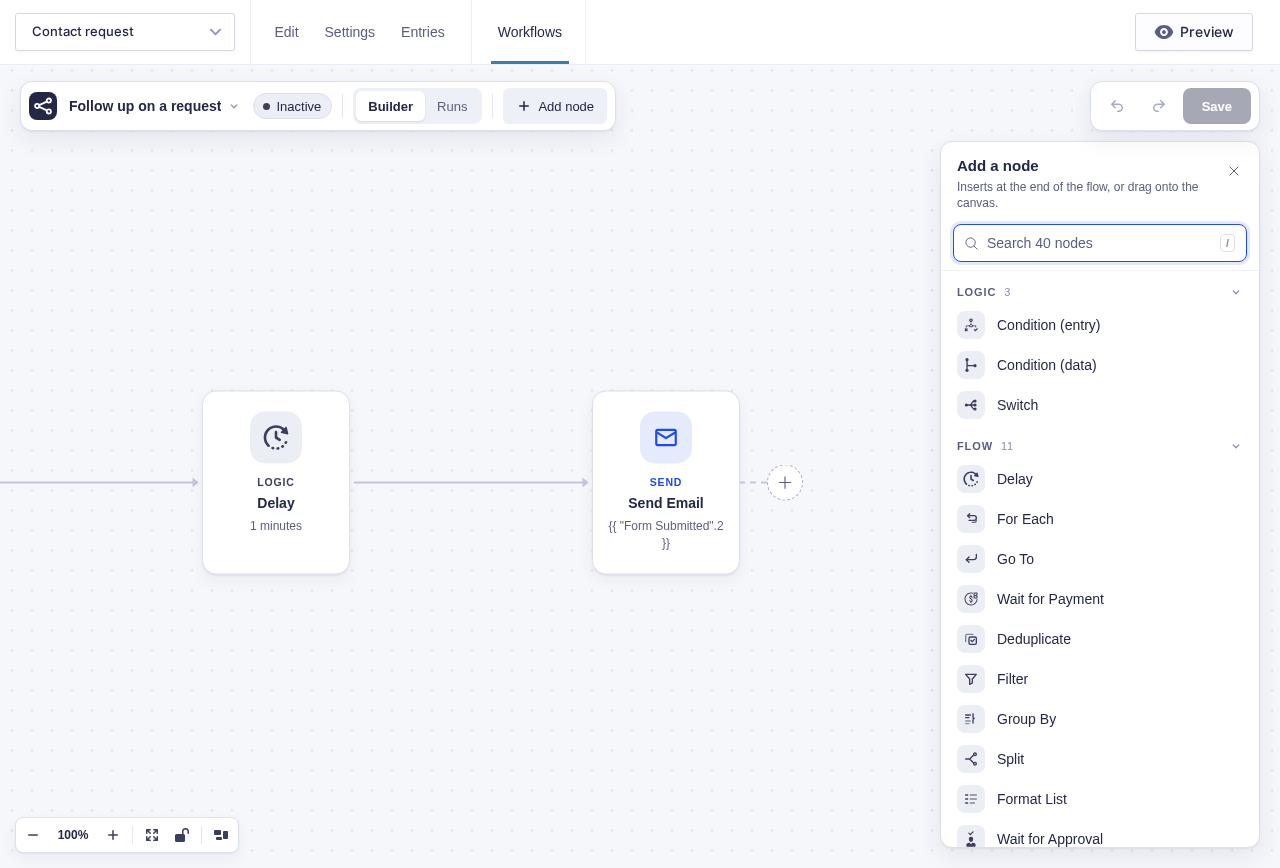
Without Populate Anything installed, its query nodes appear locked in the picker. This is the real availability boundary, not a capture of configured query settings.
## GC API Alchemist
This is the cleanest "enhance an existing node" reference: no new node types, one provider, one runtime filter. It adds a "Connection" mode to the built-in **HTTP Request** node so the request runs through a saved connection profile — base URL and authentication filled in for you.
Everything wires up in the compat class constructor:
```php
public function __construct() {
add_action( 'flowcrafter_register_node_extension_providers', [ $this, 'register_extension_providers' ] );
add_action( 'flowcrafter_editor_scripts', [ $this, 'enqueue_editor_scripts' ] );
add_filter( 'flowcrafter_node_http_request_node_request', [ $this, 'compose_http_request' ], 10, 5 );
}
```
The provider implements the `Node_Extension_Provider` interface directly. Note the `SLUG` constant — that string has to match the JS slug and the storage namespace byte-for-byte, and GC pins it in one place so it can't drift:
```php
class HTTP_Request_Provider implements Node_Extension_Provider {
public const SLUG = 'gc-api-alchemist';
public function get_slug(): string { return self::SLUG; }
public function get_base_node_type(): string { return 'HTTPRequestNode'; }
public function get_label(): string { return 'GC API Alchemist'; }
public function get_render_mode(): string { return 'react'; }
public function get_metadata(): array {
return [
'label' => $this->get_label(),
'plugin_slug' => 'gc-api-alchemist',
'product_line' => 'gravity_connect', // drives which branding Flowcrafter shows
'value_prop' => 'Send the request through a saved API connection, with the base URL and authentication filled in.',
];
}
public function get_settings_fields( array $base_node, array $extension_settings ): array { return []; } // react
public function get_output_schema( array $base_schema ): array { return []; }
// get_settings_schema() / validate() ...
}
```
One detail worth knowing before you write `validate()`: **every `WP_Error` you return blocks saving.** Extensions have no "warning" severity. GC deliberately only reports config that genuinely can't work (missing profile, deleted profile, empty base URL, missing auth handler) — and *skips* `wp_http_validate_url()` on the base URL, because a transient DNS failure would lock the author out of saving.
The JS registration follows the same activation-mode pattern as GPPA — a `replace` section gated behind a Manual/Connection switch:
```tsx
flowcrafter.registerNodeExtension({
baseNodeType: 'HTTPRequestNode',
slug: 'gc-api-alchemist',
settingsComponent: ApiConnectionSettings,
priority: 20,
composition: {
sectionId: 'request',
sectionLabel: 'Request',
role: 'replace',
coversFields: ['url', 'method'], // connection owns where + verb; headers/body stay the node's
priority: 20,
activation: {
settingKey: 'request_mode',
options: [
{ value: 'manual', label: 'Manual', owner: 'core' },
{ value: 'profile', label: 'Connection', owner: 'extension',
description: 'Use a saved API connection for the base URL and authentication.' },
],
},
},
});
```
A couple of React details from `ApiConnectionSettings`:
- Flowcrafter passes the settings component the props typed as `NodeExtensionSettingsProps`: `settings`, `onChange(patch)`, `nodeSettings`, `onNodeSettingsChange(patch)`, `formId`, `readOnly`. There are **two writers** — `onChange` writes the extension's own namespace, `onNodeSettingsChange` writes the *core* node settings (used here to set the covered `method` field back on the node).
- The panel portals its dropdown *inside* `.fc-node-modal` because Flowcrafter traps focus inside its node modal — a menu portalled to `` would have its focus yanked back.
### An honest note about scope
In the real plugin today there is exactly **one** extension: `HTTPRequestNode`. There's one `registerNodeExtension`, one provider whose `get_base_node_type()` returns `'HTTPRequestNode'`, and one runtime filter. If you're reading GC as a reference, the HTTP Request path is the whole story.
---
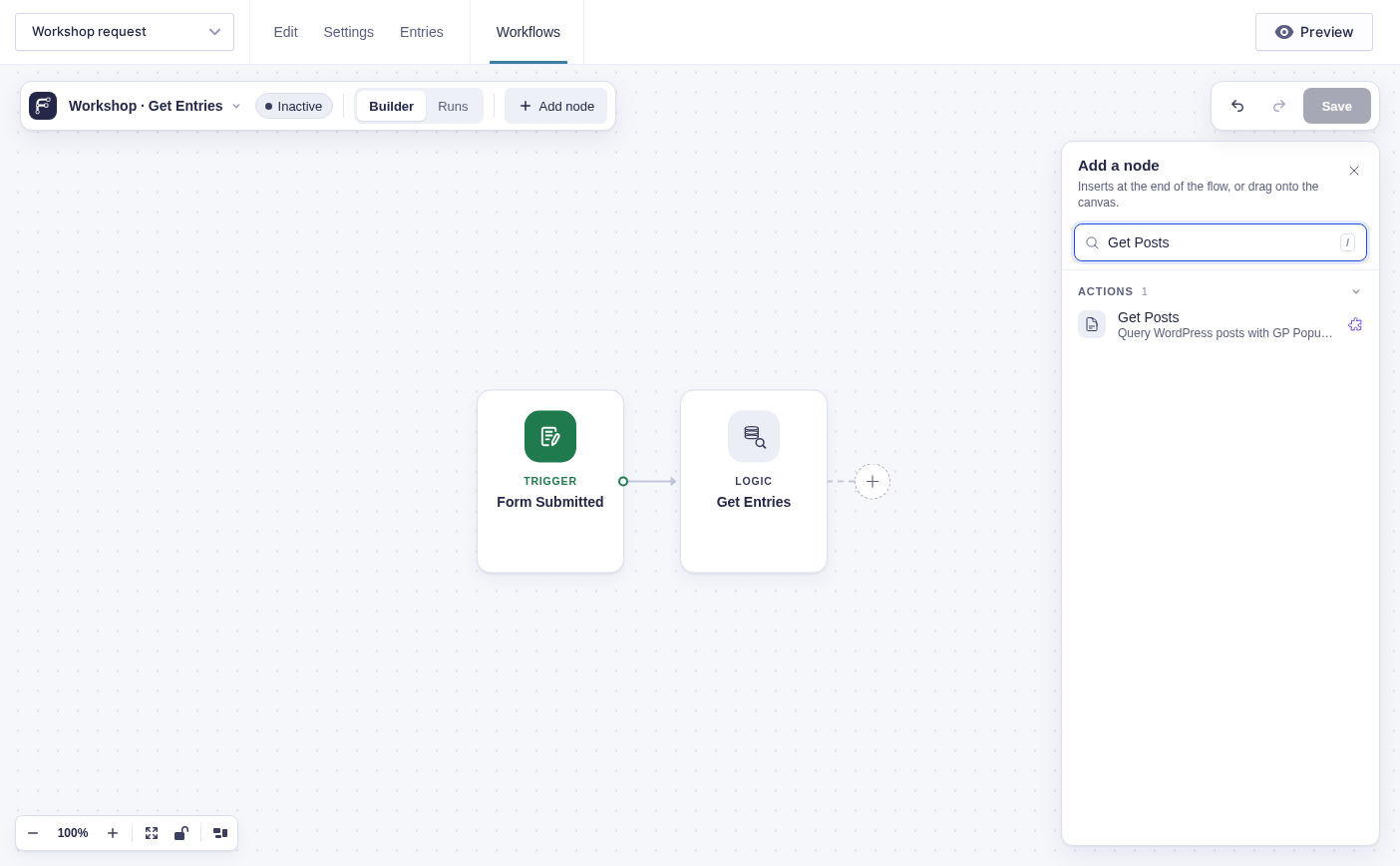
Core HTTP Request advertises API Alchemist's enhancement in its settings. This sandbox has not installed or configured the integration; the screenshot shows the extension's discovery surface and the ordinary core request controls, not API Alchemist's authenticated configuration.
## GP Advanced Conditional Logic
The odd one out, and the reference for a **declarative provider plus an inline JS takeover**. It registers no settings fields and no React `settingsComponent` through the normal slot. Instead it listens for a DOM event Flowcrafter fires when it renders the node's conditional-logic builder, then replaces that container's contents.
```php
public function register(): void {
add_action( 'flowcrafter_register_node_extension_providers', [ $this, 'register_provider' ] );
add_filter( 'flowcrafter_evaluate_conditional_logic', [ $this, 'evaluate' ], 10, 3 );
}
public function register_provider( $registry ): void {
if ( ! is_string( $registry ) || ! class_exists( $registry ) ) { return; }
$registry::register( new Flowcrafter_Condition_Provider() ); // ConditionNode
$registry::register( new Flowcrafter_Data_Condition_Provider() ); // DataConditionNode
}
```
Unlike GPPA and GC, both providers `extend Abstract_Node_Extension_Provider` — so they only override what they need. Both return `'declarative'` from `get_render_mode()` and `[]` from `get_settings_fields()`, `get_output_schema()`, and `validate()`.
Why declarative *and* empty? Registering the provider does one job here: it flips the enhancement to *available*, which hides Flowcrafter's per-node "level up" upsell. There are no fields for Flowcrafter's declarative renderer to draw, because the UI is mounted by the JS bundle and evaluation runs through the runtime filter.
The JS uses the `inline` composition role, which is the whole reason this integration looks different:
```tsx
fc.registerNodeExtension({
baseNodeType: 'ConditionNode', // and, separately, 'DataConditionNode'
slug: 'gp-advanced-conditional-logic',
composition: {
sectionId: 'logic',
sectionLabel: 'Conditional Logic',
role: 'inline', // keep the covered field, paint NO extra slot
coversFields: ['conditionalLogic'],
},
});
```
The semantics matter: `inline` keeps the covered field and paints no second section, where `replace` removes the field and paints a slot. There's no `settingsComponent`, no `activation` block, and no `priority`.
The actual UI mounts by listening for the event Flowcrafter fires after it renders the node's native conditional-logic builder:
- Event: `fc_conditional_logic_rendered`
- `detail`: `{ objectType: 'fc_', container: HTMLElement, source?: 'data', ... }`
For the entry Condition node, GPACL resolves Flowcrafter's live conditional-logic object and mutates it in one assignment so Flowcrafter's on-change proxy persists it. For the Data Condition node (`detail.source === 'data'`), Flowcrafter hands over `{ value, onChange, getFlowTagSession }` directly, and GPACL builds its flow tag rows on Flowcrafter's exported `window.flowcrafter.FlowTagInput`.
Evaluation is owned entirely by the runtime filter — GPACL returns Flowcrafter's own result untouched whenever its config isn't enabled, so it never fails open:
```php
public function evaluate( $result, $logic, $context ): bool {
$gpacl = ( is_array( $logic ) && isset( $logic['gpacl'] ) && is_array( $logic['gpacl'] ) )
? $logic['gpacl'] : [];
// Data condition: no GF entry — evaluate flow tag pairs via a passed resolver.
if ( isset( $context['source'] ) && $context['source'] === 'data' ) {
if ( empty( $gpacl['enabled'] ) || empty( $gpacl['groups'] )
|| ! is_callable( $context['resolve'] ?? null ) ) {
return (bool) $result; // keep Flowcrafter's own result
}
return self::evaluate_data_groups( $gpacl, $context['resolve'] );
}
// Entry condition: needs form + entry.
if ( empty( $gpacl['enabled'] ) || empty( $gpacl['groups'] )
|| empty( $context['form'] ) || ! isset( $context['entry'] ) ) {
return (bool) $result;
}
$user_id = array_key_exists( 'user_id', $context ) ? (int) $context['user_id'] : null;
return ( new Advanced_Logic() )->evaluate_config( $gpacl, $context['form'], $context['entry'], $user_id );
}
```
---
## Patterns
Here's what all three do the same way. Follow these and your integration will feel like it belongs.
**Attach hooks unconditionally at load; guard inside the callback.** None of them check "is Flowcrafter active?" before attaching their `add_action`/`add_filter`. Plugin load order can put your plugin *before* Flowcrafter, so an early check would answer "no" forever. Flowcrafter's own hooks simply never fire without Flowcrafter, and each callback re-checks (`defined('FLOWCRAFTER_VERSION')`, `class_exists($registry_class)`, `interface_exists('\Flowcrafter\Node_Extension_Provider')`) before it names a Flowcrafter class.
**Register providers on `flowcrafter_register_node_extension_providers`.** The callback receives the registry class name and calls `$registry_class::register( new Provider() )`. Registering the provider is what flips the enhancement to *available* and hides Flowcrafter's per-node upsell.
**Implement the fixed provider interface.** Either `implements \Flowcrafter\Node_Extension_Provider` (GPPA, GC) or `extends \Flowcrafter\Abstract_Node_Extension_Provider` (GPACL, when you want the defaults). Either way the members are: `get_slug()`, `get_base_node_type()`, `get_label()`, `get_metadata()`, `get_settings_fields()`, `get_settings_schema()`, `get_output_schema()`, `validate()`, `get_render_mode()`.
**Keep `get_metadata()` in the standard shape** — `{ label, plugin_slug, product_line, value_prop }`. `product_line` is `'gravity_perks'` or `'gravity_connect'`; it drives which branding Flowcrafter's upsell shows.
**Do runtime work in a passthrough filter.** Short-circuit if a prior callback already claimed the value, no-op unless *your* activation mode is selected on the core node, read your own settings with `Node_Extension_Provider_Registry::get_settings_for_node($node, $slug)`, and never fail open.
**Treat the slug as load-bearing.** It appears in three places that must match byte-for-byte: the PHP `get_slug()`, the JS `registerNodeExtension({ slug })`, and the storage namespace `data.settings.extensions..settings`.
**Reach Flowcrafter's JS only through `window.flowcrafter` — never an import.** GPPA and GC even declare the Flowcrafter shapes locally so a Flowcrafter change that doesn't touch them can't break their build. Flowcrafter is a peer plugin, not a dependency.
### Where they differ
Same seams, different jobs — this table is the quickest way to find the reference closest to yours.
| Dimension | GP Populate Anything | GC API Alchemist | GP Advanced Conditional Logic |
|---|---|---|---|
| New node types? | **Yes** — core + dynamic, behind the license | No | No |
| Enhances built-in node(s) | Get Entries | HTTP Request | Condition + Data Condition |
| `get_render_mode()` | `react` | `react` | `declarative` |
| Composition `role` | `replace` (+ `activation`) | `replace` (+ `activation`) | `inline` (no activation) |
| Custom React `settingsComponent` | Yes | Yes | **No** — mounts via the `fc_conditional_logic_rendered` DOM event |
| Provider base | `implements` interface | `implements` interface | `extends` abstract base |
| Uses `Loop_Hydrator_Registry` | Yes (post/user/term) | No | No |
| Uses `Provides_Collection` contract | Yes | No | No |
| Uses `window.flowcrafter.FlowTagInput` | No | Types it, doesn't render | **Yes** (data-condition rows) |
| Uses `window.flowcrafter.BaseNode` | **Yes** (new node bodies) | No | No |
The short version: **GPPA** is the reference for shipping whole new node handlers behind a lock — register nodes, a collection contract, loop hydrators, and a React settings panel. **GC** and **GPACL** are the two "enhance an existing node" references — GC via a `react`/`replace` panel that swaps a core field behind an activation mode, GPACL via a `declarative`/`inline` provider that keeps the core field and hijacks its rendered container through a DOM event.
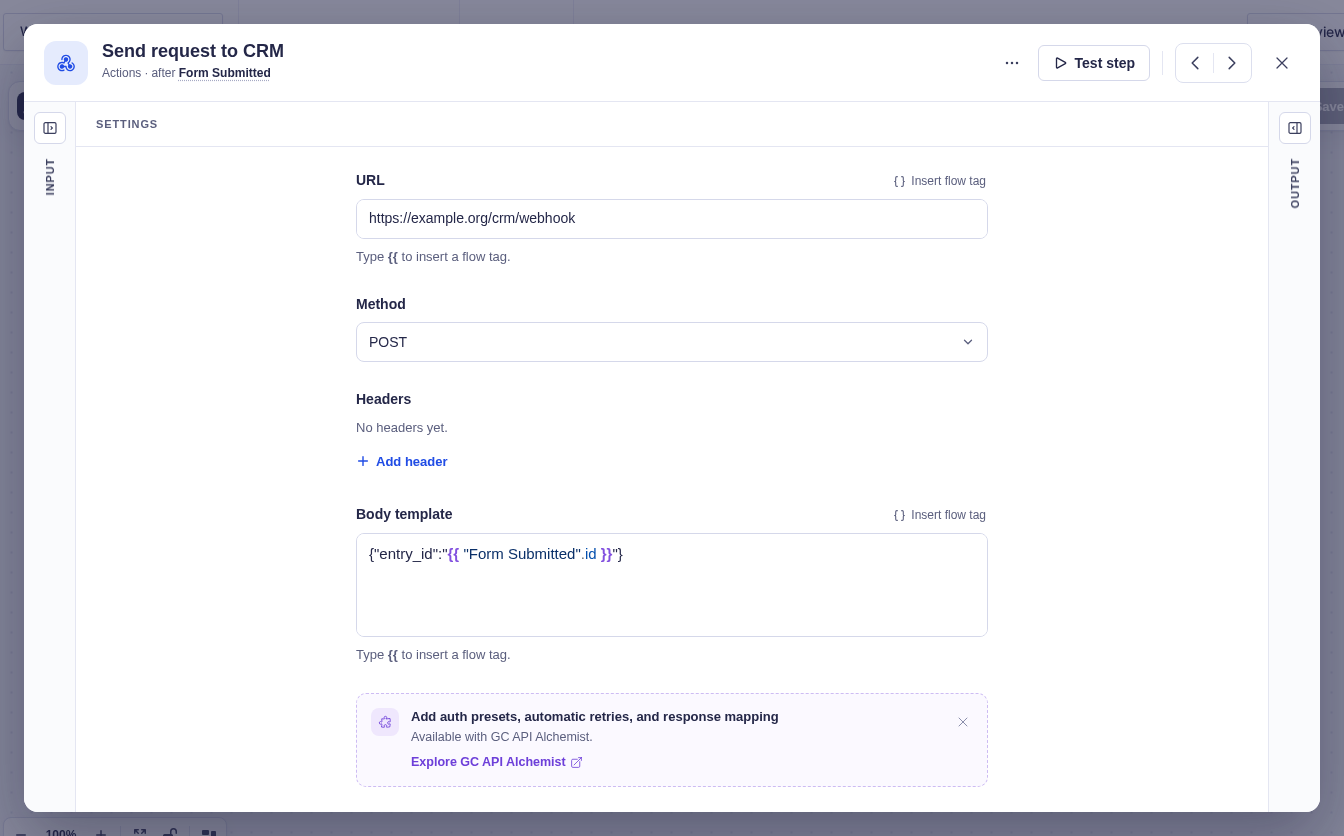
Here's what a couple of those extension panels look like once they're injected into a core node's settings: