Spotlight: Turning Gravity Forms Entries into a Knowledge Base with Entry Blocks

Expeditions Alaska created their own master resource from a routine task. Their reports are automatically displayed in a searchable table interface that educates and motivates guides.

Spotlight Function
Internal knowledge base
Spells Used
Carl Donohue, Expeditions Alaska’s very own owner-operator, is pro simple solutions when it comes to computer stuff. So, as an expert guide, he found the fastest route to create an auto-updating knowledge base out of the reports (aka Gravity Forms entries) his colleagues filled out: GP Entry Blocks.
[Entry Blocks is] just a really great resource for us that is super easy to manage. It takes care of itself, pretty much, and it’s been a great asset for us.
The start of the trail
Reliable information is essential in the Alaskan wilderness, so all guides from Expeditions Alaska fill out a field report built with Gravity Forms. It serves to both keep records of the trip, like who they were taking, where they ate, or any injuries that happened, as well as to leave notes to future guides on the status of one of the trails or an amazing new hangout spot they came by.
These submissions are then instantly added to their internal Reports From the Field portal built with Entry Blocks, aka the easiest way to display and edit Gravity Forms entries on the frontend.
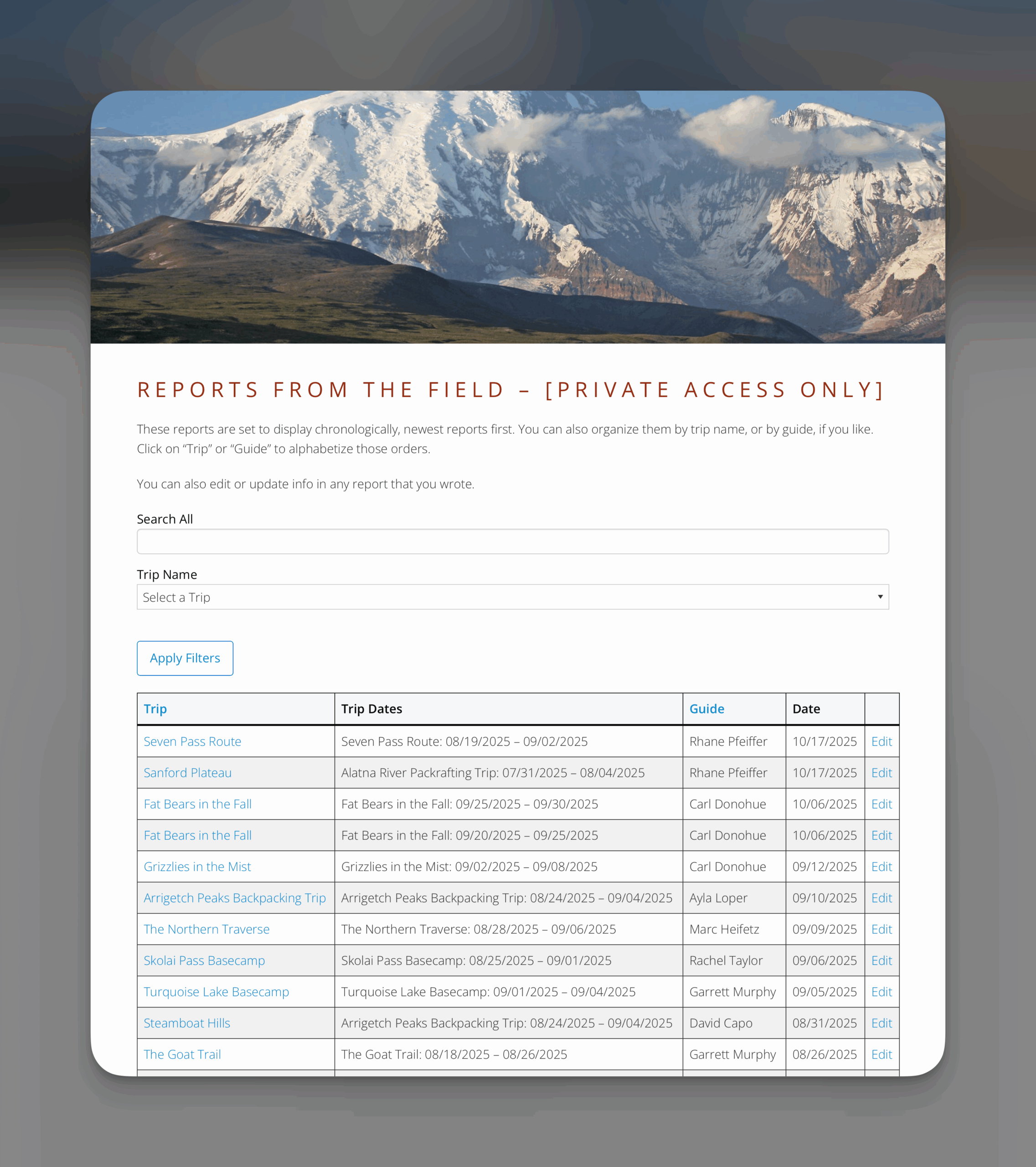
Carl only had to choose which fields he wanted to display, put them in the order he wanted, and set up how they could be filtered. Entry Blocks took care of the rest.
They complete a trip report at the end of the trip and it just gets added to a database. I can filter them by trip or search by whatever keyword I might be looking for.
Trekking a misty mountain of entries
The main view of this portal uses:
- A Filters block.
- A Gravity Forms Entries block rocking the Entries List layout.
All guides have access to those and can filter by guide, by trip, dates, etc, to quickly find the reports that might be most useful to them.
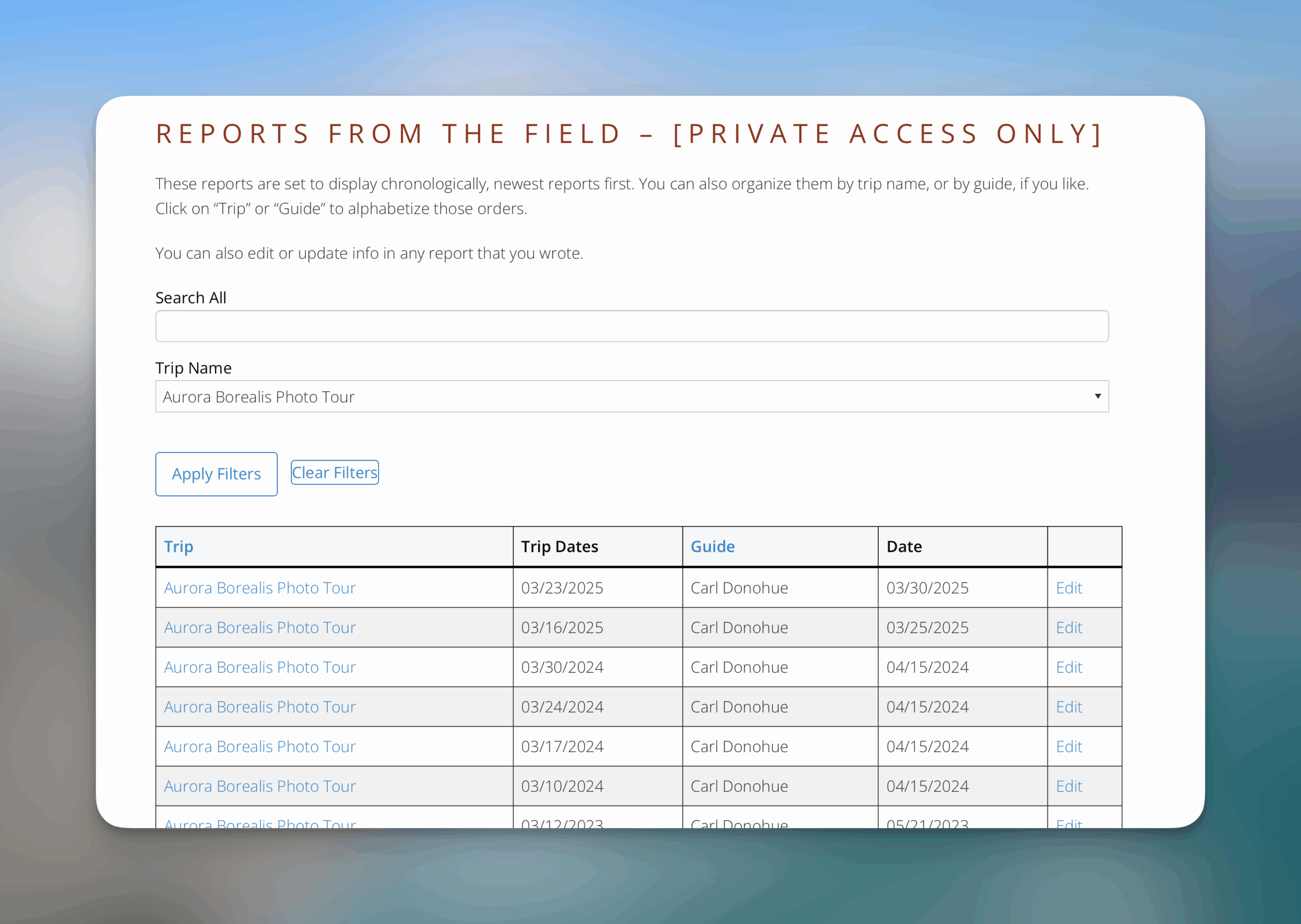
Once they find the trip they are looking for, they can click on the name and be taken to the full view of the entry, where they can read all the details of what went on.
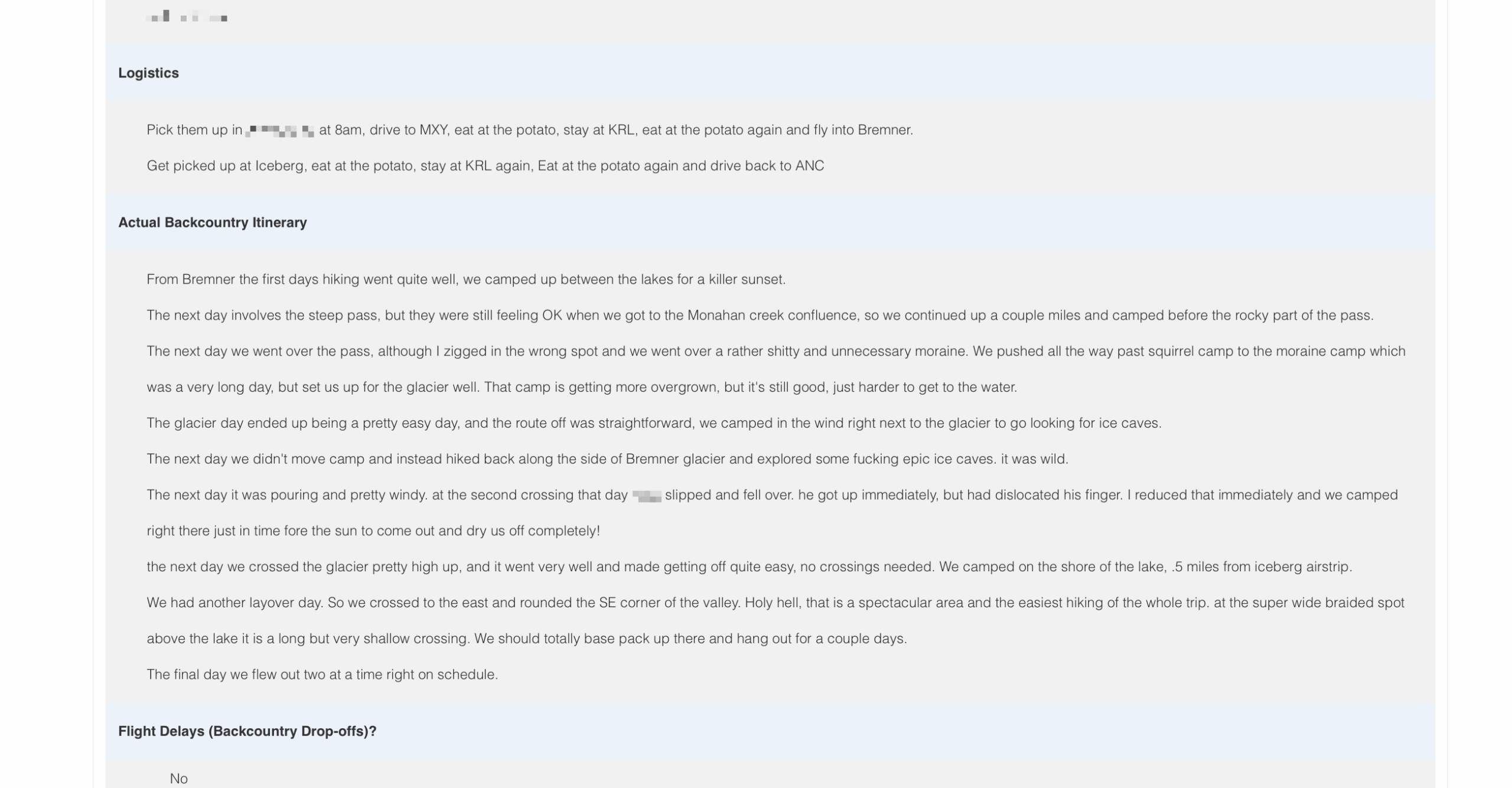
It makes things simpler on the administrative side of things too. If something needs to be fixed, Carl or any other guide can do it from Entry Blocks by clicking on “Edit.” Whenever Carl needs more trip information himself, it’s all right there.
For example, I was looking at custom trips the other day. I opened a couple of trips to look for some information to make a new trip page and got all that I needed. It was awesome.
Easy navigation = better data
This searchable, peer-driven knowledge base became their golden compass. Guides actually feel the value of the time they put into their reports because they enjoy the benefits themselves.
It not only helps guides with their upcoming trips, I’ve found it motivates guides to write better trip reports, knowing they won’t just get sent to a digital black hole and never been seen from again.
Not to mention, making that treasure trove of information easily navigable to all guides meant less time in the web weeds and more time enjoying places like this:
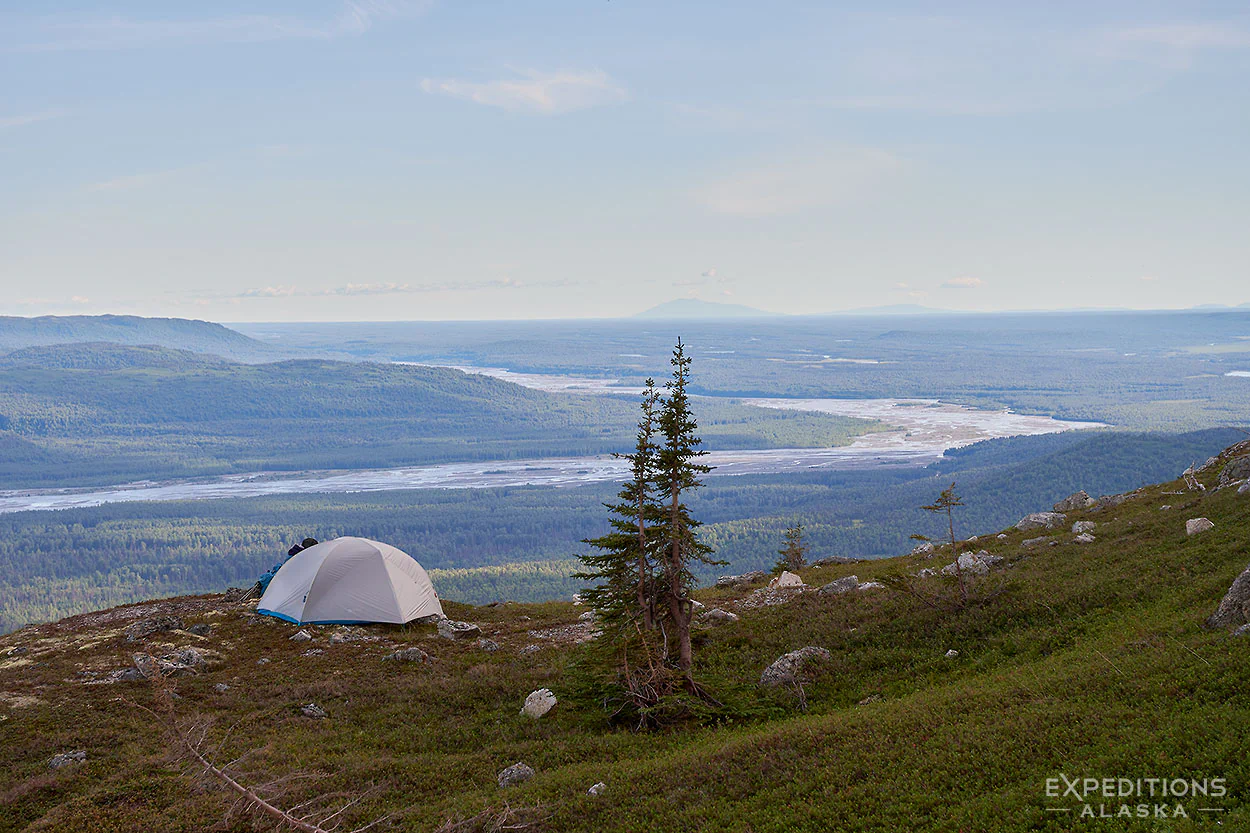
Thank you, Carl, for sharing your story and solution with us!
If you’re looking for a good time, you can read more about the guides at Expeditions Alaska. With simple solutions like this and caring people like that, I certainly know where I want to go on vacation next. 🏔️