
Gravity Wiz blog
Fresh from
the wizards.
Gravity Forms tutorials, real-world builds, and the latest from Gravity Wiz.

How to Calculate Distance and Travel Time in Gravity Forms
Use Address Autocomplete to calculate distance and estimate travel time between two addresses, then put those numbers to work for delivery fees, mileage, or service quotes. 📍
GWW 329: Seal of Approval
Approve bookings in one click, get conditional with pricing, and find out which spam solution comes out on top.
GWW 328: Sweet Validation
Meet ClearBounce, Email Validator’s most affordable verification service. Plus, prettier slider numbers and smarter conditional logic.

How to Archive Gravity Forms Entries Without Deleting Them
Archive Gravity Forms entries instead of deleting them. Move them out of your active list, then bring them back whenever you need them.
How to Stop WordPress Comment Spam Without a CAPTCHA
Learn how Spam Hexer keeps automated spam out of your WordPress comments with an invisible puzzle real people never even see.

New Email Verification Option for Gravity Forms
A real address is a good start. A deliverable one is better. Meet ClearBounce, the new verification service that joined GP Email Validator’s roster.
GWW 327: Retreat Yourself
GP Bookings learns to say no (politely). Plus, PKCE for API Alchemist, transparent AI images, and what 100 conditional logic tickets taught us.
GWW 326: Scroll Call
Generate an image from an image with GC OpenAI. Plus, a school registration flow that saves returning families a ton of retyping, three fresh snippets, and a Question of the Week.
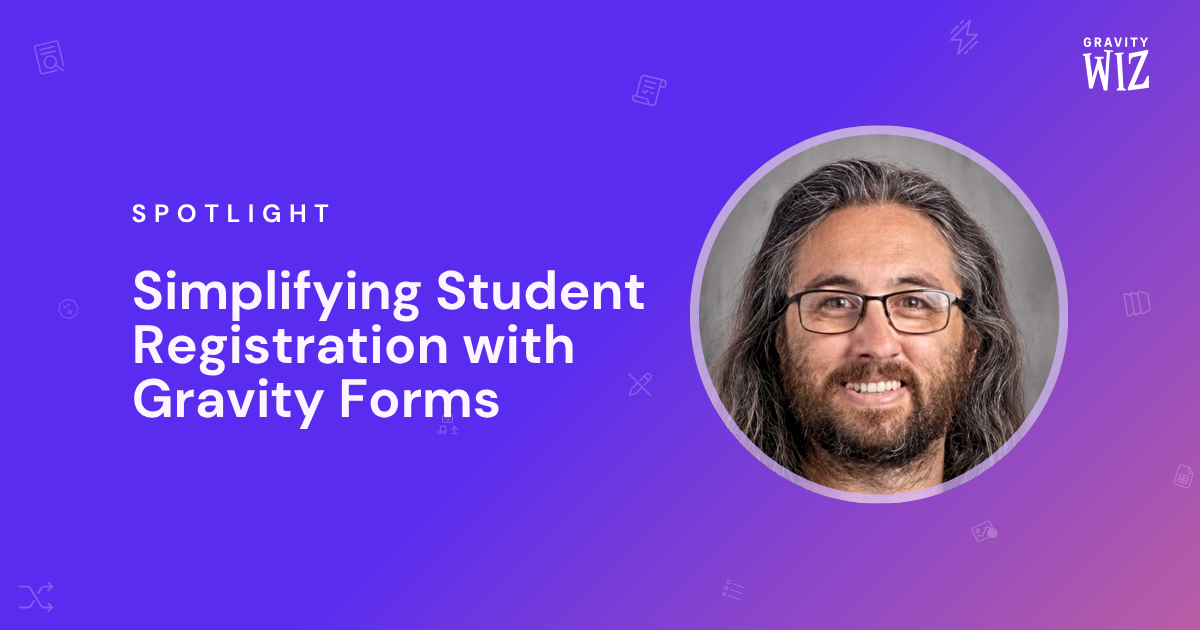
Spotlight: Simplifying Student Registration with Gravity Forms
See how Cory Robbins used Populate Anything to prefill registration forms with returning students’ current data — so parents had less to re-enter.

GWW 325: Magic Powder
Stop Gravity Forms spam without making anyone click a traffic light. Plus, a much faster Entry Blocks editor and three snippets I never got around to sharing.
How to Stop Gravity Forms Spam Without a CAPTCHA
Learn how Spam Hexer uses an invisible puzzle to stop most bot submissions, without getting in your visitors’ way.
GWW 324: Going the Distance
Address Autocomplete 2.0 now measures the distance and drive time between two addresses. Plus, capacity-aware booking minimums and a full-page spinner glow-up.
New: Address Autocomplete 2.0
Calculate distance and travel time between two addresses, map the route between them, and connect to Google’s new Places API.
GWW 323: Hook City
A big batch of GP Bookings upgrades — new hooks, calendar styling, and Google Calendar polish. Plus, we’re deprecating Conditional Logic Dates.

I Reviewed 100 Conditional Logic Support Tickets. Here’s What We See Most in Gravity Forms.
I went through our support tickets to see what keeps coming up with Gravity Forms conditional logic, and what to do if you run into the same issues.