Sales & handoffs
Better context. Better conversations.
Enrich a lead, route it to the right team, and make every handoff a little warmer.
Explore lead routing
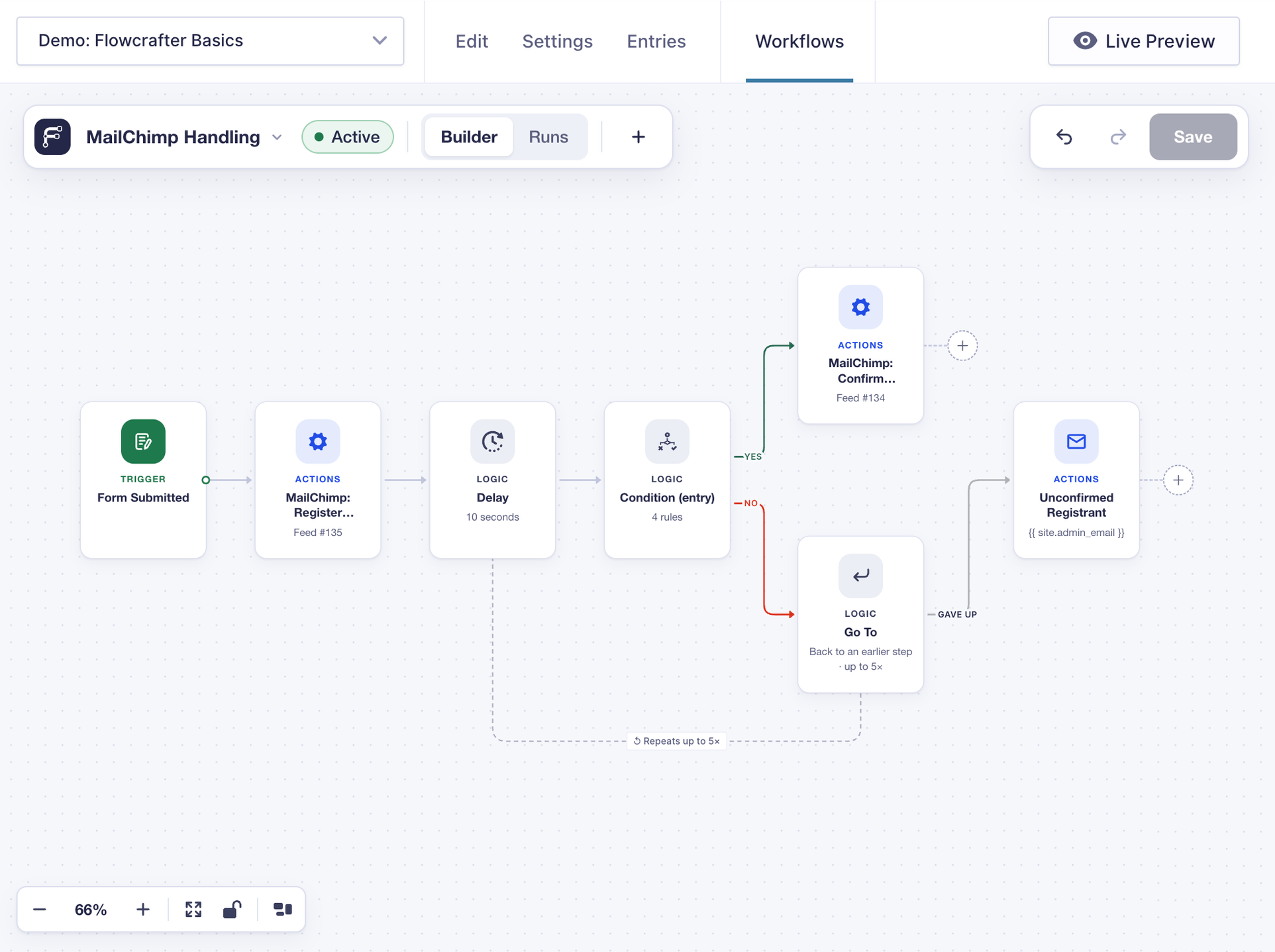
A submission is just the beginning. Connect your forms, data, and favorite services on a visual canvas. Let the next steps take care of themselves.
01 · Form Submitted
A name, an email, a little about their project. That’s enough to set things in motion.
02 · HTTP Request
Connect to an enrichment service and find the company behind the email address.
03 · Switch
Set a rule and let each lead follow the path that fits — by team size, region, or anything else you know.
04 · Update Entry Field
Save the company, team size, and assigned team alongside the original request. Watch the fields fill in.
05 · Send Email
Give the team the request and the context together. The next conversation starts a step ahead.
That’s one path. Make your own.
Start with a recipe. Make it yours with the data, decisions, and destinations your work needs.
Sales & handoffs
Enrich a lead, route it to the right team, and make every handoff a little warmer.
Explore lead routingReporting & operations
Turn a day of entries into one useful digest, or a separate summary for each manager.
Explore daily digestsAI & personal touches
Generate a personal reply and an original image. Email the result and update the confirmation as it takes shape.
Build this flowConnected forms
Ask for a correction, wait for the reply, and copy the allowed answers back to the original entry.
Build this flowEveryday housekeeping
Find entries older than your cutoff, loop through the matches, and move them to Trash on a schedule.
Build this flowApps & APIs
Send a submission to another app, then use its response in the next step of your workflow.
Build this flowMore ways to use Flowcrafter: approval workflows and payment follow-up .
More than a submit button
Welcome a customer. Enrich a lead. Turn an answer into an action.
Send a morning digest. Find stale entries. Keep things moving overnight.
Receive a webhook from another app and pick up the process in WordPress.
Requires GC API Alchemist
Start a workflow manually, test a path, or process a batch on your terms.
Start small. Keep building.
Read a response. Shape a list. Choose a path. Wait for a second form. See where each run went.
Choose a trigger. Connect a few steps. Make the workflow your own with the free plugin, now in early access.
Download Flowcrafter (free)Requires WordPress 6.8+, PHP 8.0+, and Gravity Forms.