01 / DISCOVER
Find your next useful plugin.
Browse Gravity Perks, Gravity Connect, Gravity Shop, and free plugins right from Spellbook.

Manage your Gravity Wiz plugins, licenses, and updates together—so you have more time to work your magic.
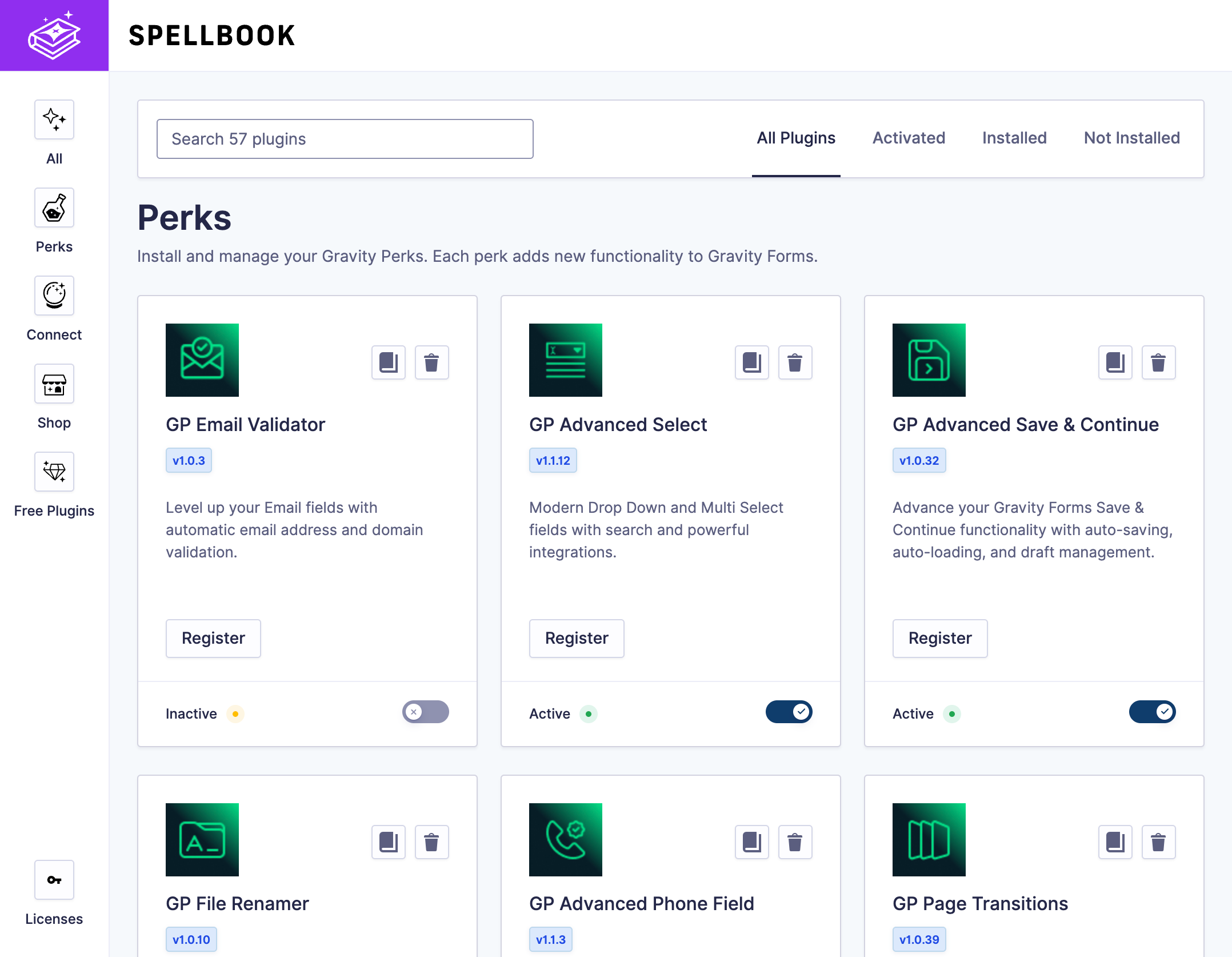
01 / DISCOVER
Browse Gravity Perks, Gravity Connect, Gravity Shop, and free plugins right from Spellbook.
02 / INSTALL
Install any plugin available to you directly from Spellbook.
03 / MANAGE
Manage your licenses and update plugins in Spellbook—or through WordPress.
Add features, simplify admin work, and customize your forms even further. Pick what you need now, then add more as you build.

Protect Gravity Forms and WordPress comments with invisible spam checks.

Let Paragraph Text fields grow as people type, up to a height you choose.

Run configured add-on feeds for data you have already collected.

Schedule notices for holiday closures, promotions, or availability.

Store form-specific JavaScript and CSS alongside your form configuration.

Use preview controls, sample entries, and admin shortcuts while building.
Already using Gravity Perks, Gravity Connect, or Gravity Shop? Add your license to Spellbook and your plugins will be ready to go.
See how licenses workDownload Spellbook, then install it on WordPress and activate it.
Find it under Forms → Spellbook in your WordPress dashboard.
Choose the plugin you need and install it from its card.
Yes. Spellbook is free. Open Spellbook in WordPress and register for free to access the free plugins, or add your license to access the plugins in your plan.
Spellbook replaces the old Gravity Perks Manager plugin. Your existing perks stay installed, your settings carry over, and your license moves into Spellbook automatically. Read the full migration guide.
You’ll need WordPress and Gravity Forms. Check the current compatibility requirements for the latest details.
Open Spellbook. Find your next little bit of magic.