Introducing Gravity Perks Sliders

When users need to pick a budget range, rate their experience, or choose a donation amount, a Number field technically works — but a slider fits the moment better. 🍔

GP Sliders adds interactive, draggable sliders to Gravity Forms, giving users a more natural way to input values — with plenty of range. 🎚️
You can use GP Sliders for…
- Budget range pickers (min/max) for filtering or quoting
- Survey rating scales with labeled steps (Poor → Excellent)
- Quantity and donation selectors with custom increments
- Pricing selections that calculate totals in real time
- Score ranges for assessments or applications
- Age and eligibility filters
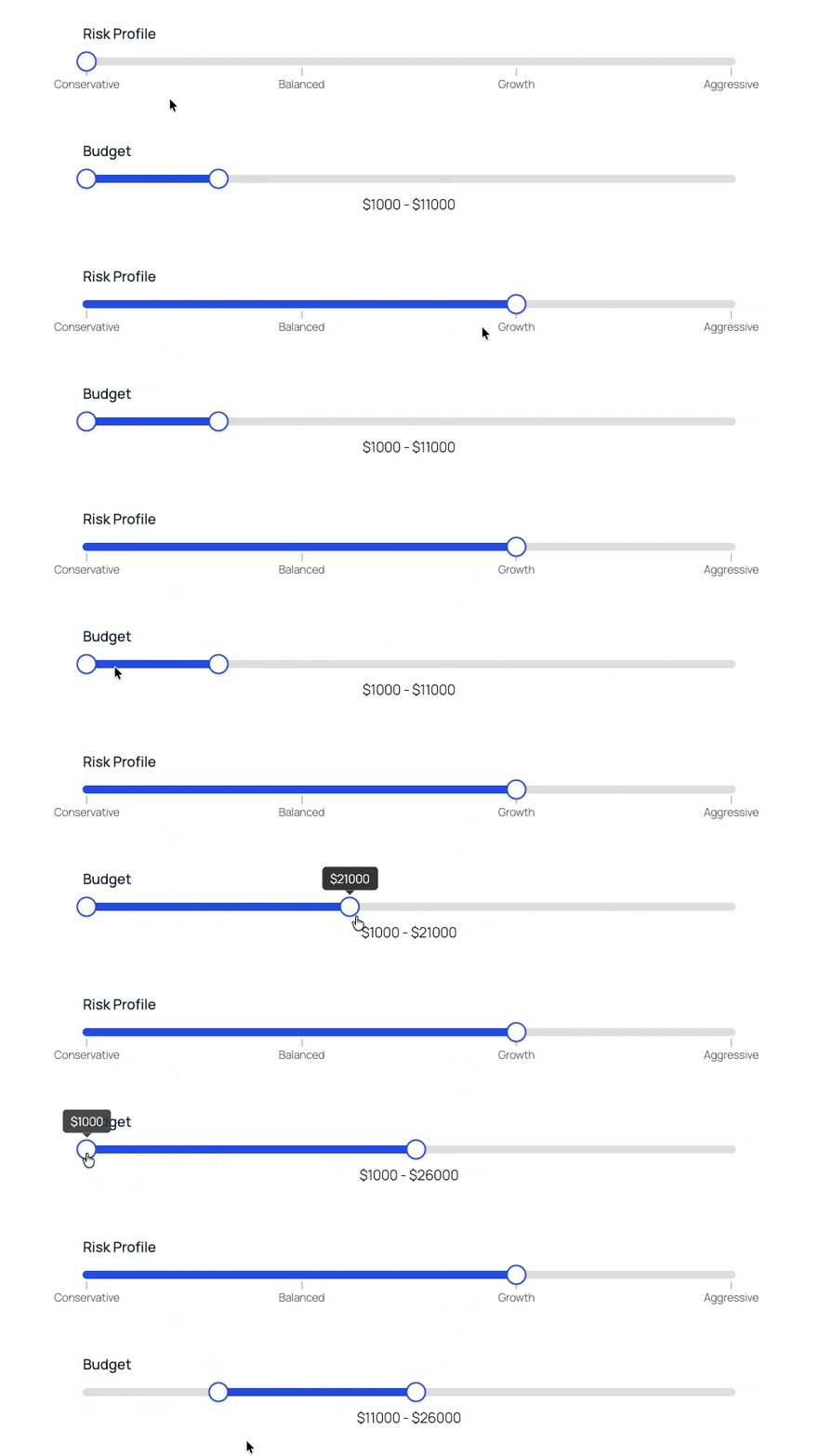
Interactive sliders wherever you need them
GP Sliders brings sliders to:
- Existing Number fields
- Dedicated Slider fields
Whichever fits your form structure.
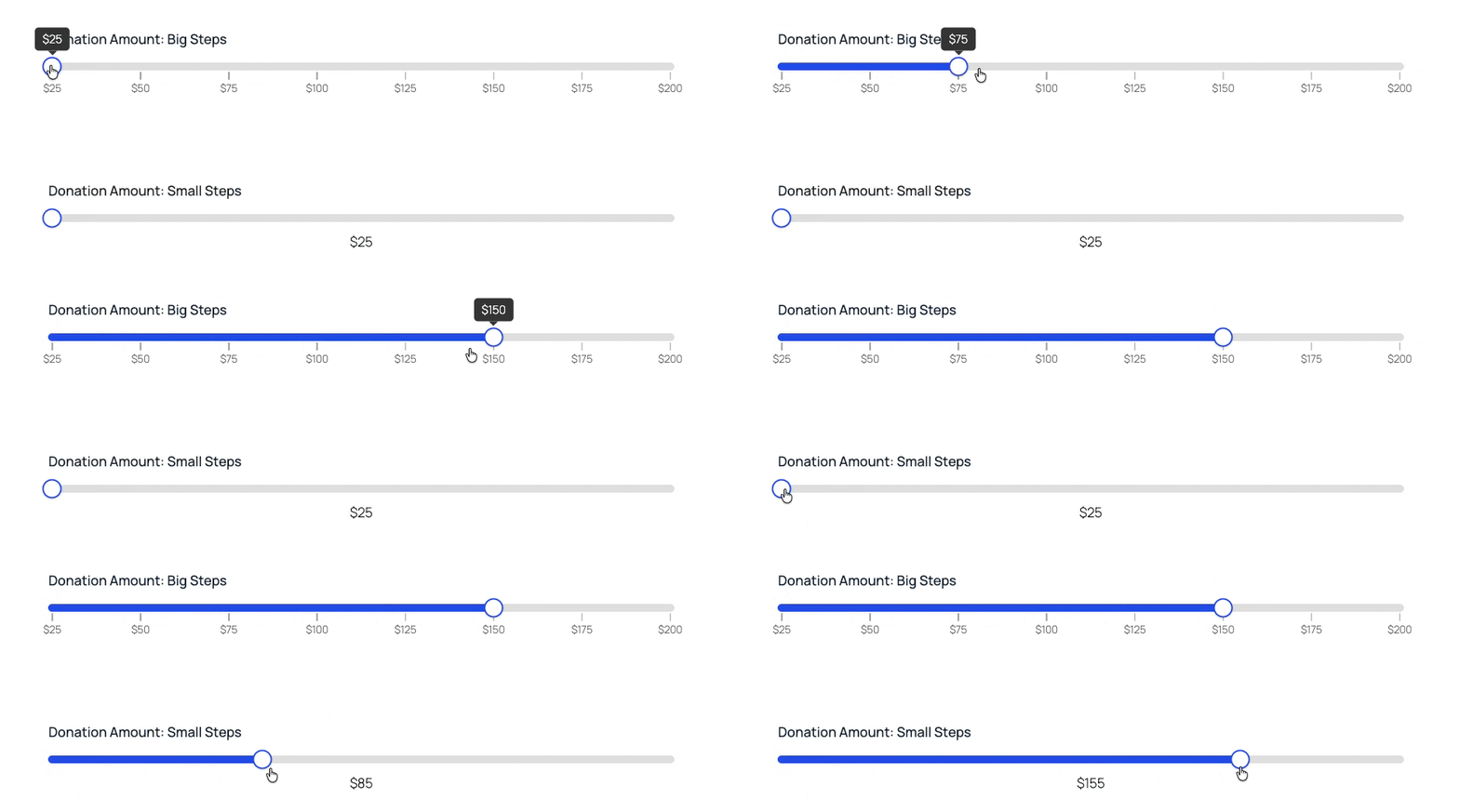
Precise steps, down to the decimal
Set a min, max, and step size for your sliders — including decimals, fractional increments, and negative numbers. A pricing tool can step in $25 increments. A scoring slider in 0.5 intervals. Or, you can make continuous sliders and give users a smooth sliding experience.
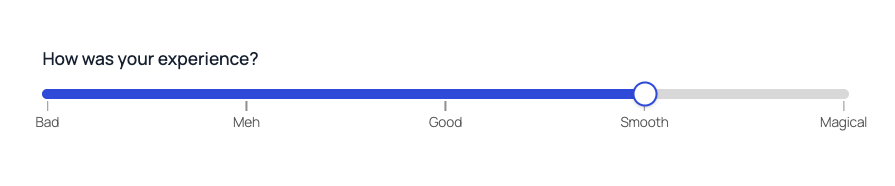
Qualitative scales: “How did we do?”
Custom Slider fields let you define your own labeled steps (e.g., Poor, Fair, Good, Very Good, Excellent). Your users see readable labels, you get numerical equivalents you can use elsewhere.
Sliders, with a side of range 🍟
GP Sliders supports range mode, allowing you to capture both a start and end value. Well-suited for budget filters, score bands, age ranges, and eligibility thresholds.

Orientations for any layout
Sliders default to horizontal, but vertical orientation is available for layouts where it fits better — think thermometers, gauges, or priority scales. Both orientations support the full feature set.
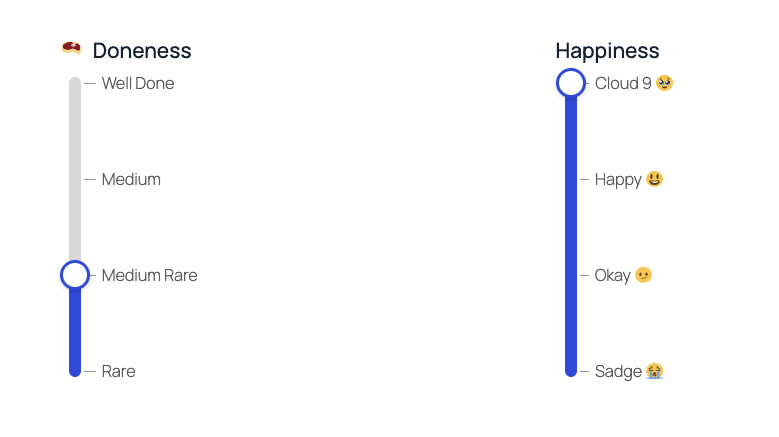
Clear display, clean data
Prefixes, suffixes, decimal precision, range separators, tooltips, and tick marks are all available and display-only. Show “$500 – $1,200” on screen; store 500 and 1200 in the entry. Add a “%” suffix without it appearing in exports.
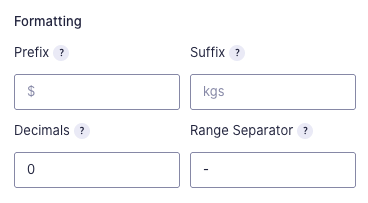
Gravity Forms feature support? Perfectly cooked
Slider fields are fully compatible with Gravity Forms calculations, conditional logic, and exports. Add a slider, configure it, and every other feature you rely on keeps working exactly as expected.
Slide into GP Sliders’ DMs
GP Sliders is now on the download menu of Spellbooks near you. 🍔
Not cooking with Gravity Perks yet? Get grillin’ here.