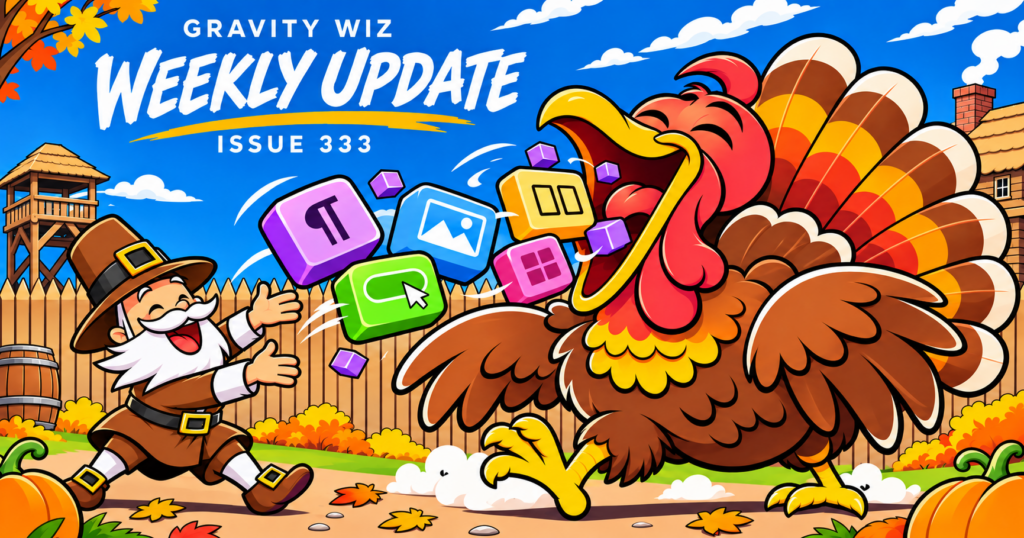
GWW 333: The Block Gobbler

GP Bookings now emails the right people. Plus, GS Product Configurator meets WooCommerce blocks, and 50 real Gravity Forms builds.
Greetings, wizards!
First, a quick heads-up: there’s no weekly next week, in honor of Thanksgiving. That means I’ll need to get my gratitude in early!
I’m thankful for every one of you who opens these, and I hope you get a long weekend away from your inbox. 🦃
But don’t stray too far. We’ve got a feast of a deal coming your way next week. 😉
GS Product Configurator:
Now With Blocks
GS Product Configurator now supports the WooCommerce Cart, Checkout, and Mini-Cart blocks, complete with an Edit link so customers can tweak a configured product without starting over.
We’ve been waiting for WooCommerce to add all the right hooks. After all these years, we finally accepted that we may not get all the hooks we want, but we probably have all the hooks we need to create a killer cart and checkout experience for GS Product Configurator. 🪝
GP Bookings: Who ya gonna call?
Your bookings can now notify the people doing the work. Use the new {gpb_service:users[email]} and {gpb_resource:users[email]} merge tags in a notification’s Send To field, and the stylist, instructor, or tour guide assigned to the booked Service or Resource gets the email. No more maintaining a separate notification for every staff member.
We made a number of other improvements too!
Resource fields can now show as Radio Buttons — because a Drop Down isn’t always the right interface.
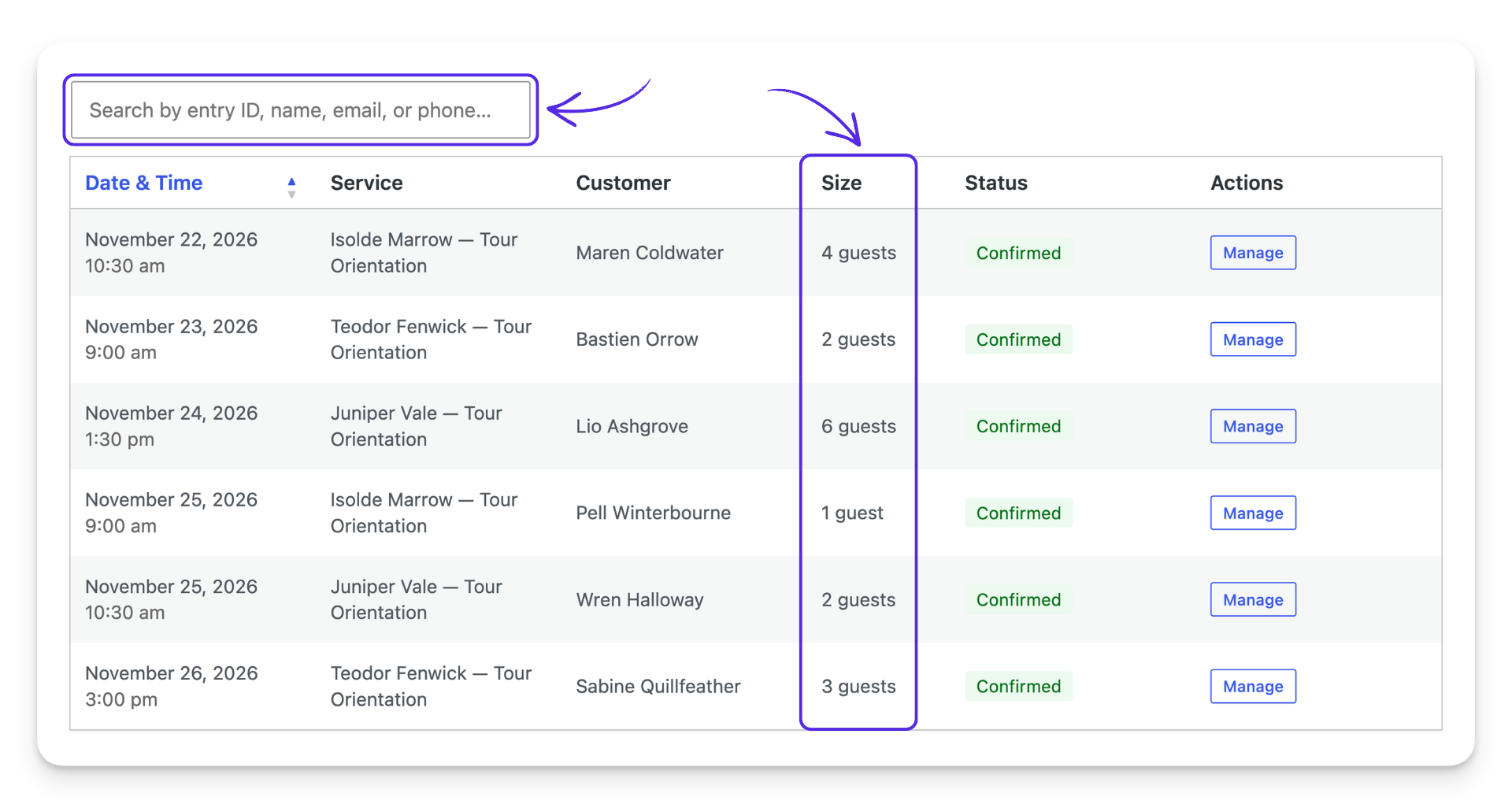
The Bookings list shows how many guests or units each booking covers (and can be searched by entry ID or entry values).
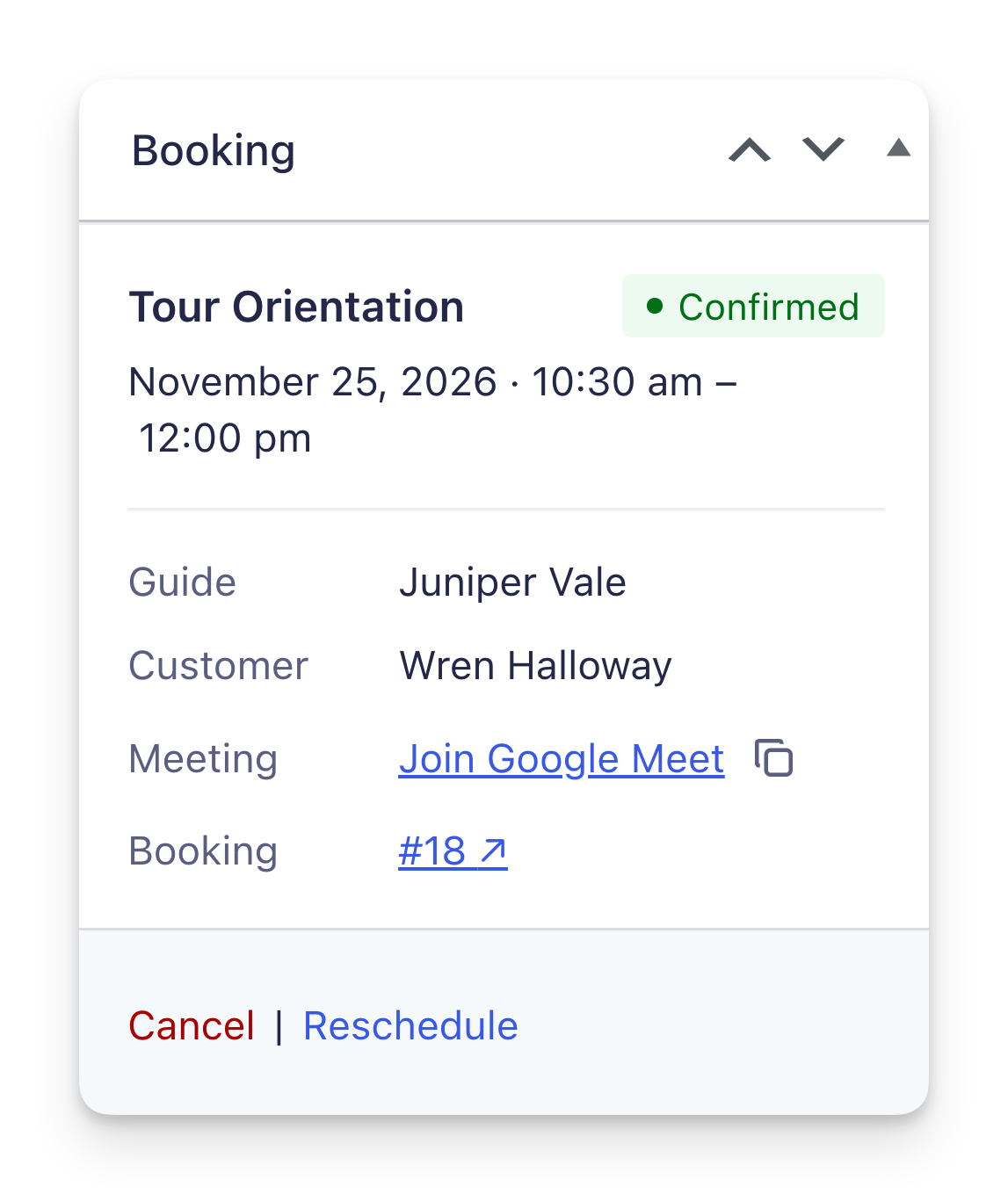
And the entry’s Booking meta box has a cleaner layout with the Zoom or Google Meet link right there. 📅
Answered: What People Want to Build with Gravity Forms
I’m super excited to share this article!
Dan wrote this based on real feedback about what our customers are looking for, which means there’s a good chance it’s something you’re looking for too. 50 Blueprint requests (from group registrations to QR-code gift vouchers to sauna memberships) were parsed and sorted into what people actually build: payments, limits, bookings, and approvals.
The headline: 49 of 50 builds were possible, and 26 of those needed no custom code at all. The one holdout? Magic-link login. We see you. 👀
✦ Sorcerous Snippets
We add new snippets (and updates) to our Snippet Library every week — ready-made solutions that often beat prompting AI, or give you a solid head start on your next vibe-coded build.
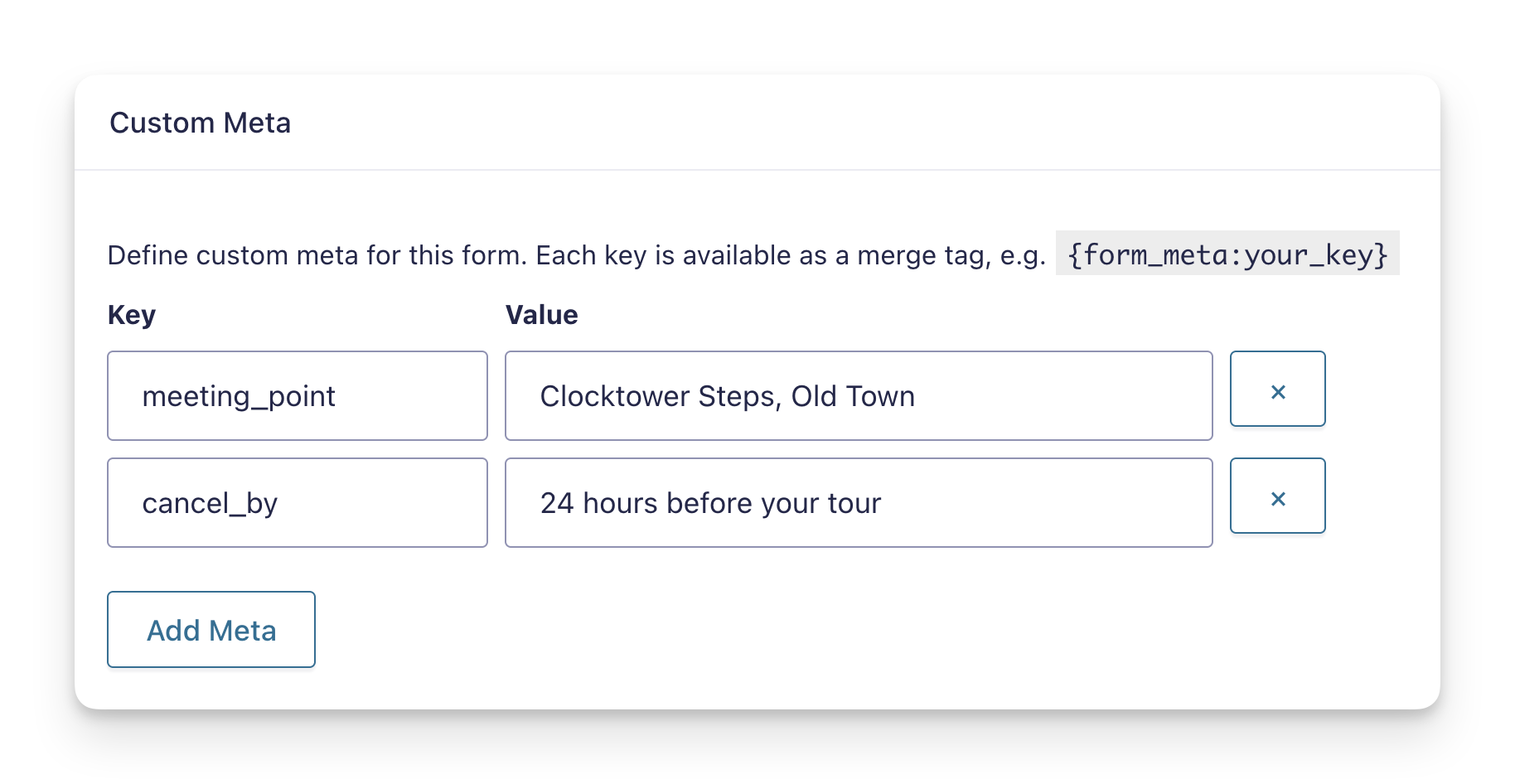
Gravity Forms | Custom Form Meta — Store your own key/value pairs on each form and drop them anywhere with a {form_meta:your_key} merge tag, like a deadline that appears in your notifications, confirmations, and HTML fields. Saif built it as a snippet, but you can also download it and install it as a plugin.
GP Bookings | Repeating Availability Windows — Repeat availability on a whole-week cycle, like one week on and one week off, without creating a separate window for every working week. Matt built it for anyone whose schedule doesn’t fit a regular week.
GP Sliders | Dynamic Slider Min/Max — Set a Slider’s minimum and maximum from other fields on your form, so the range always fits the user’s earlier answers, thanks to Sebastian.
Video: Your GF Add-Ons Just Got a Whole Lot More Powerful
I shared this last week as part of our big Flowcrafter announcement, but I wanted to share it again in case you missed it. More of these coming soon!
Product Updates
Gravity Perks
GP Advanced Conditional Logic (v1.0.11)
- Fixed an issue where fields using GP Inventory’s “Available” conditional logic rules never showed while Advanced Conditional Logic was active.
GP Bookings (v1.0.11)
- Added the
{gpb_service:users[email]}and{gpb_resource:users[email]}merge tags for sending notifications to the users assigned to the booked Service or Resource. - Added a “Radio Buttons” input type to Resource fields.
- Added a column to the Bookings list showing how many guests or units each booking is for. Bookings can now also be searched by entry ID or entry values.
- Improved the Booking meta box on the entry details page with a cleaner layout and the booking’s Zoom or Google Meet link.
- Fixed an issue where changing the Resource while editing an entry wasn’t saved when the Resource field was set to Fixed resource.
- Fixed an issue where Booking fields didn’t update when GP Populate Anything Live Merge Tags changed a value, such as Occupancy.
GP Entry Blocks (v1.0-beta-2.38)
- Added
gpeb_entries_table_action_itemsJavaScript filter for registering custom actions in the Entries Table’s Summary Columns setting.
GP Inventory (v1.0.35)
- Fixed an issue where calculations using the
:inventorymerge tag modifier did not update when the scope of a field with scoped inventory changed.
GP Multi-Page Navigation (v1.3.9)
- Fixed an issue where the form could be submitted from a page with validation errors when a payment field (e.g. Stripe) was on another page, allowing payment to be bypassed.
GP Nested Forms (v1.3.1)
- Fixed sorting by Name, Address, Checkbox, and Product price fields.
GP Populate Anything (v2.1.83)
- Fixed an issue where Live Merge Tags in the default values of some fields, such as GP Bookings’ Occupancy Number Input, didn’t update.
- Fixed an issue where Live Merge Tags with date formatting didn’t resolve or update in Paragraph fields with the Rich Text Editor enabled.
GP Popups (v1.0.26)
- Fixed an issue where multiple custom CSS classes prevented popups from opening.
GP Reload Form (v2.1.13)
- Fixed an issue where datepicker and other field scripts were not initialized when forms were reloaded in Gravity Forms 3.0+.
Gravity Shop
GS Product Configurator (v1.1)
- Improved compatibility with the WooCommerce Cart, Checkout, and Mini-Cart blocks, including an Edit link for configured products.
Free Plugins
GF Dev Tools (v1.0.14)
- Added per-entry logging, so logs can be downloaded directly from individual entries.