New Free Plugin: Flowcrafter Beta 1 — Early Access

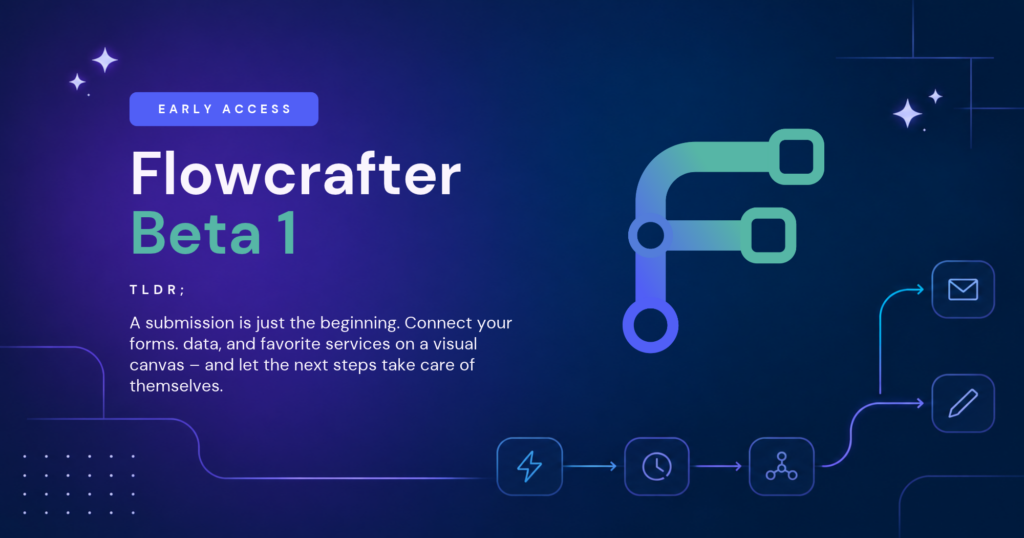
Build complete Gravity Forms processes on a visual canvas—connect steps, make decisions, wait for approvals, and see what happened in every run.
A form gets submitted. Then what?
Sometimes the answer is simple: send a notification, run a feed, done. But real processes tend to keep going and need to wait for a payment, follow up tomorrow, re-check the entry three days later for updates… You get the idea.
Flowcrafter brings whole processes together in one visual workflow builder for Gravity Forms, for free. ✨
Today we’re opening it to the public as a Beta 1 Early Access release. This means you can build real workflows with it and that we’re still moving quickly, expanding what it can do. Most importantly, we’re looking for your feedback as it meets more and more real-world processes.
Without further ado…
- What is Flowcrafter?
- Build a process, not a pile of feeds
- Test it. Follow it. Improve it.
- Ready to get things flowing?
What is Flowcrafter?
Flowcrafter is a visual automation builder made for Gravity Forms. You connect steps called nodes to decide what happens, when it happens, and what should happen next.
- Start workflows your way. Begin when a form is submitted, on a schedule, from an incoming webhook, or whenever you start one manually.
- Make decisions as you go. Route entries down different paths based on form values, the latest saved entry data, or results from earlier steps.
- Pause until the right moment. Wait for a time, a payment, another form submission, or a person’s approval before continuing.
- Keep Gravity Forms at the center. Update entries, send notifications, show confirmations, and run feeds from compatible Gravity Forms add-ons at the right point in the process.
- Connect the rest of your stack. Send requests to outside services and use their responses in later steps.
- Get in the flow state. Its beautifully designed UI was conjured with users of all skill levels in mind.
Build a process, not a pile of feeds
Gravity Forms feeds are excellent when several actions can respond independently to one submission. Flowcrafter steps in when those actions are related to one another to create a process.
For example:
A request comes in → wait one day → check its current status → send a reminder only if it’s still open.
Each step knows what happened before it, can use the latest saved entry data, and controls what happens next.
You can use the same building blocks to:
- Follow up only when a request is still open after a delay;
- Enrich a lead with data from an API, then route it and run the right CRM feed;
- Request approval and continue through an Approved, Rejected, or Expired path;
- Approve a quote, wait for payment, and handle overdue submissions separately;
- Request missing information through another form, then resume the original review; or
- Gather open entries into one scheduled daily digest.
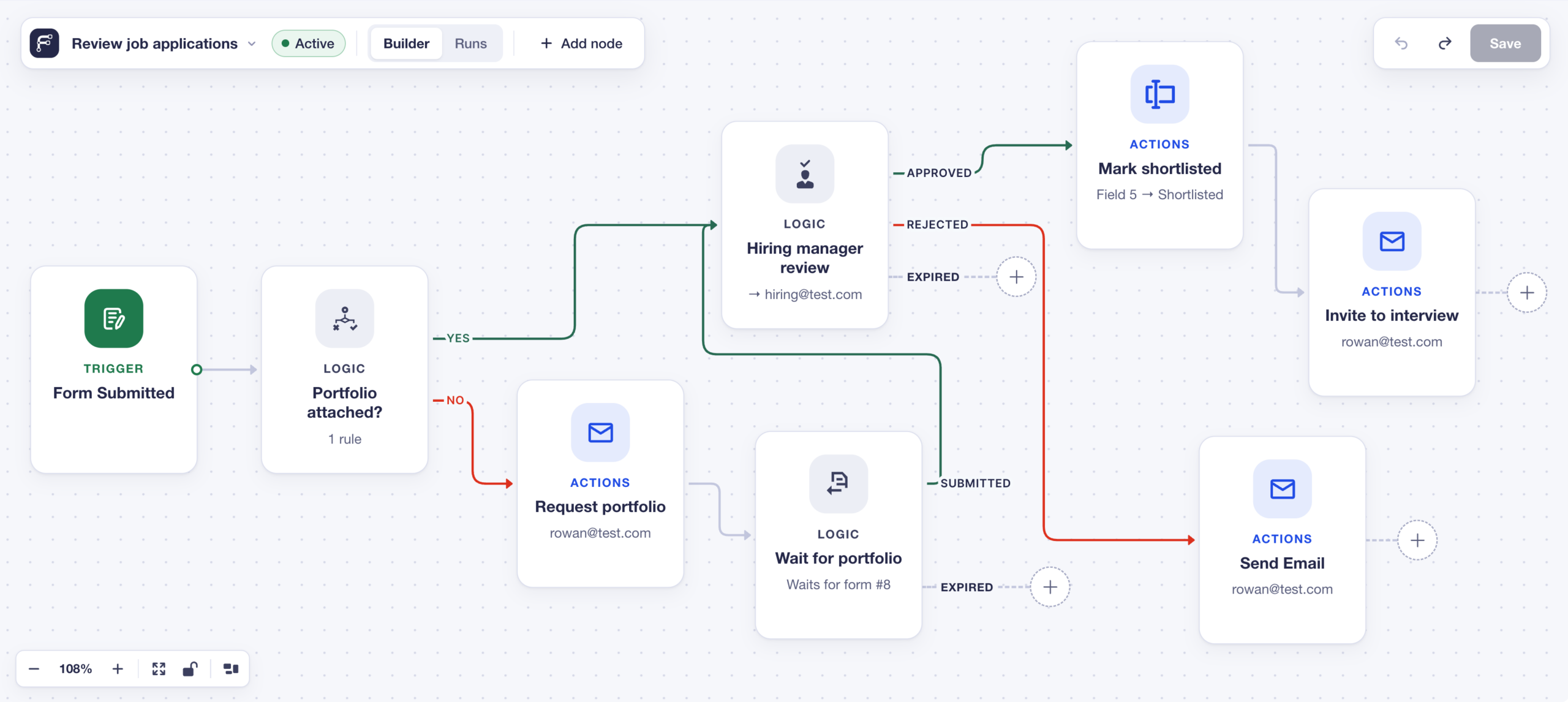
Test it. Follow it. Improve it.
Workflows can get long. Flowcrafter helps you stay oriented before and after they go live.
Test one step at a time. Use a real test entry, preview each node’s data, and check every route right from the builder.
See the complete story of every workflow run. Successful steps light up, skipped paths fade away, and failures show you where the run stopped and why.
Pick up where the work is waiting. See whether a run is delayed, awaiting payment, or waiting on an approval—all in the same workflow view.
Ready to get things flowing?
Flowcrafter Beta 1 is available now for free through Spellbook, backed by our legendary support wizards. 🧙♂️
Open Forms → Spellbook, search for Flowcrafter, then install and activate it to start building.
Because Flowcrafter can model so many different processes, you may find an integration, node, or edge case that doesn’t fit your workflow yet. Bring it to us — Early Access is public precisely because the best next steps will come from what you build in the real world.