

Reference
Frequently Asked Questions
Short answers to common questions about workflow runs, entries, payments, branches, and licensing.
Does editing an entry run the workflow again?
Section titled “Does editing an entry run the workflow again?”No. A run starts when its trigger fires. Editing the entry later does not replay the trigger. Start a new manual run or use another trigger when you need to process the entry again.
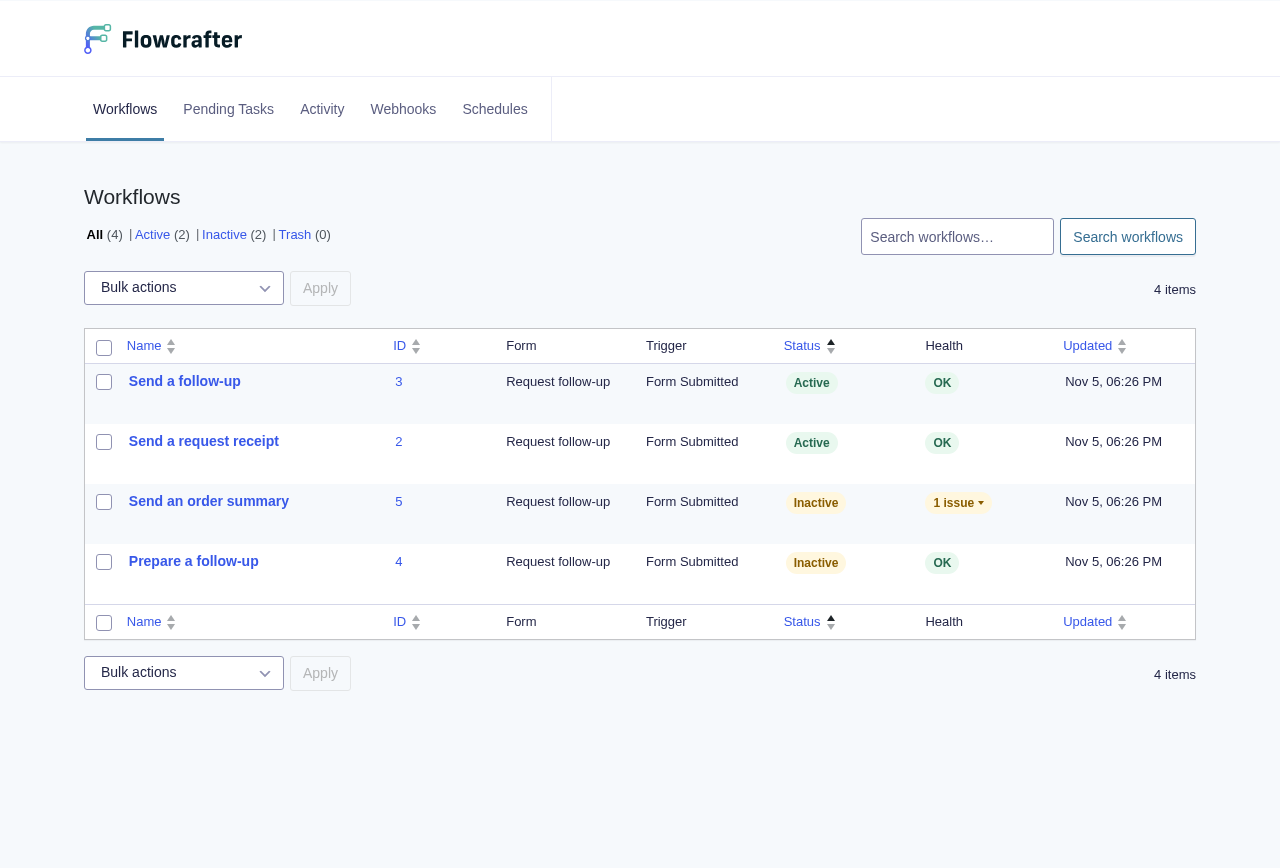
What happens if I edit a workflow during a run?
Section titled “What happens if I edit a workflow during a run?”The current run keeps using its workflow snapshot (the frozen copy saved when the run began). New runs use the newly saved workflow. You can edit or rename nodes without changing work already in progress.
A node opened from run history shows read-only settings from that run, along with the real input and output.
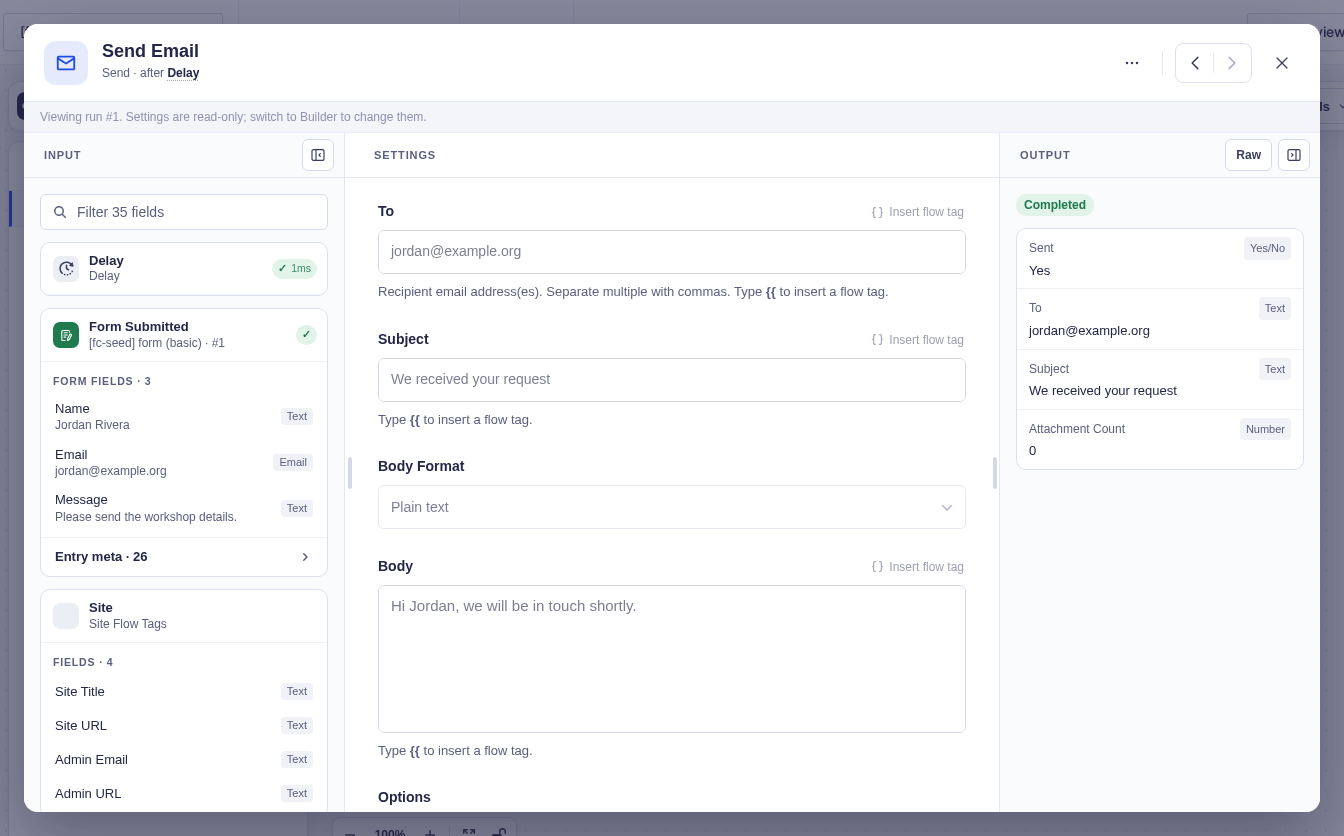
Do entry nodes use the original submission values?
Section titled “Do entry nodes use the original submission values?”Entry-aware nodes use upstream data to identify the entry, then reload that entry from Gravity Forms when the node runs. A Condition (entry), notification, feed, or entry action therefore sees changes made after an earlier node or Delay.
What happens if the original entry is deleted?
Section titled “What happens if the original entry is deleted?”Entry-aware steps fail if the selected entry cannot be reloaded; they do not use stale field values. Permanent deletion is a separate signal: when Gravity Forms permanently deletes a run’s original entry, Flowcrafter cancels its active runs. Moving an entry to Trash does not cancel them.
A run deliberately executing Delete Entry may continue after its own deletion; other runs for that entry still stop. This uses Gravity Forms’ deletion hook, so a direct database deletion that bypasses Gravity Forms does not trigger cancellation.
Can I run Gravity Forms feeds?
Section titled “Can I run Gravity Forms feeds?”Yes. The GF Feed node runs feeds registered by Gravity Forms add-ons. Put it where the feed should run in the workflow and test its conditions and side effects before activation.
Why was a node skipped?
Section titled “Why was a node skipped?”Nodes are only skipped when a Condition or Switch chose another branch. Untaken branches do not execute, and their nodes appear as skipped.
Can an inactive workflow still run?
Section titled “Can an inactive workflow still run?”Automatic form, schedule, and webhook triggers ignore inactive workflows. You can still test the current canvas or start an inactive workflow manually.
What happens when a payment never completes?
Section titled “What happens when a payment never completes?”Wait for Payment takes Overdue after its configured limit, which defaults to 168 hours. It reloads the entry at the deadline first, so a recently completed payment still takes Paid. Clear the limit to wait indefinitely. Taking Overdue does not cancel the payment.
What happens when nobody responds to an approval?
Section titled “What happens when nobody responds to an approval?”Wait for Approval takes Expired at its configured deadline, which defaults to 72 hours. This applies to approval waits created after expiry scheduling is available; an older already-waiting request may need manual attention.
Is Flowcrafter free?
Section titled “Is Flowcrafter free?”Yes, Flowcrafter is and will always be free. Some nodes can be enhanced with our paid products:
- GP Populate Anything adds advanced filters and related-entry queries to Get Entries.
- GP Advanced Conditional Logic adds nested rule groups to Condition (entry), such as “Pending and either urgent or overdue.”
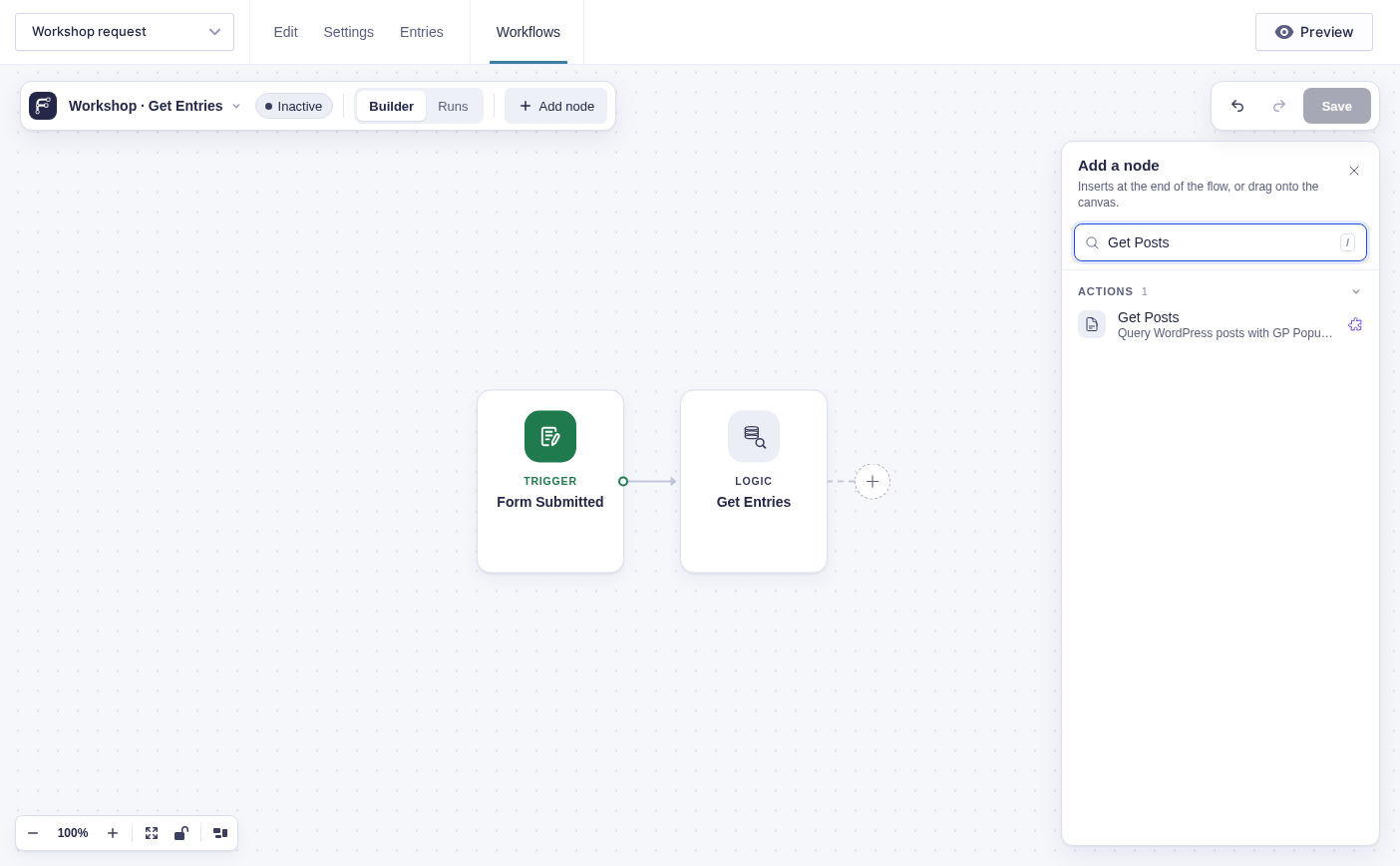
A premium node can remain visible in the picker even when its product is not installed. Here Get Posts is unavailable until Populate Anything is available; the screenshot does not show an installed query integration.
What happens when no Switch case matches?
Section titled “What happens when no Switch case matches?”Switch takes its always-present Default branch. Connect Default to the fallback behavior you want for empty or unexpected values.
Does Filter choose a workflow branch?
Section titled “Does Filter choose a workflow branch?”No. Filter checks each item in a list and returns a shorter list through one output. Use Condition or Switch to route one run, or Split to send list buckets down separate branches.