Actions
Get Database Rows
Use GP Populate Anything to query database rows for later workflow steps.
Use GP Populate Anything to query rows from a WordPress database table and return them as a list.
When to use it
Section titled “When to use it”Use this when the records you need are not Gravity Forms entries, posts, users, or taxonomy terms. Typical uses include reading a custom plugin table or selecting records for a batch workflow.
Settings
Section titled “Settings”With GP Populate Anything active, choose the table and configure which rows to return.
| Setting | What it does |
|---|---|
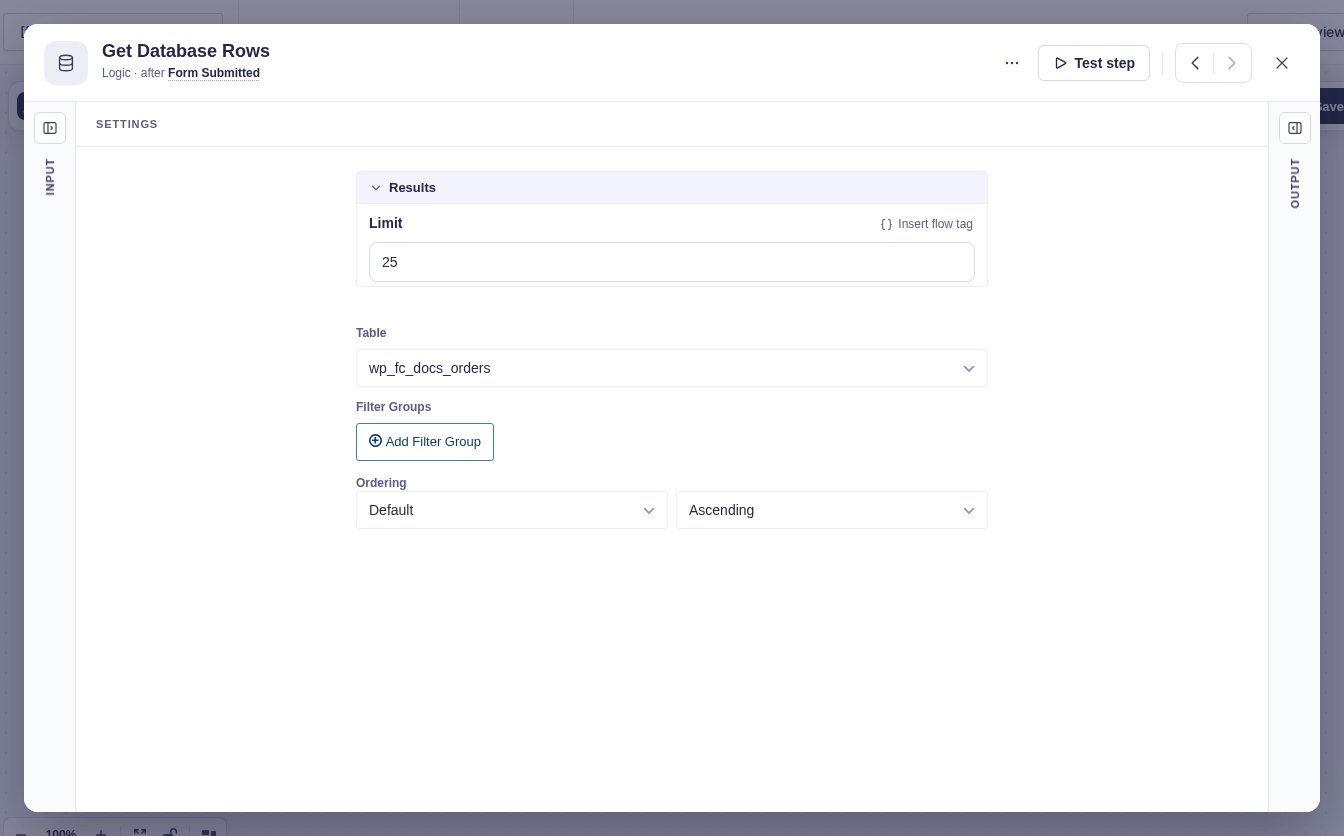
| Limit | Sets the maximum number of rows to return. Defaults to 25 and accepts flow tags. |
| Table | Selects the database table to query. Its columns become available in Filter Groups and Ordering. |
| Filter Groups | Narrows the results by the selected table’s columns. Conditions within a group use AND; separate groups use OR. Filter values can use flow tags. Keep filters narrow on large tables. |
| Ordering | Chooses the column to sort by and the order: Ascending, Descending, or Random. |
See the GP Populate Anything documentation for its database object and filter options.
Output and branches
Section titled “Output and branches”The step exposes Output and Error branches. Successful queries continue through Output, with count for the number of matching rows and items for the list of rows. Each item exposes the selected row’s columns to flow tags.
There is no separate “no results” branch; an unmatched query returns an empty list and continues through Output. Use For Each to process every row.
Example
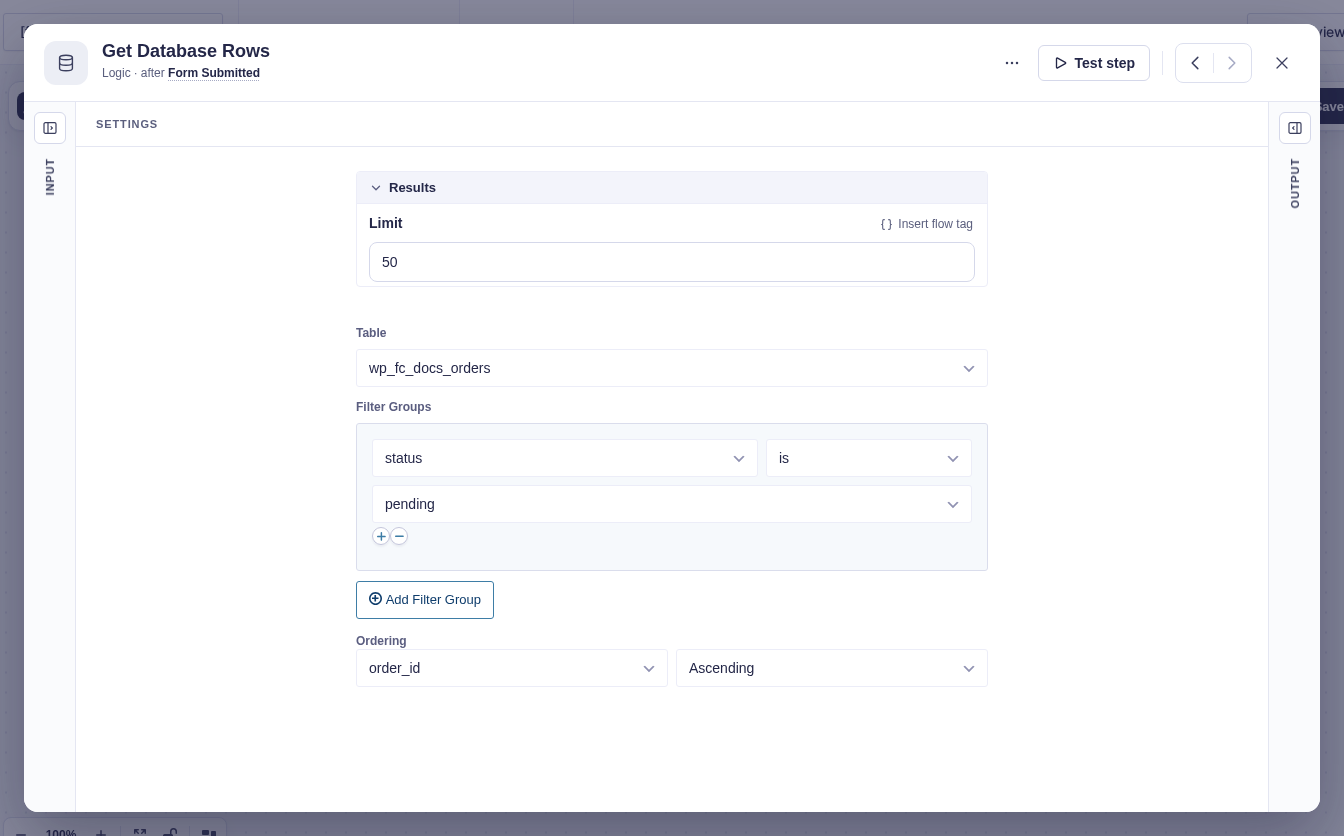
Section titled “Example”Find up to 50 pending orders in a custom orders table. This example uses wp_fc_docs_orders, with columns named order_id, status, and item_name. Your table name and prefix may differ.
- Select the orders table in Table.
- Set Limit to
50. - Add a filter group with status is pending.
- Set Ordering to order_id, Ascending.
- Connect For Each, choose the returned Items list in Items to process, and use
{{item.order_id}}inside the repeated steps.