

Triggers
Manual
Start a saved workflow on demand from the builder.
Manual starts a run only when you click its Run button. It has no Gravity Forms entry of its own.
When to use it
Section titled “When to use it”Use it for one-off imports, cleanups, backfills, or a process that a human should deliberately start.
Settings
Section titled “Settings”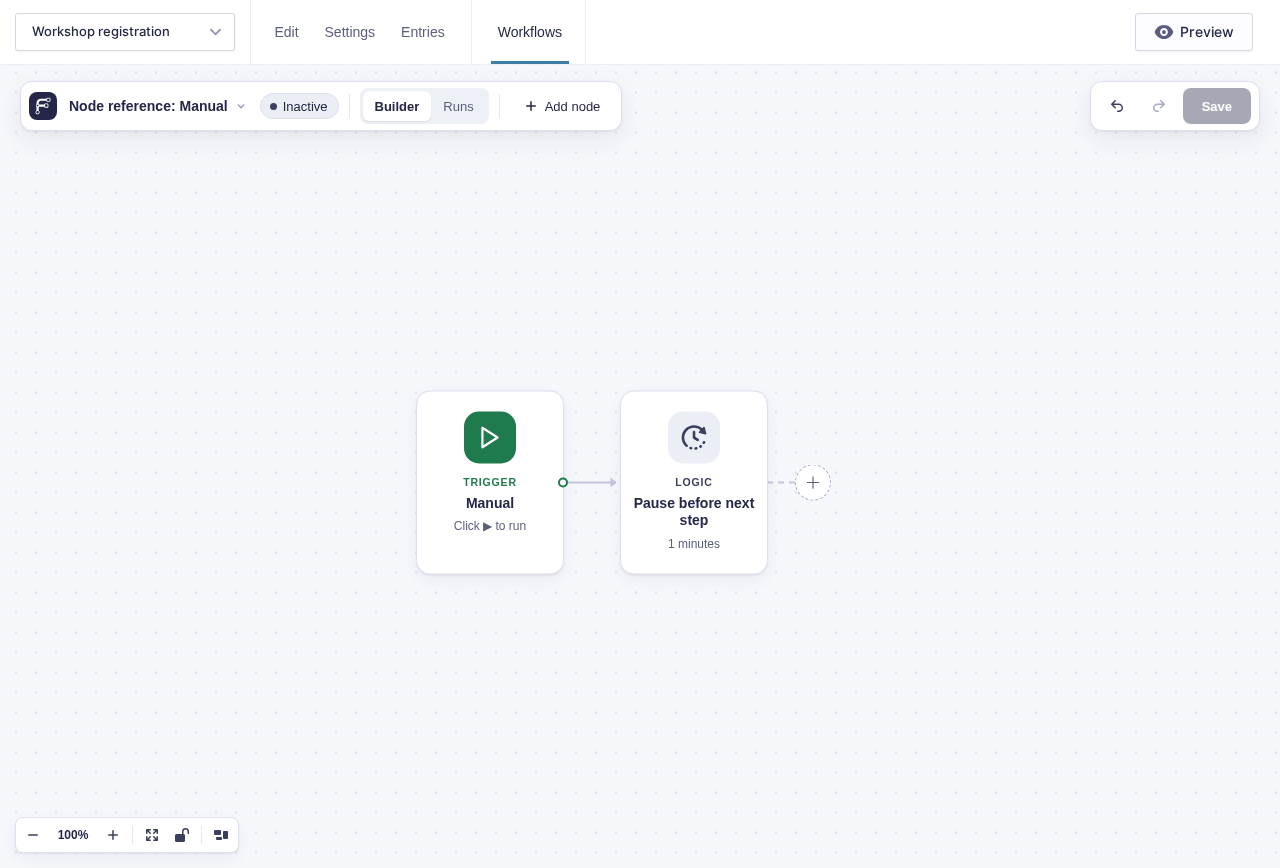
There are no node settings. Save the workflow, then hover over or select the Manual node and click ▶ Run.
The saved workflow must be valid. The workflow may be inactive because manual runs do not enable its automatic triggers.
Output and branch
Section titled “Output and branch”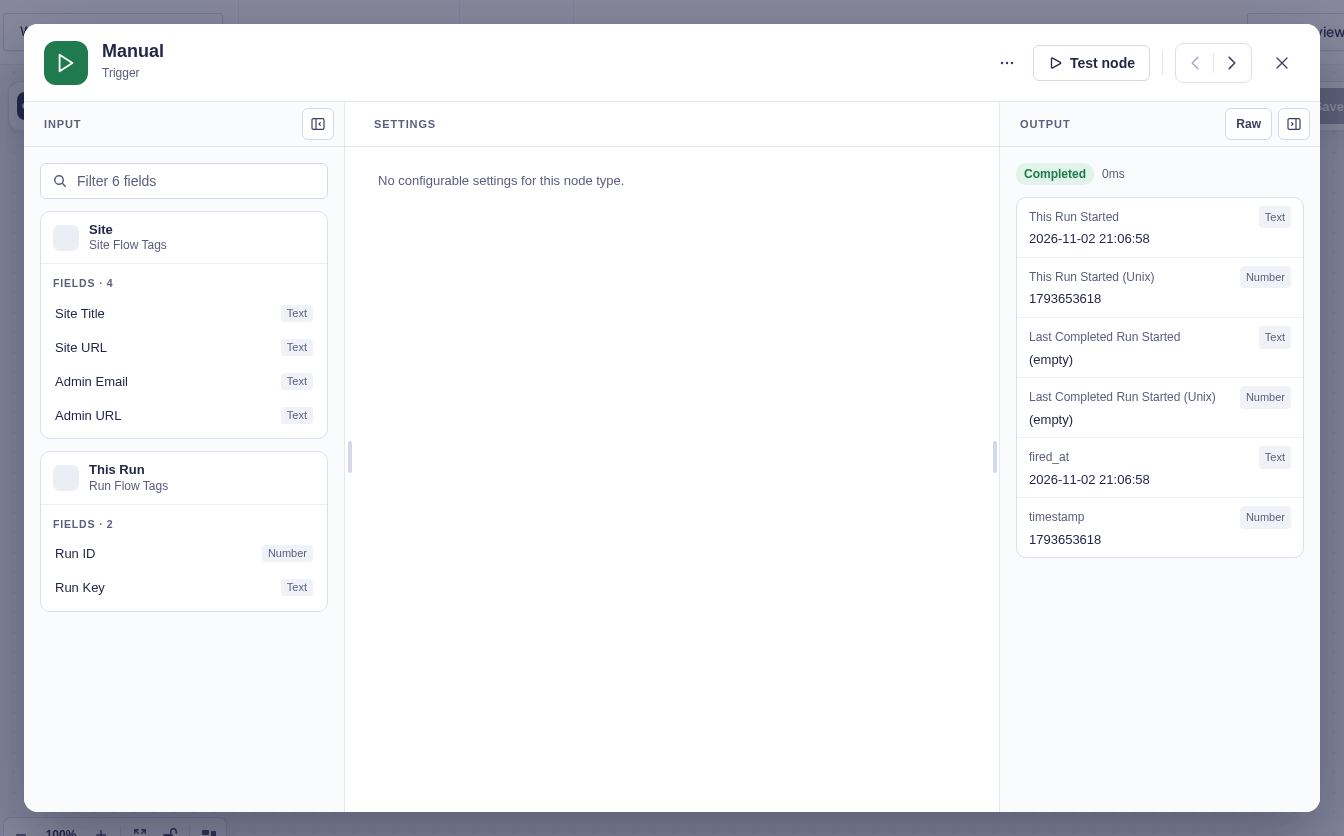
The single default branch receives when this run, and the last completed run, started.
| Output | Meaning |
|---|---|
run_started_at, run_started_timestamp |
When this run started, in site time and as a Unix timestamp. |
last_completed_run_started_at, last_completed_run_started_timestamp |
When the last run that completed successfully started. Empty until a run has completed. |
Every trigger carries the two run-start values. To fetch only what’s new since the last run, put Last completed run started in Get Entries’ Created after and This run started in its Created before.
Limits
Section titled “Limits”- A manual run does not contain an entry. Entry-aware steps need an entry supplied by an upstream query.
- For Each does not fetch data. Use Get Entries or another query step first, then let For Each process the returned items.
- Each click starts a new run. The builder protects one double-click with an idempotency key, but separate clicks are intentional runs.
Example
Section titled “Example”To add a note to every open support entry:
- Manual starts the run.
- Get Entries queries the support form for matching active entries.
- For Each processes the query’s returned entries.
- Add Entry Note runs on the Each item branch.
Connect any summary or follow-up work to the For Each Done branch.