Actions
Copy Entry Fields
Copy field values from one entry onto another using a mapping table.
Copy several Gravity Forms field values from one entry to another in one step.
When to use it
Section titled “When to use it”Use this when one submission should update another, such as copying answers from a correction form back to the original entry. For one fixed value, Update Entry Field is simpler.
Settings
Section titled “Settings”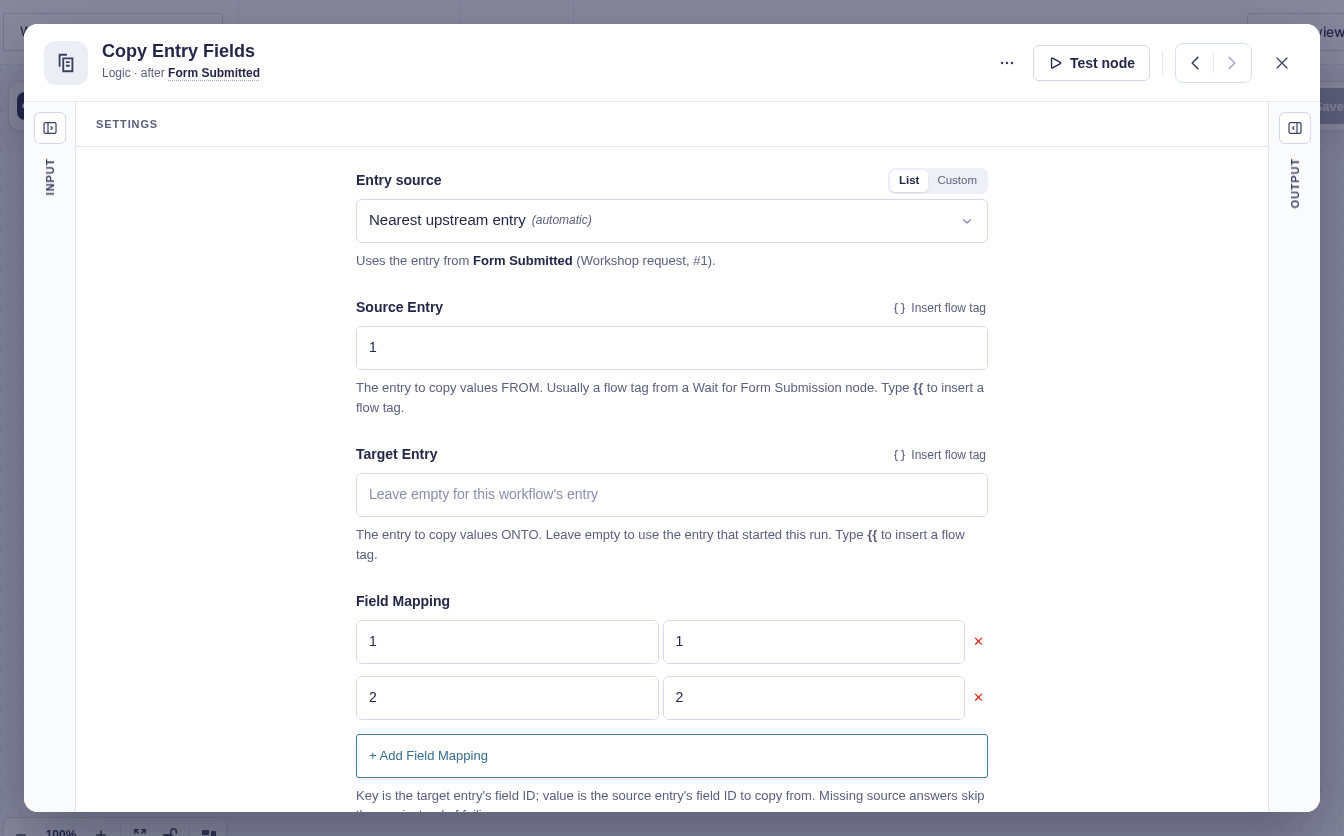
| Setting | What it controls |
|---|---|
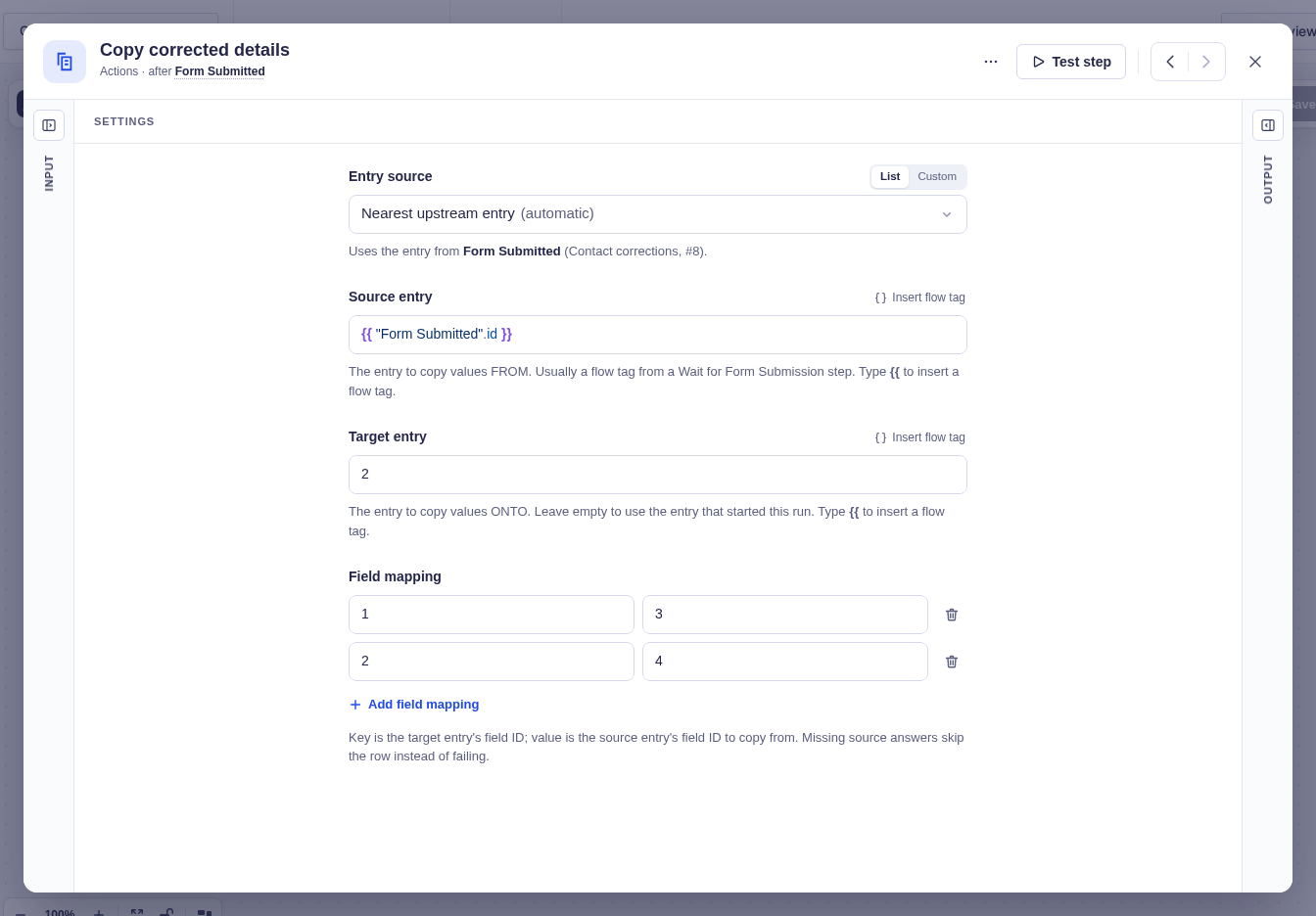
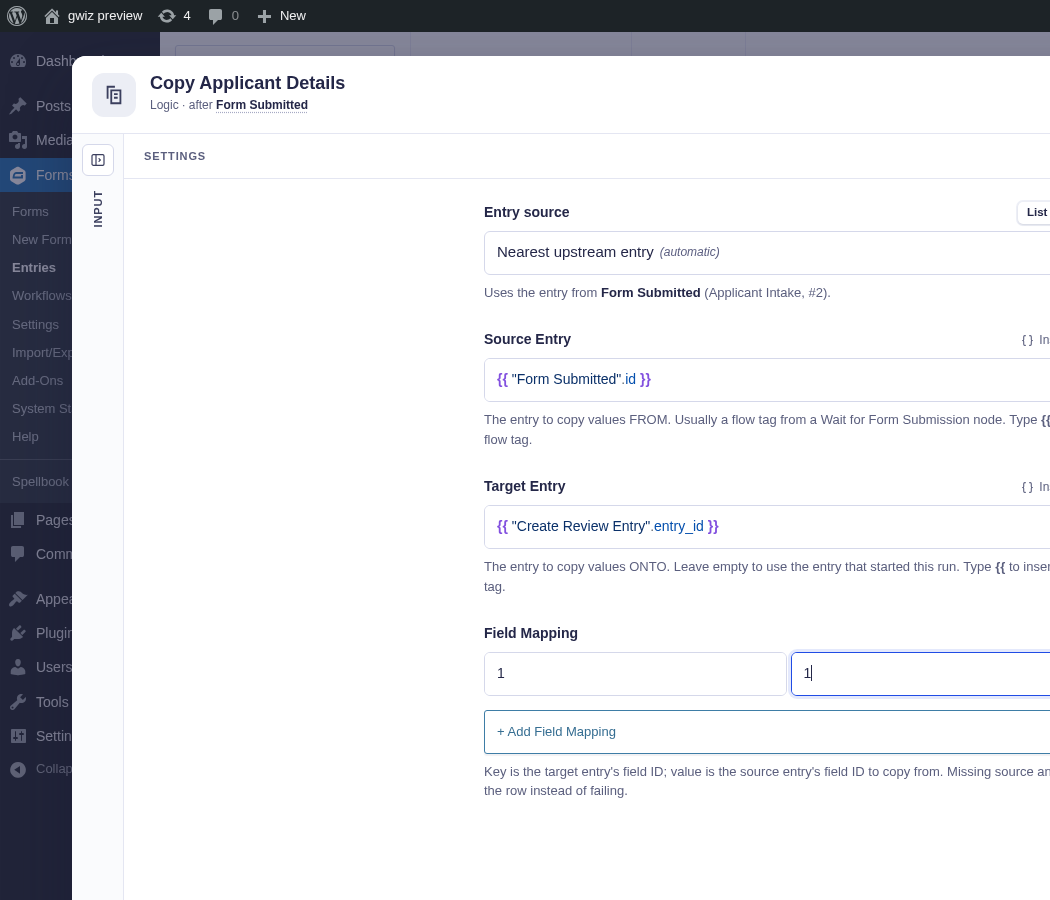
| Source Entry | Required entry ID to copy from. This is often a flow tag from Wait for Form Submission. |
| Target Entry | Entry ID to copy to. Leave it blank to use the entry in the current workflow context. |
| Field Mapping | At least one target field ← source field mapping. Use Gravity Forms field IDs, including input IDs such as 2.3 when needed. |
Both entry settings support flow tags.
Output and branches
Section titled “Output and branches”The step follows one output and provides Target entry ID, Source entry ID, Fields updated, and Skipped fields.
A mapping is skipped when the source entry does not contain the field, its value is null, or Gravity Forms rejects the update. A present empty string is copied, so it clears the target field. The step fails if either entry cannot be found or no valid mappings remain.
Example
Section titled “Example”To copy corrected contact details, map target field 1 to source field 3 for the name and target field 2 to source field 4 for the email. In this example, the correction form’s submitted entry is the source, and Target entry identifies the original contact record.