

Reference
Run & Node Statuses
Understand whether a whole run is active or finished and what happened at each node.
A run is one execution of a workflow. Run status describes the whole execution; node status describes one point inside it.
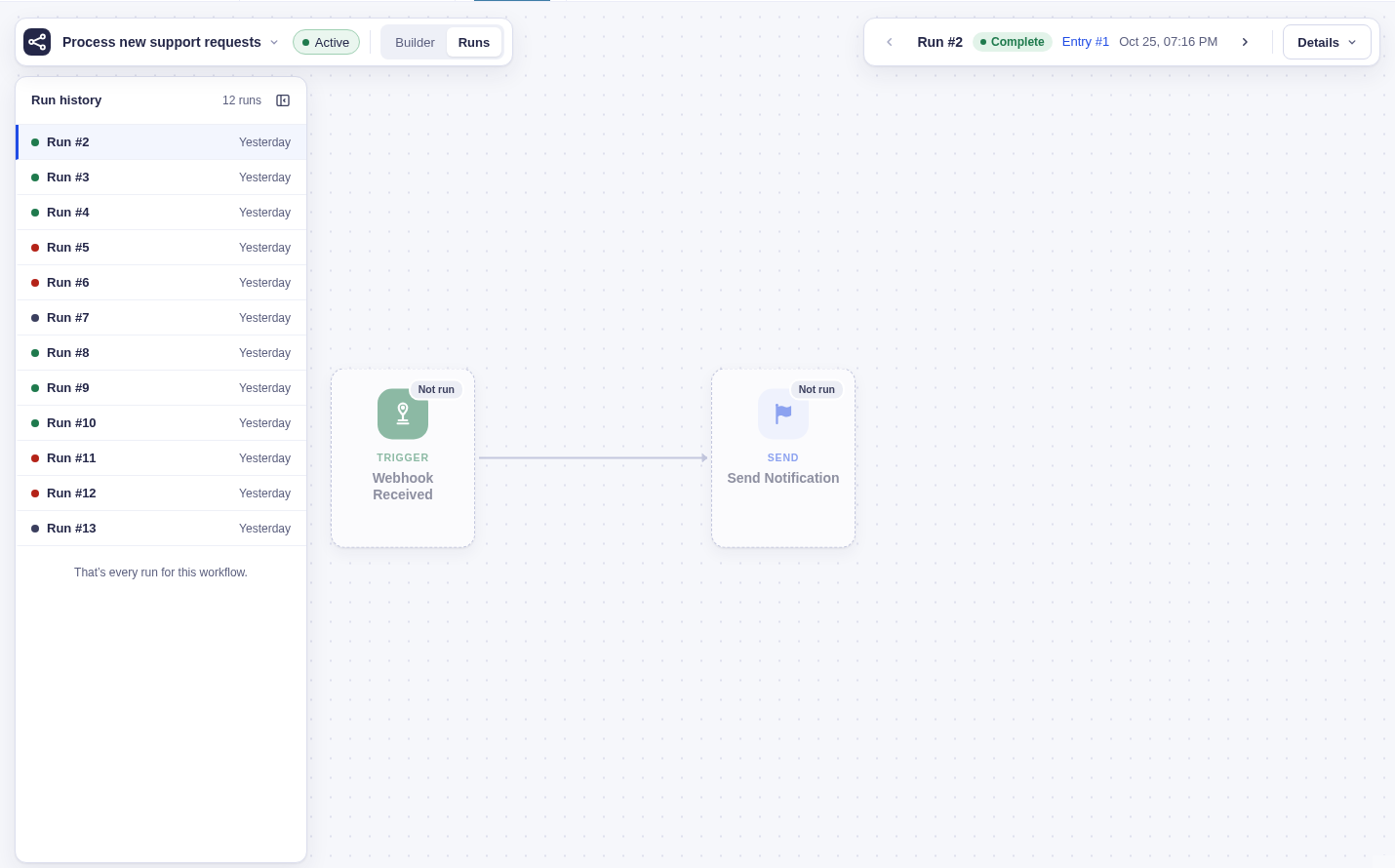
Run statuses
Section titled “Run statuses”| Status | Meaning | Can it continue? |
|---|---|---|
| Running | Work is queued, executing, retrying, or waiting | Yes. It continues as its nodes become ready. |
| Complete | Every required path finished; untaken paths may be skipped | No. This run is finished. |
| Failed | A node exhausted its retries or hit an error that cannot be retried automatically | Yes. Retrying a failed node returns the run to Running. |
| Cancelled | Someone cancelled the run, or its original entry was permanently deleted through Gravity Forms | No. This run is finished. Moving an entry to Trash does not cancel it. |
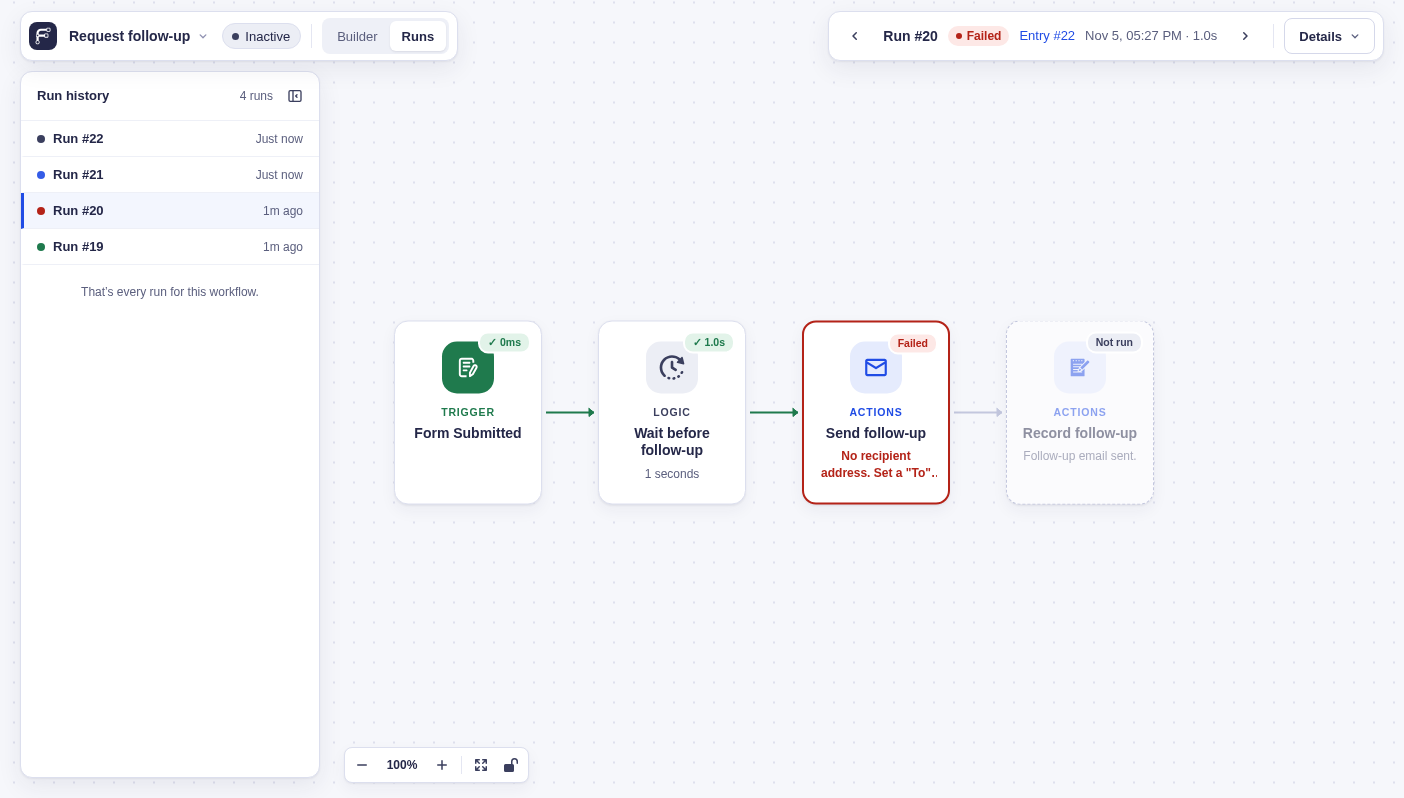
Node lifecycle statuses
Section titled “Node lifecycle statuses”| Status | Meaning |
|---|---|
| Pending | Queued and waiting to start |
| Running | Executing now |
| Waiting | Delayed or waiting for payment, approval, or a form submission |
| Retrying | Failed temporarily and will try again after a short wait |
| Complete | Finished successfully |
| Failed | Stopped with no automatic retries left |
| Cancelled | Stopped because the run was cancelled |
| Skipped | The node was only on an untaken Condition or Switch branch, so it never ran |
| Continuing | For Each finished a batch and has more items to process |
| Partial | For Each finished with failed items, or a node in its Each branch failed for one or more items while processing continued |
A scheduled retry appears with an amber Retrying badge and the last error on the node. Open the run’s Details to read the full error and use View step to inspect its recorded input and output. The run remains Running because another attempt is scheduled; the node returns to Running when that attempt starts, and to its normal summary after success. Cancelling or stopping the run removes the live retry warning.
Repeated nodes
Section titled “Repeated nodes”A node can run more than once when:
- A For Each iteration runs its branch for another item. Select an item in the run view to inspect what happened for that item.
- Go To returns to an earlier node. When a node ran on multiple passes, use the Pass arrows beside Output to inspect its recorded results. The most recent pass opens first; changing passes changes Output, not the whole canvas or Input column.
- An attempt retries a failure. The node’s attempt count increases; a retry does not create a new For Each item or Go To pass.
Inspect a run
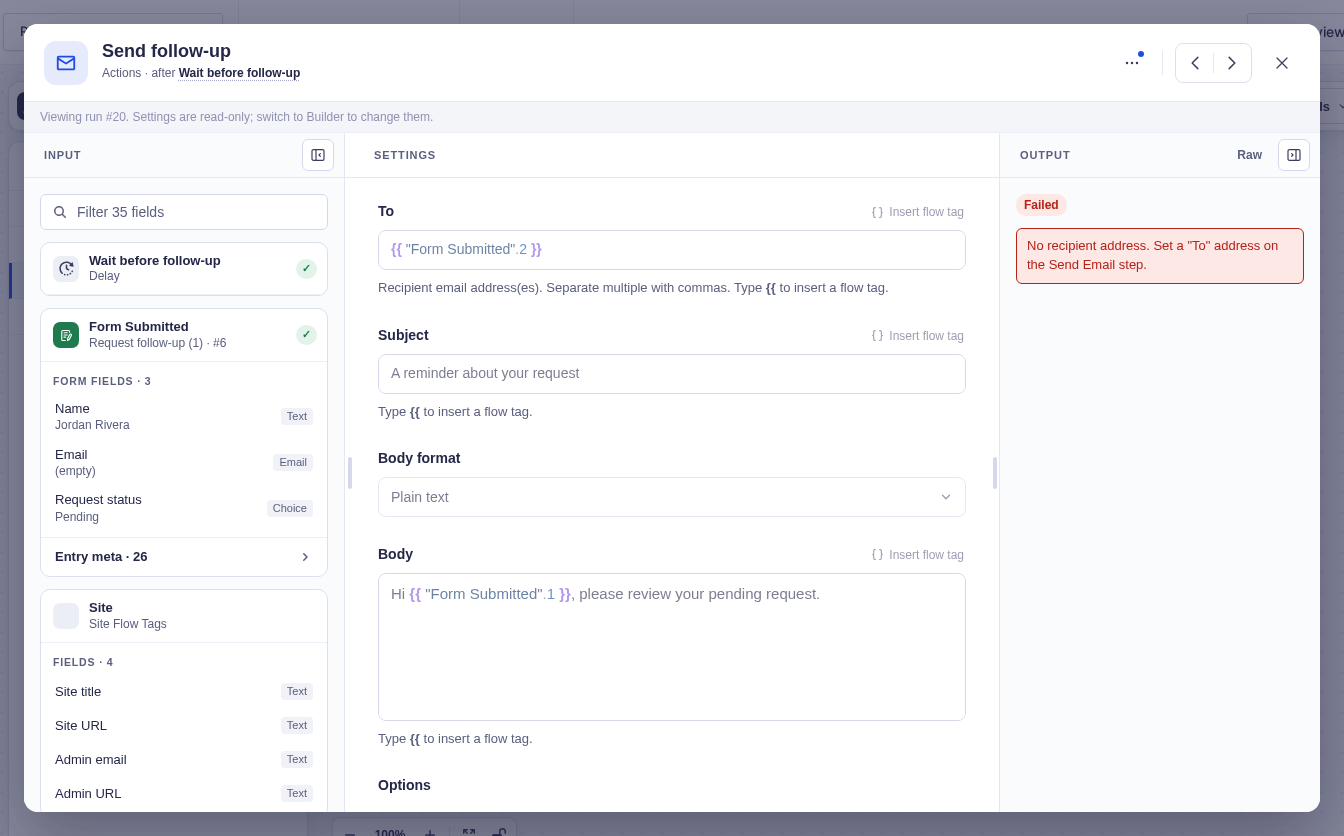
Section titled “Inspect a run”Open Runs in the builder, choose a run, and select a node to inspect its input, output, duration, and errors. For a failed node, start with the error message and the input that reached it.
For a terminal view:
wp flowcrafter run inspect <run-id>