Actions
GF Feed
Run a Gravity Forms feed at a chosen point in a workflow.
Process one active Gravity Forms feed, such as a CRM or mailing-list integration.
When to use it
Section titled “When to use it”Use GF Feed when an integration should run only after a workflow reaches a specific point—for example, after approval or payment. The feed’s own conditional logic still applies.
Settings
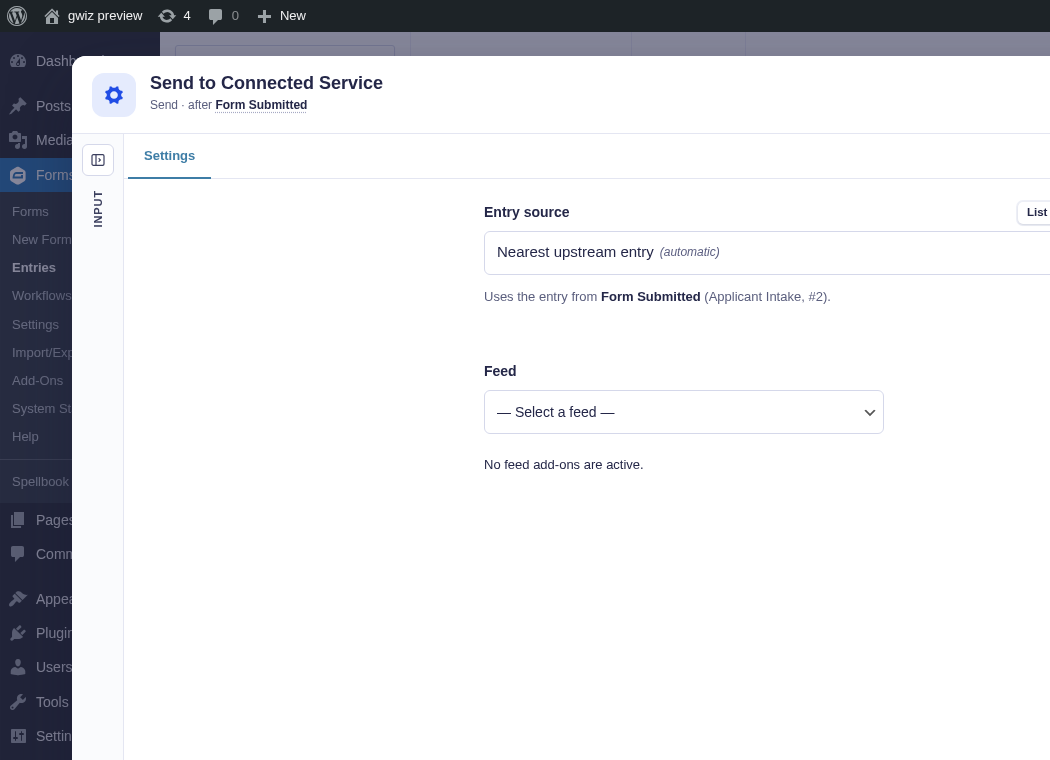
Section titled “Settings”Select an existing feed from Feed to make its Feed editor tab available. That tab gives direct access to the feed’s own settings without leaving the builder.
You can also create a feed here: open Feed, find Create New, and choose + New [add-on] Feed. Flowcrafter opens that add-on’s normal feed editor inside the node window.
| Setting | What it controls |
|---|---|
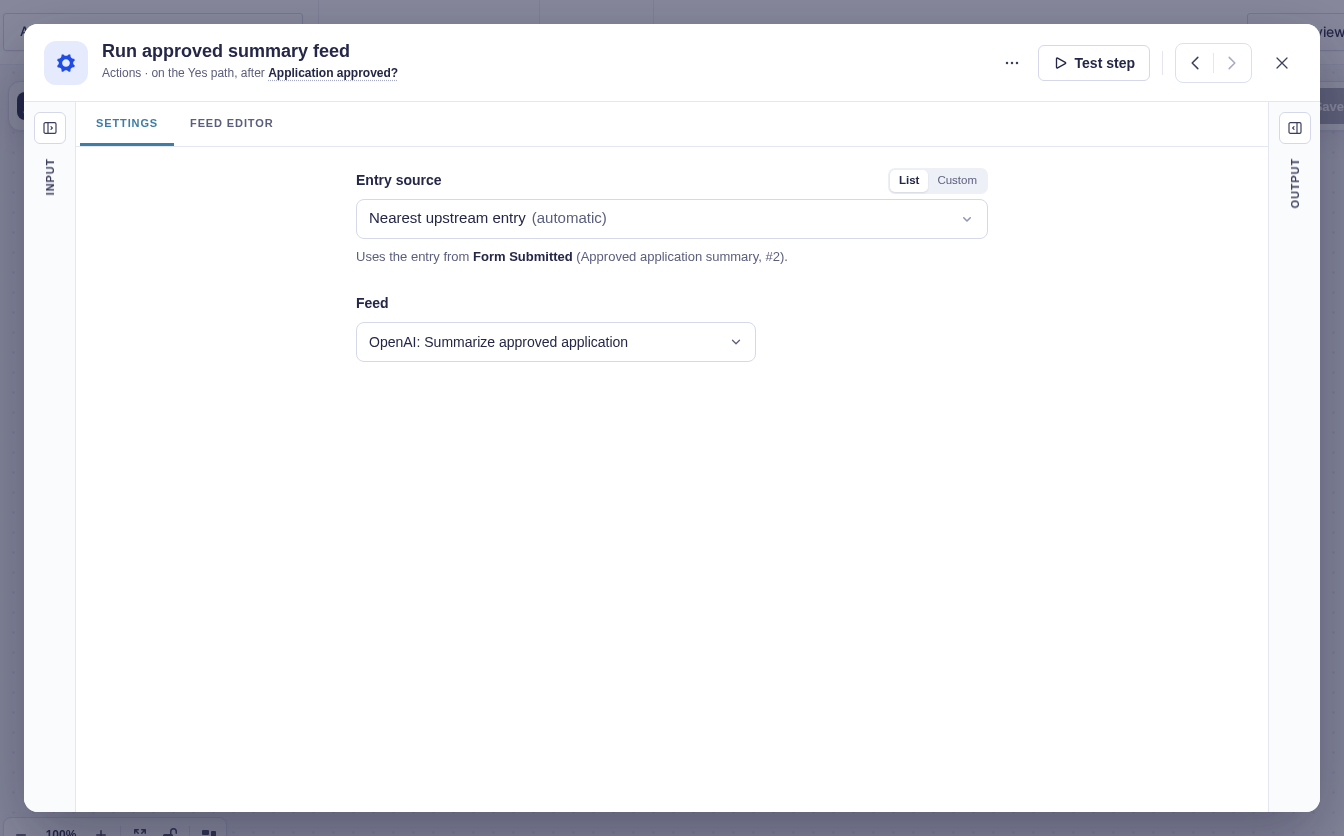
| Form Source | The form that owns the entry and feed. Usually detected automatically. |
| Entry Source | The entry to send through the feed. It defaults to the current entry context. |
| Feed | The specific feed to process. The list includes feeds from active feed-based add-ons for the resolved form, except payment add-ons. |
The add-on and selected feed must still exist when the step runs. The selected source supplies an entry ID, and Flowcrafter reloads its current Gravity Forms data before running the feed.
Feed settings
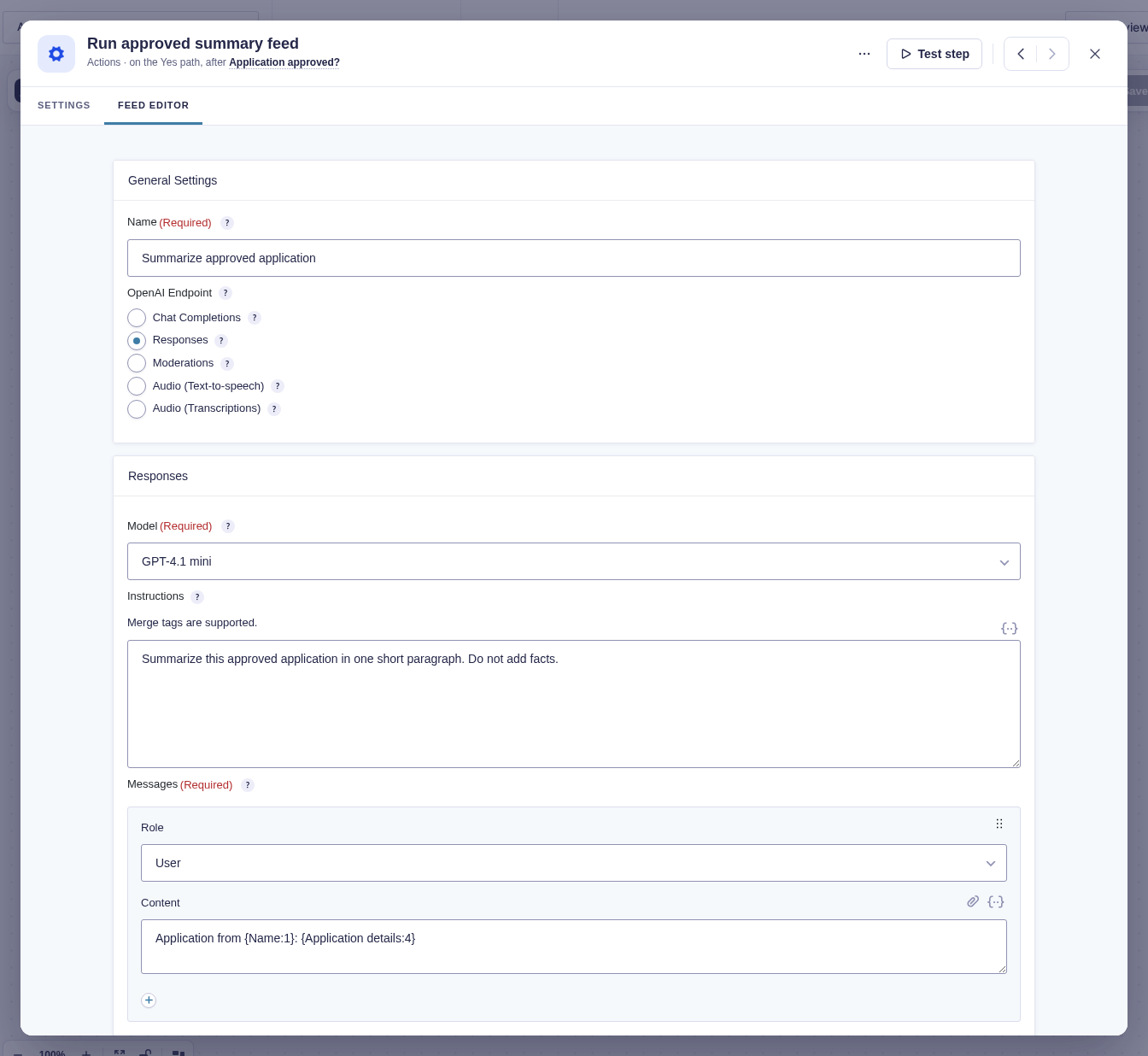
Section titled “Feed settings”The Feed Editor shows the settings provided by the selected integration. Here, an existing OpenAI feed summarizes approved applications using Gravity Forms merge tags.
Output and branches
Section titled “Output and branches”The step has one output and no standard named flow tags. If the add-on returns an updated entry, that entry becomes the downstream entry context.
If the feed’s conditional logic is not met, the step succeeds without processing it. Missing add-ons, missing feeds, and errors returned by the add-on fail the step.
A feed selected by a GF Feed step in an active workflow is suppressed during the form’s normal feed pass, then runs here when the workflow reaches this step.
Example
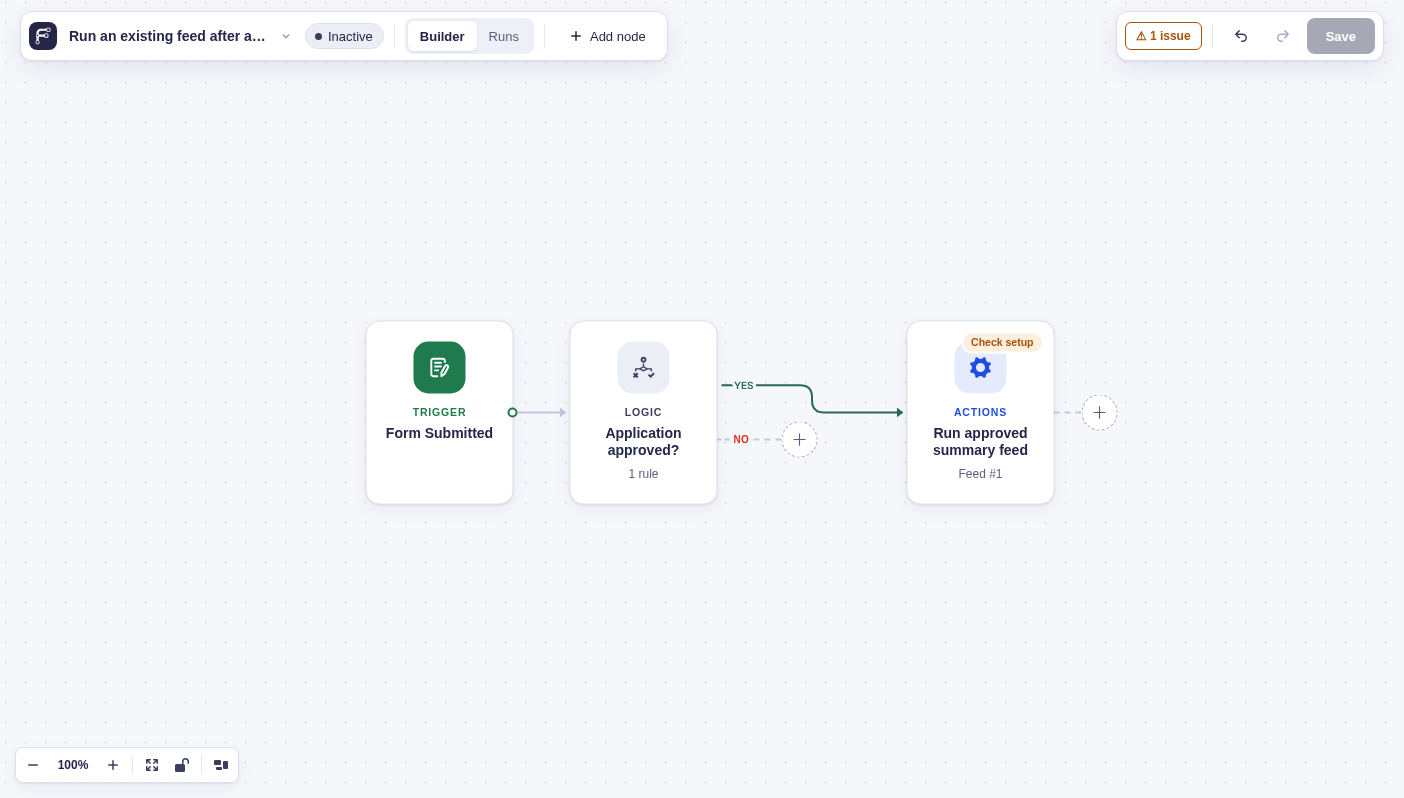
Section titled “Example”Run an existing integration feed only for approved applications. In this example, a Condition checks whether Application status is Approved. Its Yes branch runs the form’s Summarize approved application OpenAI feed; the other branch ends without processing it.
The same pattern works for a Mailchimp feed when a contact should join an audience only after approval.