

Building Workflows
Pausing & Waiting
Pause a run for a time, payment, form submission, or approval, then continue through the correct outcome.
A pause lets a workflow stop without failing. The run keeps its place, shows as waiting, and resumes when the timer or outside event resolves it.
Choose a wait node
Section titled “Choose a wait node”| Node | Resumes when | Other outcome |
|---|---|---|
| Delay | A duration ends or a date arrives | — |
| Wait for Payment | The latest entry status is Paid or Active |
Overdue after the configured limit |
| Wait for Form Submission | A new entry matches the rules | Expired after the configured limit |
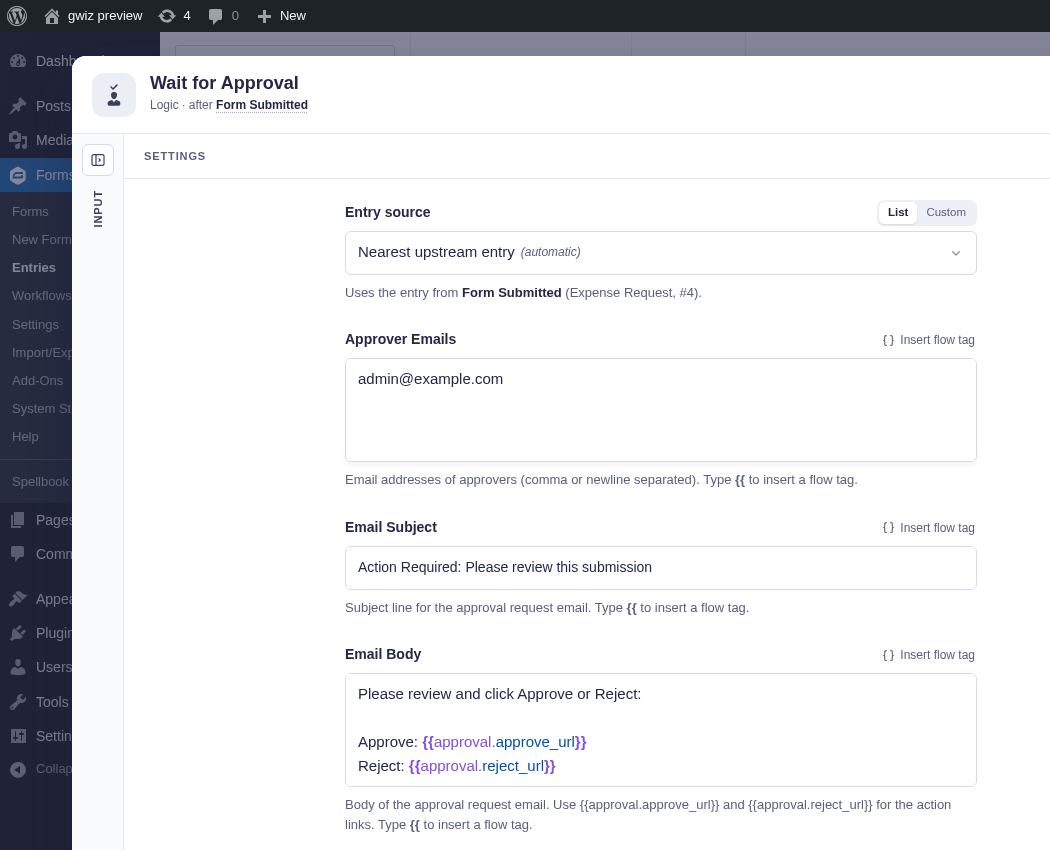
| Wait for Approval | The required approver response arrives | Expired after the configured limit |
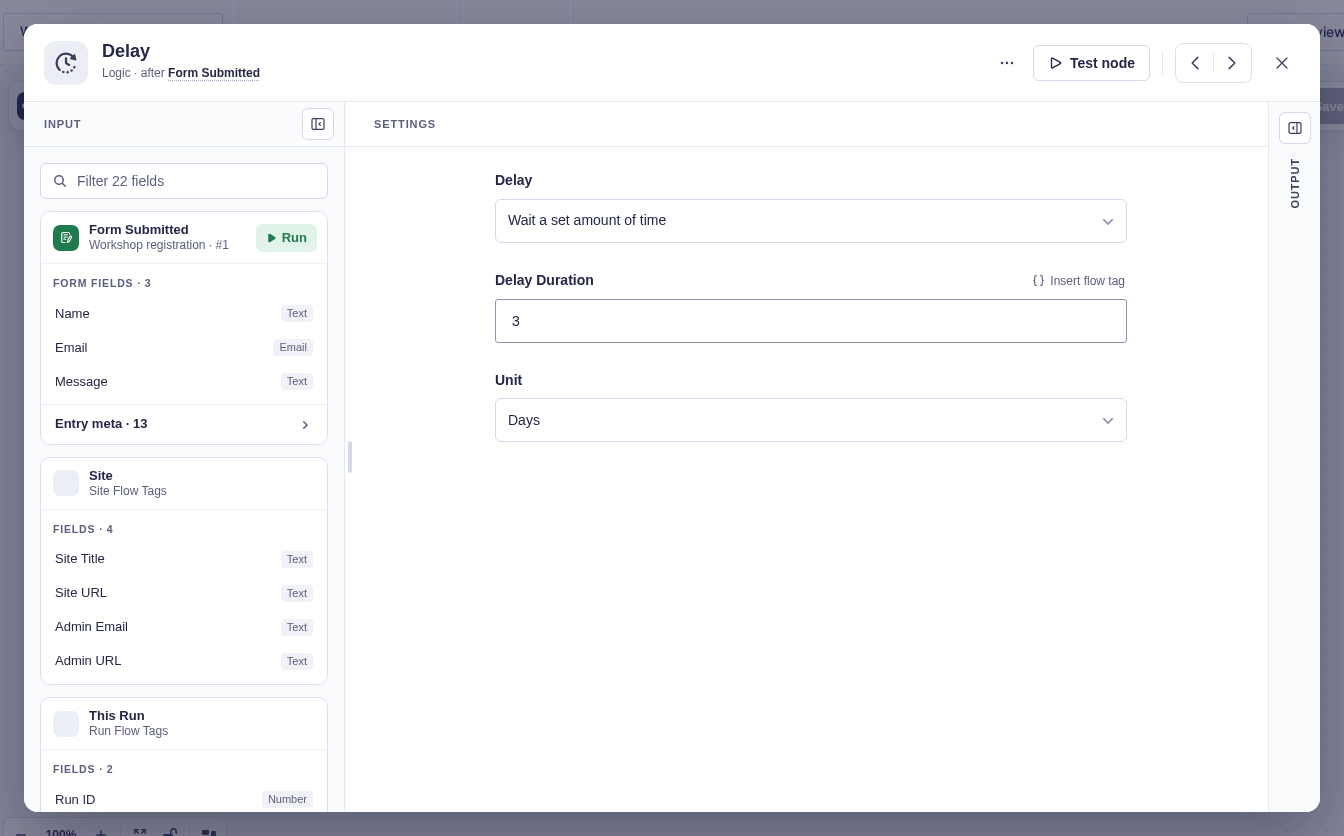
Choose a duration such as two hours, or an exact date and time. The target can come from a flow tag.
A date already in the past continues immediately. An empty or unreadable date fails the node instead of guessing.
Wait for Payment
Section titled “Wait for Payment”Wait for Payment reloads the selected Gravity Forms entry when the node begins. If its current payment status is already Paid or Active, the run takes Paid immediately.
Otherwise, the node parks until the payment status changes or Overdue in (hours) elapses. The default is 168 hours (7 days). Leave the setting blank to wait indefinitely.
At the deadline, Flowcrafter reloads the entry again. A payment that completed in the meantime still takes Paid; only an entry that remains unpaid takes Overdue. The Overdue branch does not cancel or change the payment.
Wait for Approval
Section titled “Wait for Approval”Each approver receives a signed personal link. Configure whether the first response decides the result or every approver must agree.
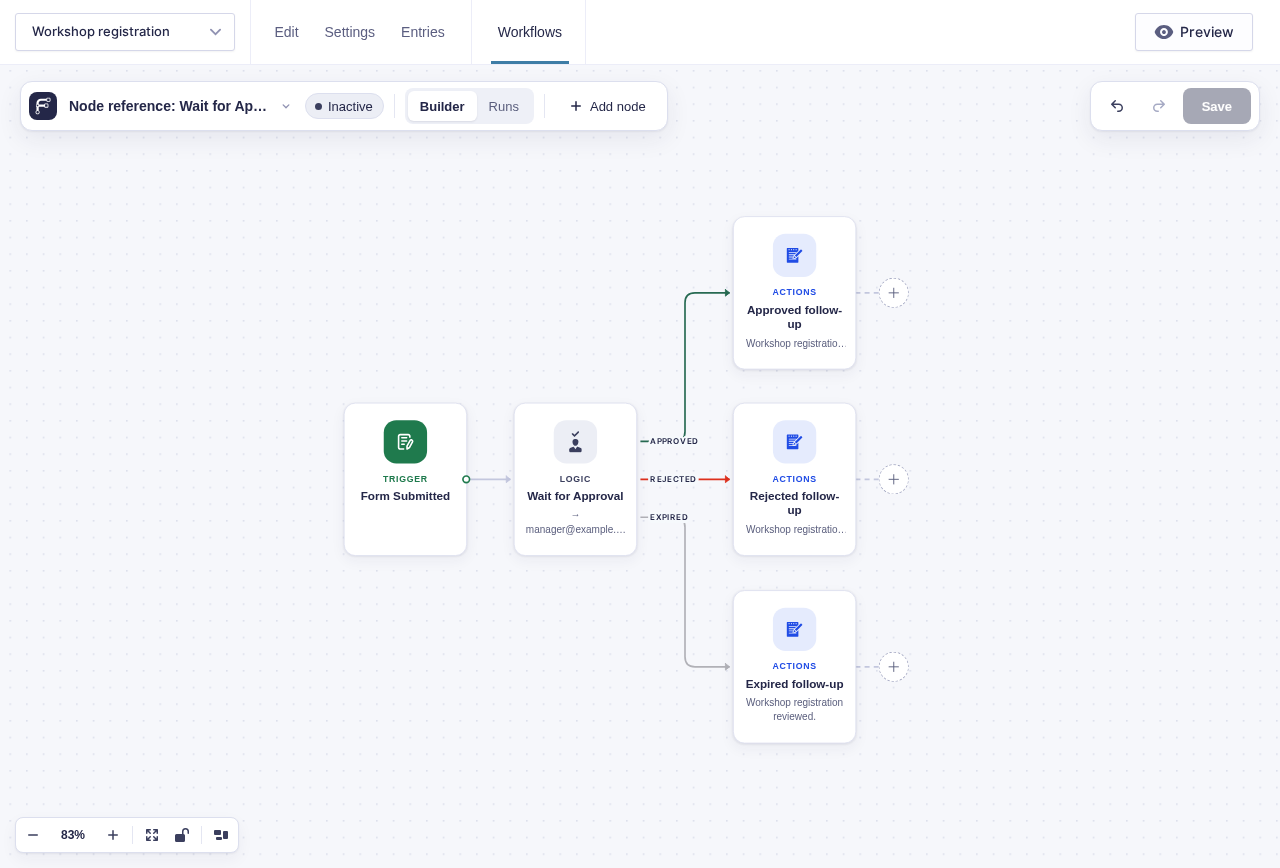
The node has Approved, Rejected, and Expired outcomes. Its expiry defaults to 72 hours. When the deadline passes without a decision, Flowcrafter schedules the run to resume through Expired. Approval nodes that were already waiting before expiry support was installed are not backfilled with that timer.
Pending requests also appear under Forms › Workflows › Pending Tasks, where an administrator can review them.
This approval example separates Approved, Rejected, and Expired outcomes.
Wait for Form Submission
Section titled “Wait for Form Submission”This node resumes when a later submission matches its rules. A common pattern is to put {{ run.key }} in a link, save it to a hidden field on the second form, and match that value back to the waiting run.
Use the Expired output for reminders, escalation, or cleanup when no matching submission arrives.