

Actions
PHP Code
Run trusted PHP during a workflow and return values to later steps.
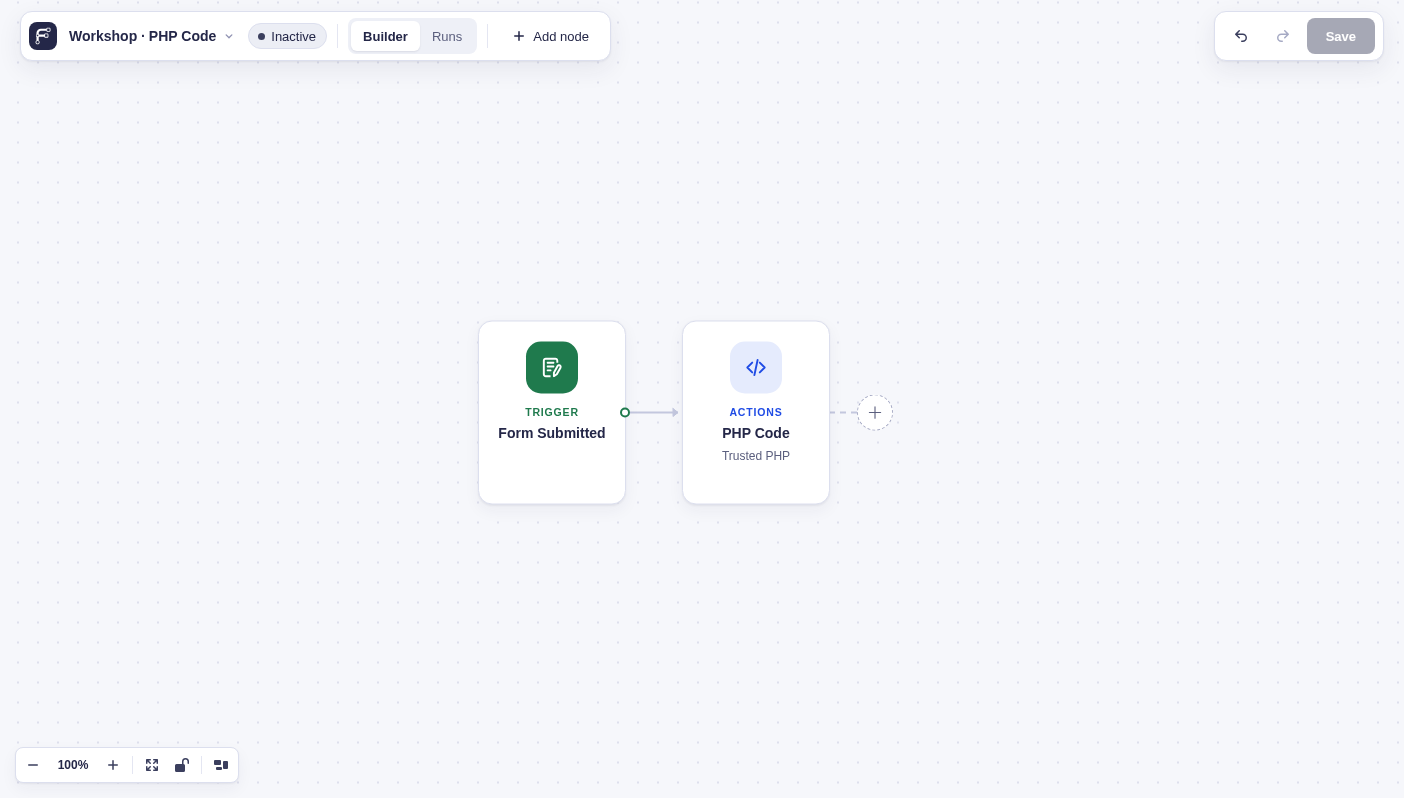
Run a PHP function body with full WordPress access when no built-in step fits the job.
When to use it
Section titled “When to use it”Use PHP Code for small, trusted transformations or calls to code already on your site.
Settings
Section titled “Settings”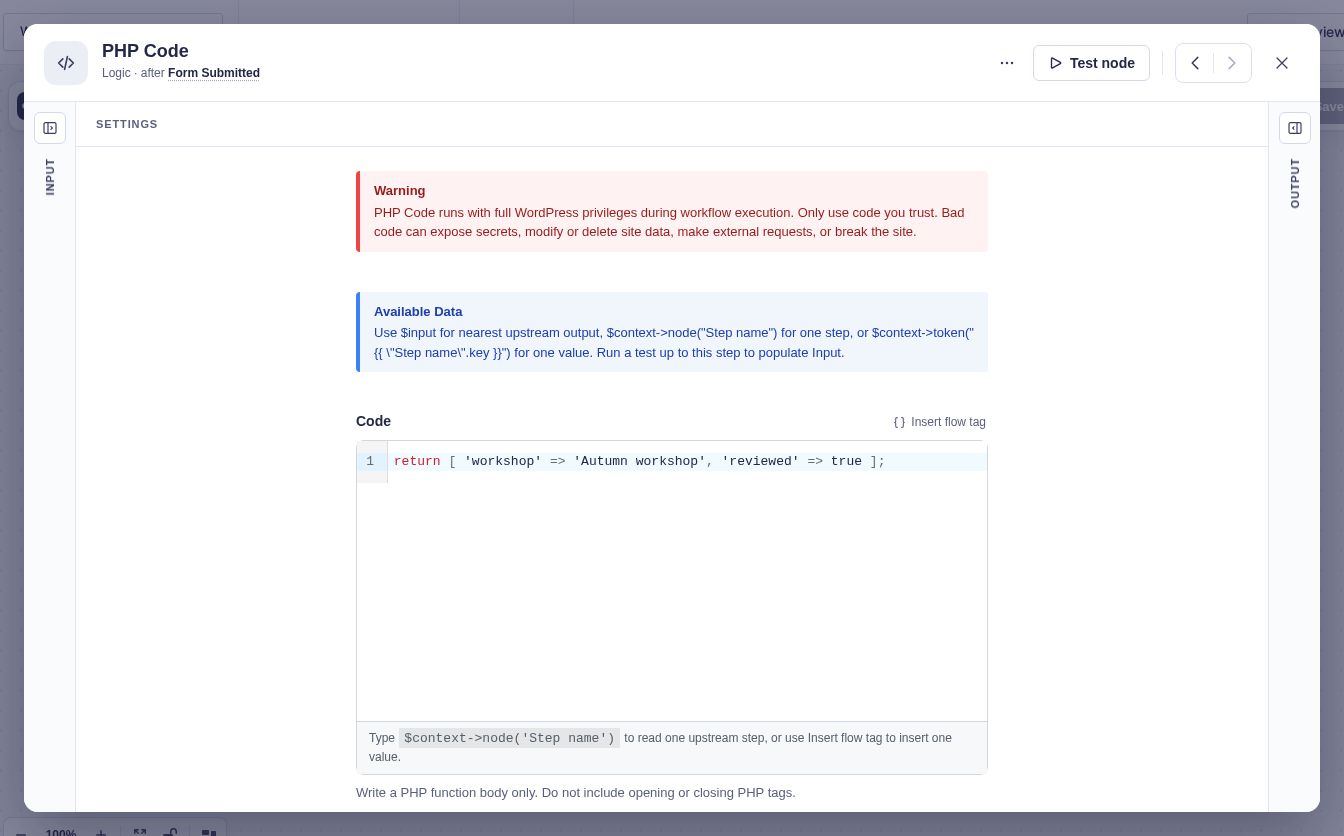
| Setting | What it controls |
|---|---|
| Code | Required PHP function body. Do not include <?php or ?>. Return an array, scalar, or null. |
Available values include $input for the nearest upstream output, $context->node('Step name') for one step’s output, and $context->token('{{ "Step name".key }}') for one flow tag value. $context->merge_tag('{Field:3}') resolves a Gravity Forms merge tag against $input by default; $input must be an entry-shaped array for field tags to work. Pass another entry array as the second argument when needed.
Flow tags are not replaced throughout the PHP source. Resolve them at runtime with $context->token().
Output and branches
Section titled “Output and branches”The step has one output. Array keys become flow tag values; a scalar is returned as result; null produces no output. Nested arrays are allowed, but objects and resources are rejected. Parse errors, thrown errors, or invalid return values fail the step.
Example
Section titled “Example”This returns a normalized email address from an earlier step:
$email = $context->token('{{ "Form Submitted"["3"] }}');return [ 'email' => strtolower( trim( (string) $email ) ) ];A later step can use {{ "Normalize email".email }}.