Flow
Deduplicate
Drop repeated items from a list, keeping the first of each.
Deduplicate removes repeated items from a list. It keeps the first item, preserving the original list order.
When to use it
Section titled “When to use it”Use it before emailing, exporting, or processing a list that may contain the same person or record more than once. If you need to keep every repeated item together, use Group By instead.
Settings
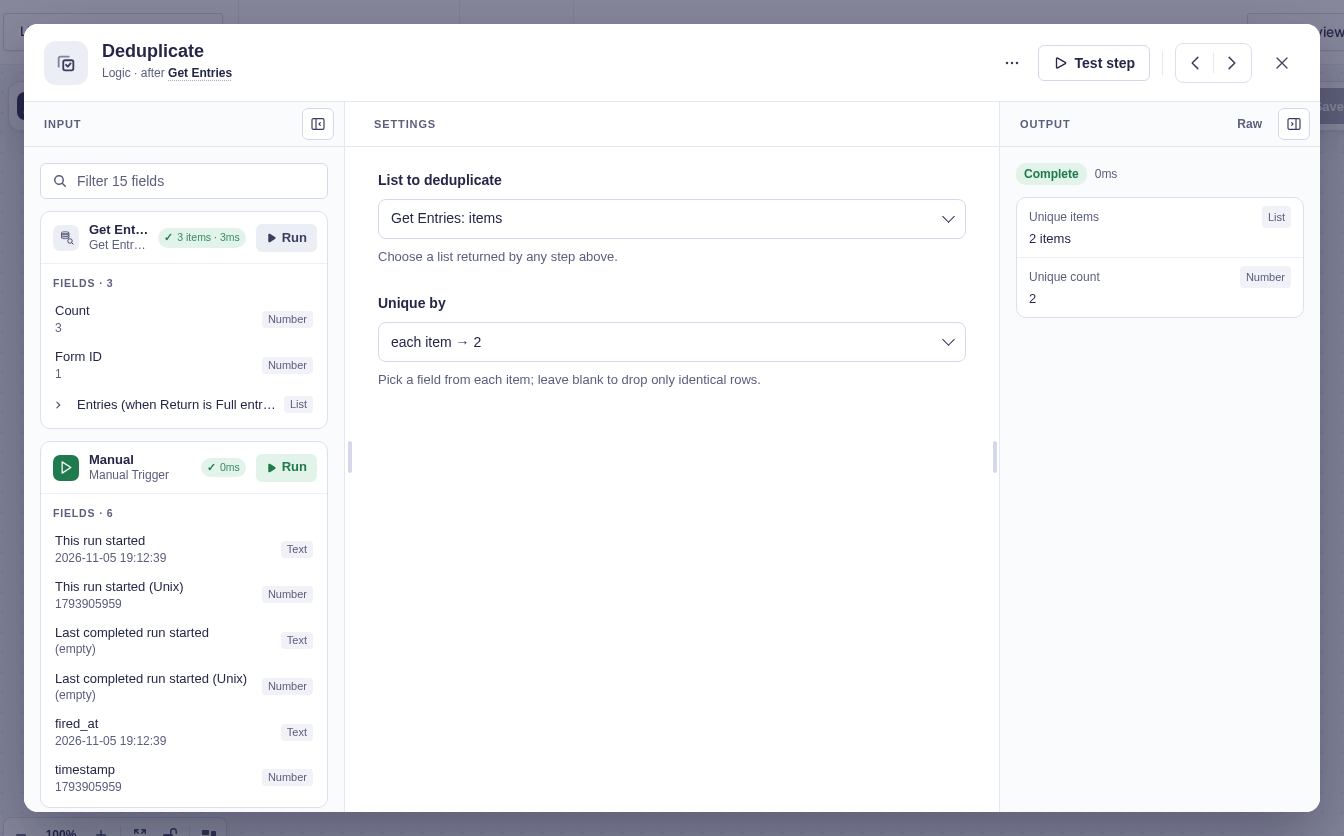
Section titled “Settings”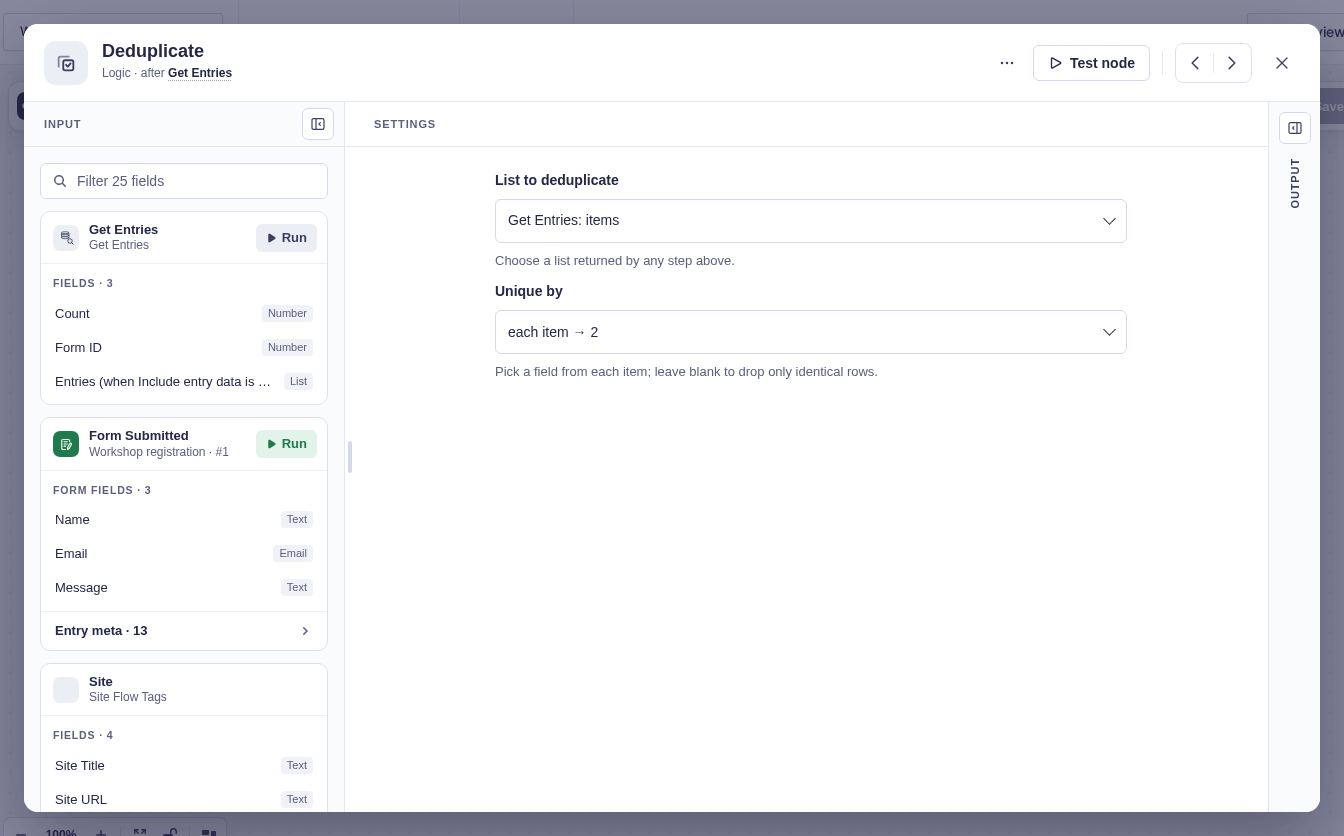
| Setting | What it does |
|---|---|
| List to deduplicate | Chooses a list from any earlier step. Test the source step first if its lists are not shown. |
| Unique by | Chooses the field used to compare items, such as email, 3, or customer.email. Leave it empty to compare whole items. |
Output and branches
Section titled “Output and branches”Deduplicate has one output path and provides these flow tags:
| Flow tag | Value |
|---|---|
{{ "Deduplicate".items }} |
The unique items. |
{{ "Deduplicate".count }} |
The number of items kept. |
Rename Deduplicate in the tags if you rename the step.
Good-to-knows
Section titled “Good-to-knows”- Matching is exact. Capitalization and spaces are not normalized.
- Items missing the Unique by field are all kept because they could not be compared.
- Dropped items are not available in another output or branch.
- With Get Entries, set Return to Full entries. Only For Each can read a saved collection directly.
Example
Section titled “Example”A list contains three entries with emails bilbo@example.org, gandalf@example.org, and bilbo@example.org. Set Unique by to the email field (2 in this form). The quick test keeps one entry for Bilbo and one for Gandalf, with a count of 2.