Triggers
Schedule
Start an active workflow at a recurring or one-time site-local time.
Schedule starts a workflow on a timer. It is useful for unattended work that should run hourly, daily, weekly, monthly, once, or on a custom cron schedule.
When to use it
Section titled “When to use it”Use it for recurring digests, periodic syncs, expiry checks, and scheduled batch processing.
Settings
Section titled “Settings”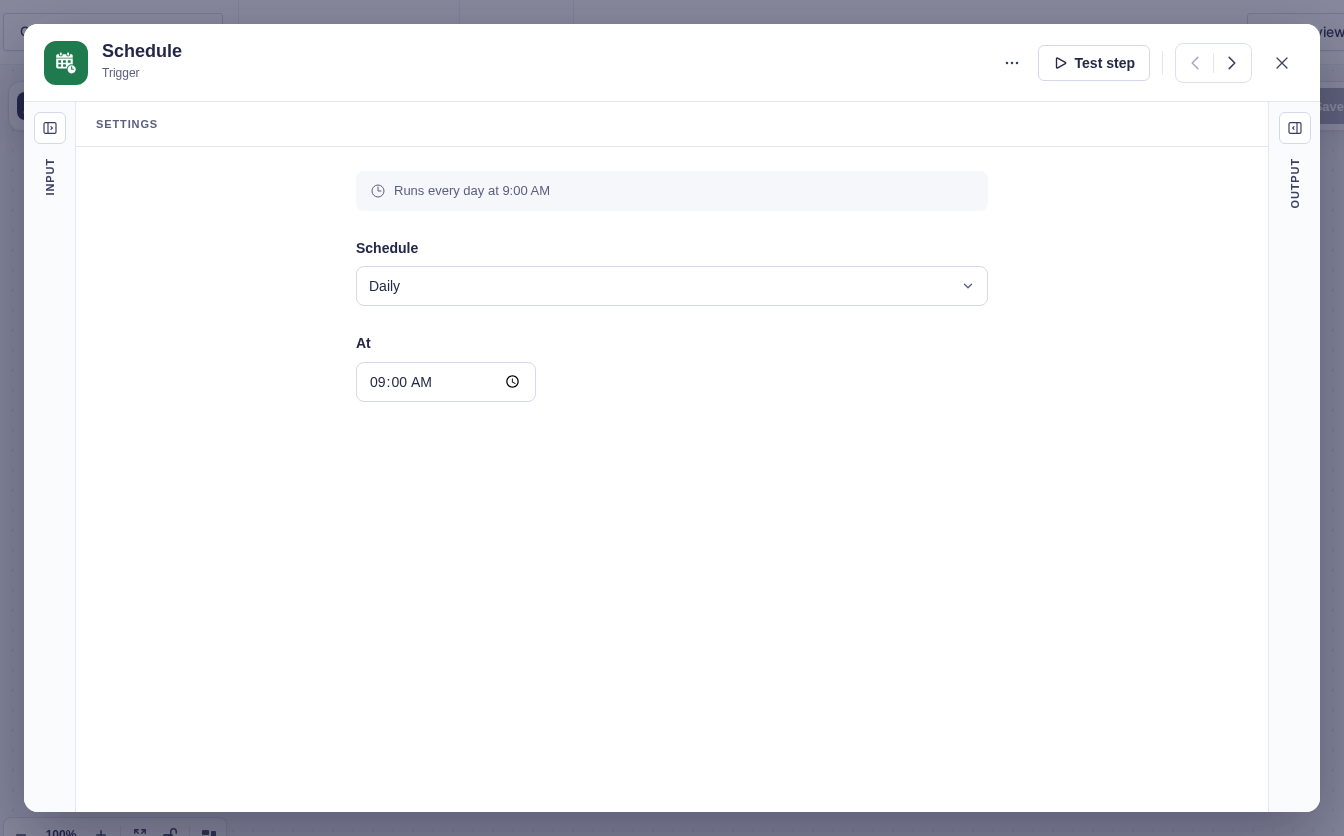
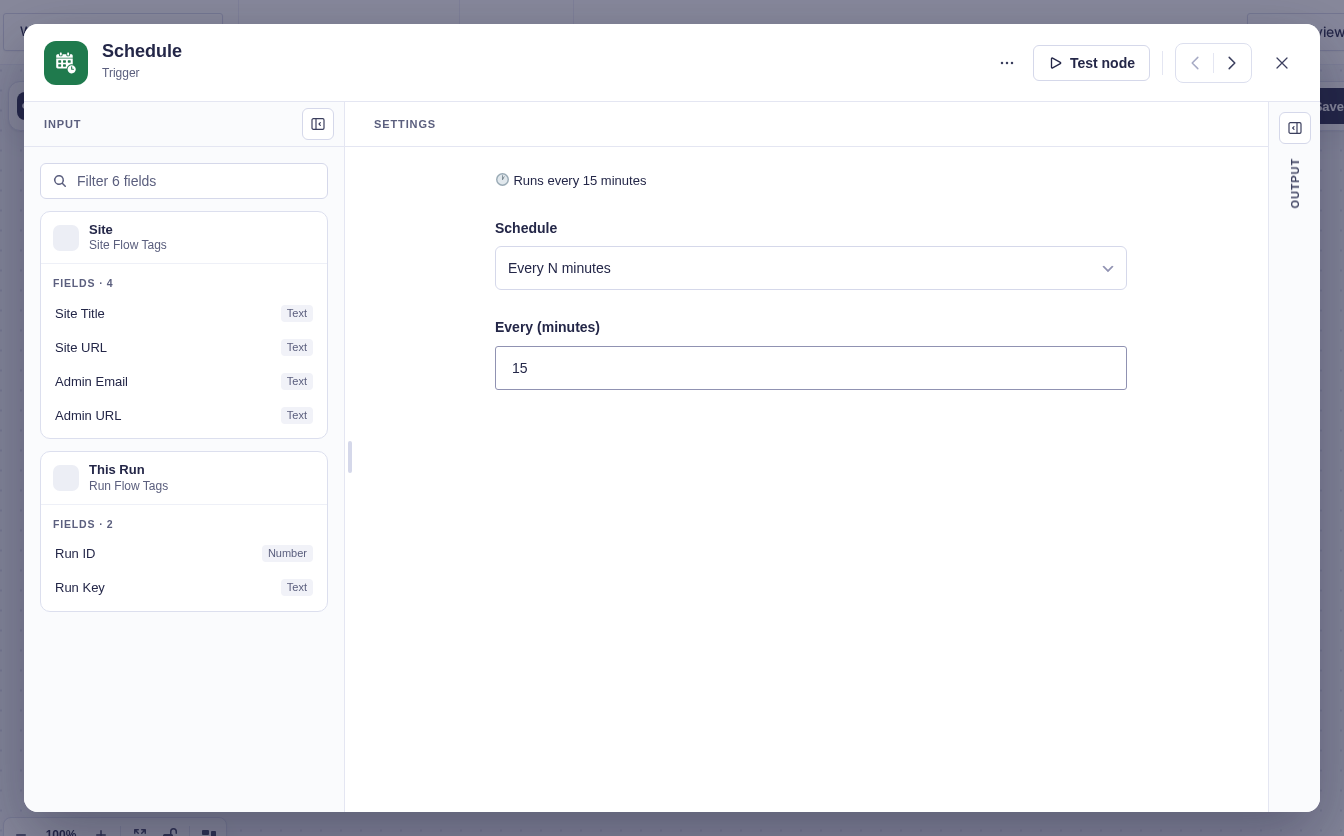
Choose a Schedule type. The builder then shows only the settings that type needs.
| Type | Important settings |
|---|---|
| Every N minutes | Interval of at least one minute. |
| Hourly | Minute of the hour, from 0 to 59. |
| Daily, Weekdays, Weekends | Time of day. |
| Weekly | Weekday and time. |
| Monthly | Day of month and time. |
| Once | Date and time. |
| Custom (cron) | Standard five-field cron expression. |
Clock-based schedules use the WordPress site timezone and stay aligned through daylight-saving changes.
New nodes default to Daily at 09:00.
Output and branch
Section titled “Output and branch”The single default branch receives when this run, and the last completed run, started.
| Output | Meaning |
|---|---|
run_started_at, run_started_timestamp |
When this run started, in site time and as a Unix timestamp. |
last_completed_run_started_at, last_completed_run_started_timestamp |
When the last run that completed successfully started. Empty until a run has completed. |
Every trigger carries the two run-start values. To fetch only what’s new since the last run, put Last completed run started in Get Entries’ Created after and This run started in its Created before.
Good-to-knows
Section titled “Good-to-knows”- Only active, valid workflows are scheduled.
- The trigger has no entry. Use Get Entries or another query step to fetch data, then For Each to process the returned items.
- Monthly days 29–31 are skipped in months without that date.
- A one-time date in the past and a cron expression that can never run are flagged in the builder.
Example
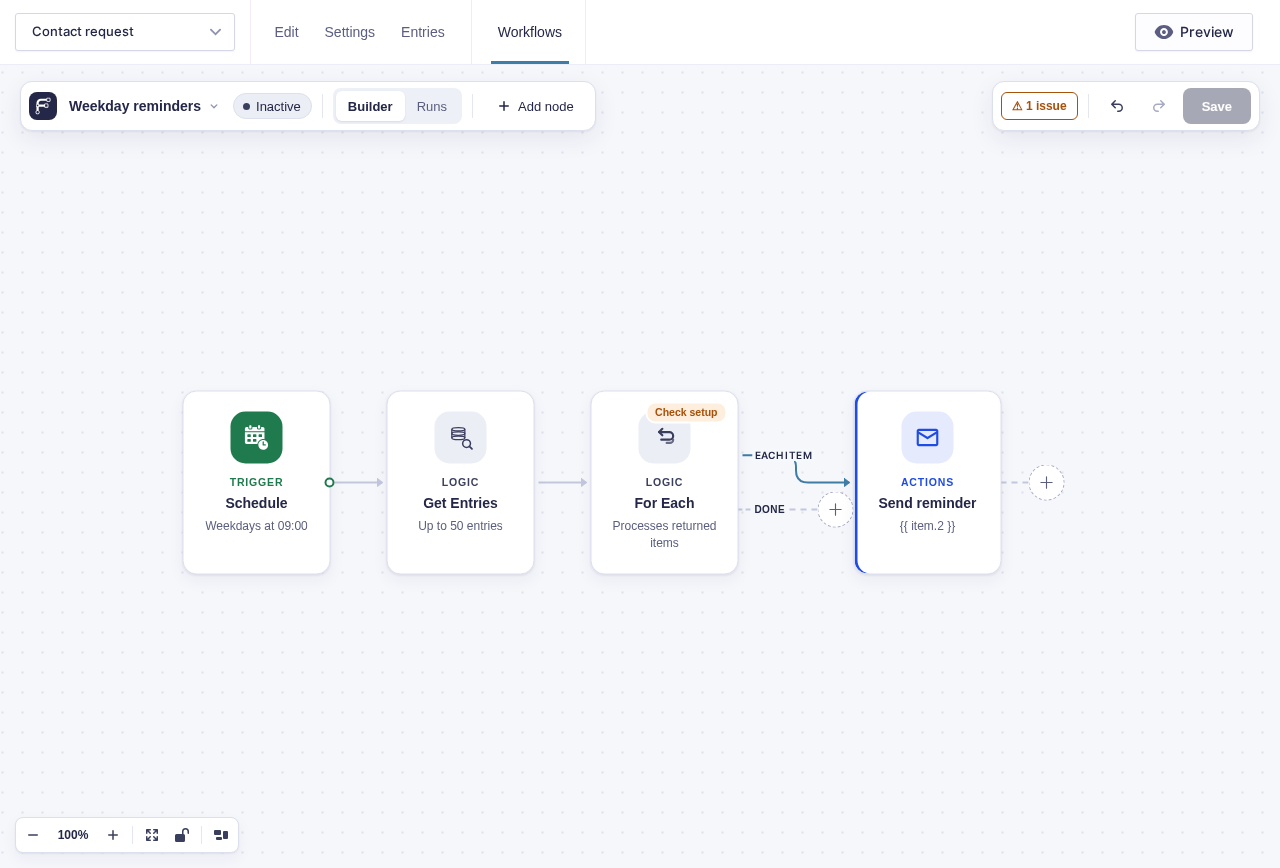
Section titled “Example”For a weekday reminder batch:
- Set Schedule to Weekdays at
09:00. - Add Get Entries to fetch entries that still need a reminder.
- Add For Each and connect Send Email to its Each item branch. Connect Done if another step should run after the batch; otherwise the workflow finishes there.