

Under the Hood (Developers)
Abilities (Agent Surface)
The WordPress Abilities Flowcrafter registers — the entry point an AI agent or MCP client uses to observe and repair workflows.
On WordPress 6.9 and later, Flowcrafter registers a set of Abilities — named, schema-described operations that the platform exposes over the wp-abilities/v1 surface (and to WP-CLI). This is how an AI agent (or an MCP client) operates Flowcrafter without touching the builder UI.
The registered abilities
Section titled “The registered abilities”They cover what an agent needs to observe workflows, fix what’s broken, and author new ones. Each ability carries an input schema and is marked read-only or mutating, so a well-behaved agent knows which calls are safe to make on their own and which change state.
| Ability | Type | What an agent uses it for |
|---|---|---|
flowcrafter/inspect-run |
Read-only | Pull the full, correlated state of one run — the same picture as run inspect. |
flowcrafter/list-runs |
Read-only | Find recent runs to look at, optionally scoped to one workflow or status. |
flowcrafter/list-workflows |
Read-only | Discover the workflows on the site. |
flowcrafter/get-workflow |
Read-only | Read one workflow’s definition plus a small workflow digest. |
flowcrafter/validate-workflow |
Read-only | Run the builder/activation validation on a saved workflow. |
flowcrafter/validate-graph |
Read-only | Dry-run validation of a candidate workflow before saving it. |
flowcrafter/find-workflows-by-node-type |
Read-only | Find every workflow that uses a given node type. |
flowcrafter/list-node-types |
Read-only | See what nodes exist — each one’s label, category, and whether it’s available. |
flowcrafter/describe-node-type |
Read-only | Get one node type’s full definition, including its settings schema — so an agent can reason about or assemble a workflow. |
flowcrafter/describe-graph-format |
Read-only | The one-call authoring primer: workflow shape, the rules for a valid workflow, and a worked example. |
flowcrafter/list-schedules |
Read-only | List the scheduled-trigger inventory across workflows, with each one’s next run time. |
flowcrafter/list-tasks |
Read-only | List all waiting approval tasks across running workflows. |
flowcrafter/cancel-run |
Mutating | Stop a running workflow and unschedule its pending jobs. |
flowcrafter/retry-node |
Mutating | Re-run a single failed node and resume the run from there. |
flowcrafter/rerun-run |
Mutating | Start a finished run over from the top as a brand-new run. |
flowcrafter/recover-failed-action |
Mutating | Re-drive an interrupted loop continuation for a given Action Scheduler action. |
flowcrafter/resolve-approval |
Mutating | Approve or reject a parked Wait-for-Approval node. |
flowcrafter/create-workflow |
Mutating | Create a workflow from a supplied definition (or start with an empty canvas). |
flowcrafter/update-workflow |
Mutating | Change a workflow’s name, status, and/or node configuration. |
flowcrafter/delete-workflow |
Mutating | Delete a workflow, cleaning up its triggers and pending jobs first. |
flowcrafter/seed-preset |
Mutating (dev-only) | Build a fixture form and workflow from a named preset. Registered only in developer mode. |
Provider-owned operations use the provider’s namespace. For example, API Alchemist registers the read-only gc-api-alchemist/list-webhooks ability while active; it is not part of Flowcrafter’s core ability list.
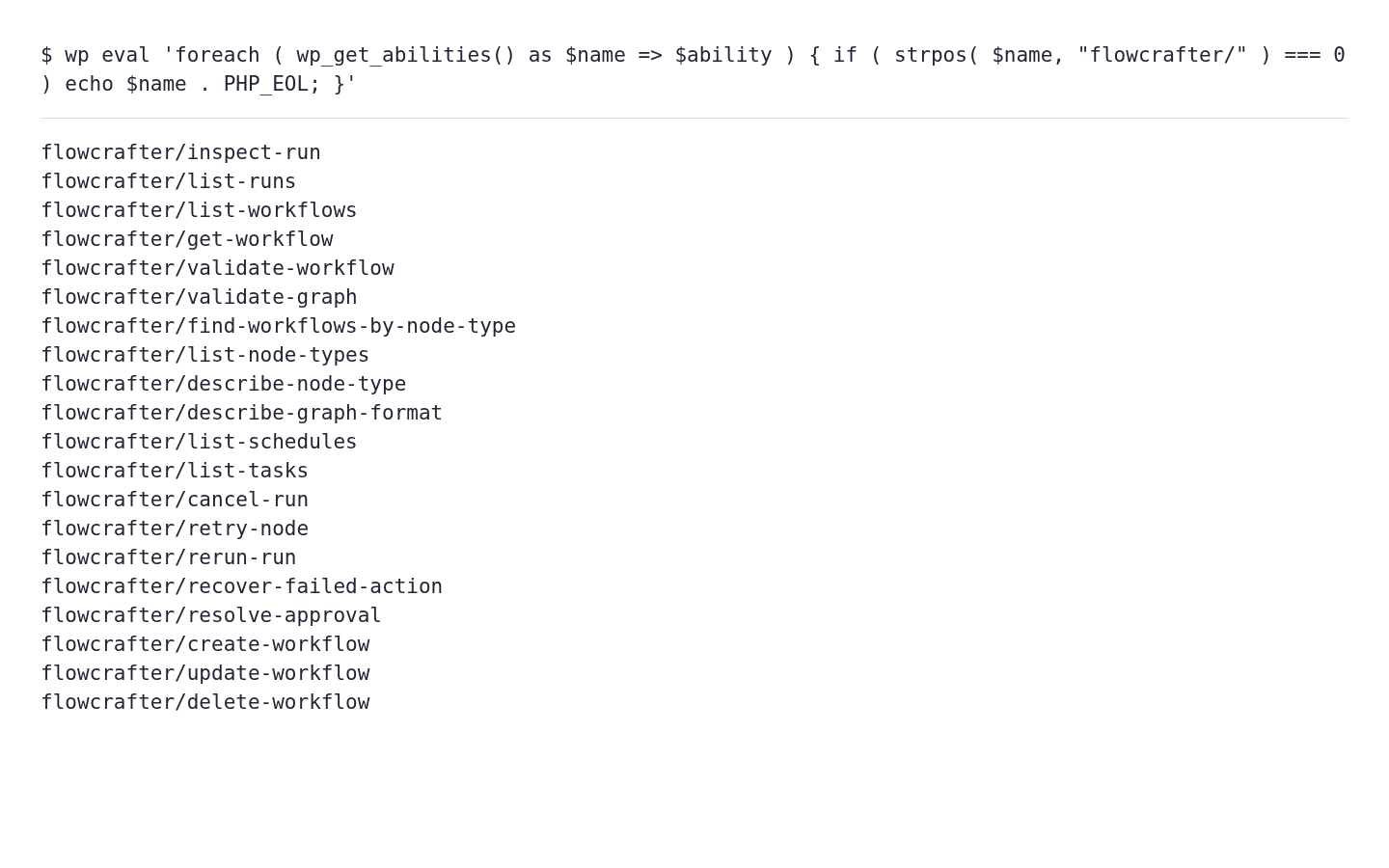
The sandbox’s registered ability names are shown below. This is actual wp_get_abilities() output, rendered as text, rather than an agent UI or a mocked response.
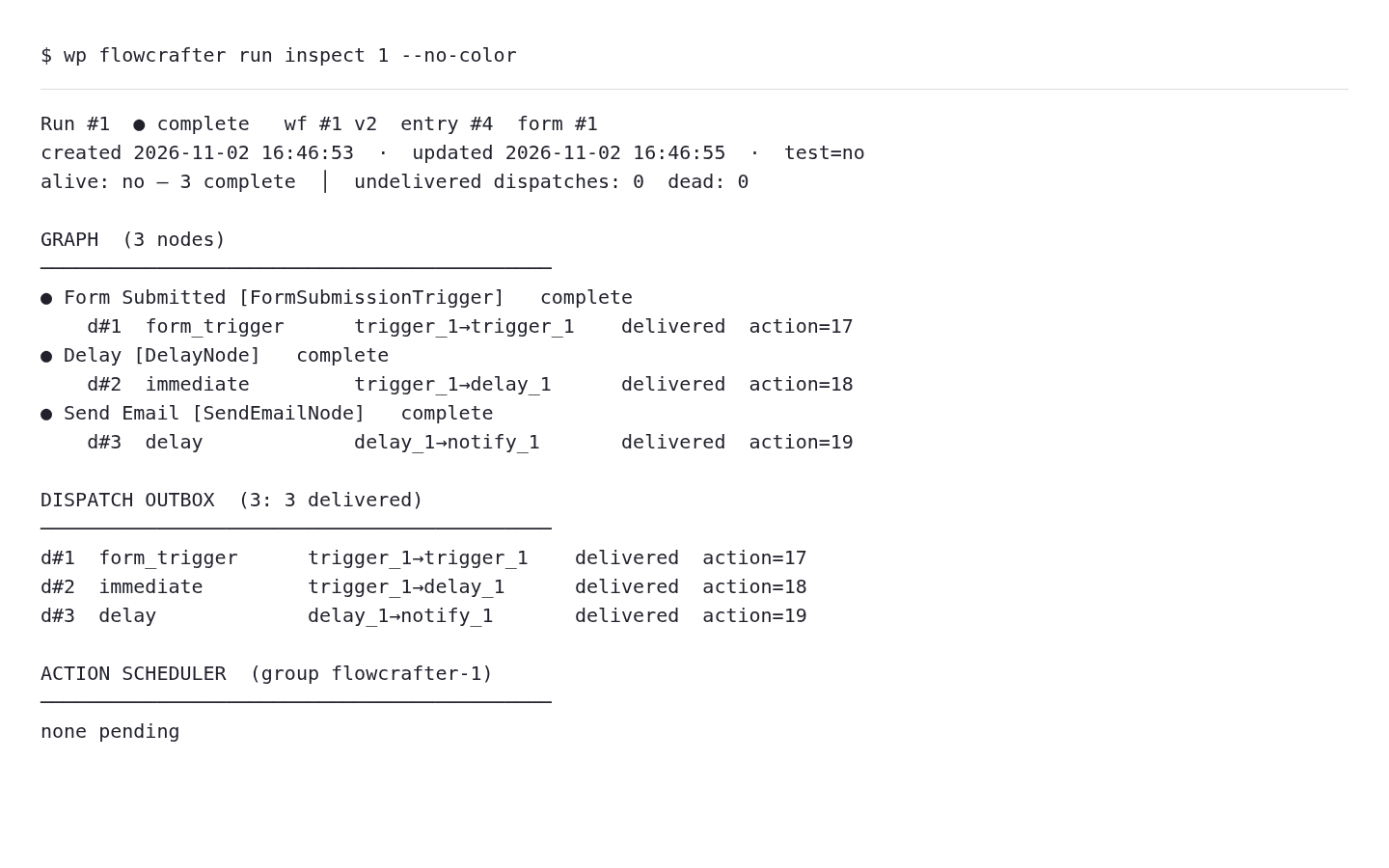
Run inspection is also available through WP-CLI. Its human-readable report is a useful companion when comparing an agent’s diagnosis with the stored run.
Where to go next
Section titled “Where to go next”- WP-CLI and REST API — the same operations for humans and integrations.
- The Execution Model — the run internals an agent reasons about.