Actions
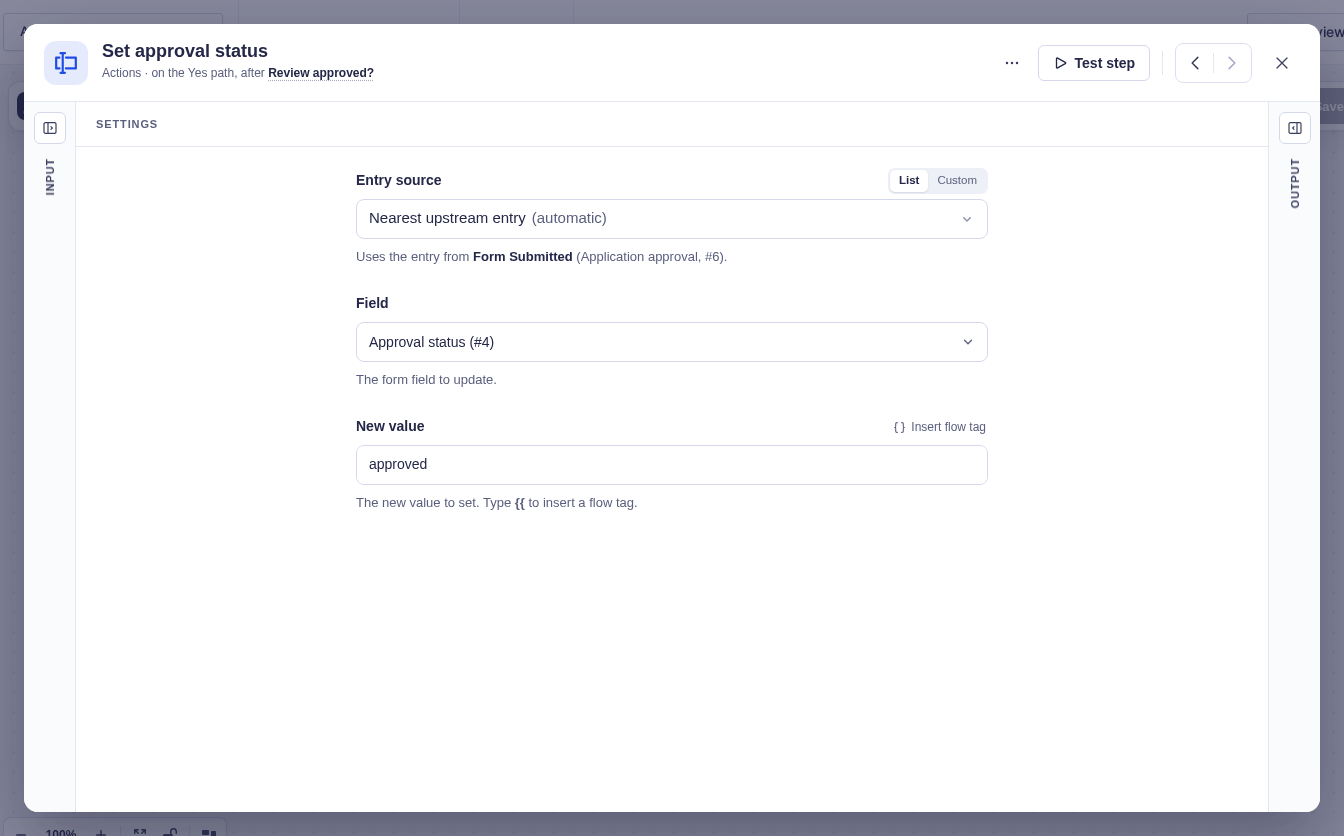
Update Entry Field
Change one field value on a Gravity Forms entry.
Replace the value of one Gravity Forms field on an entry.
When to use it
Section titled “When to use it”Use this for a focused change such as setting an approval result, calculated total, or processed flag.
Settings
Section titled “Settings”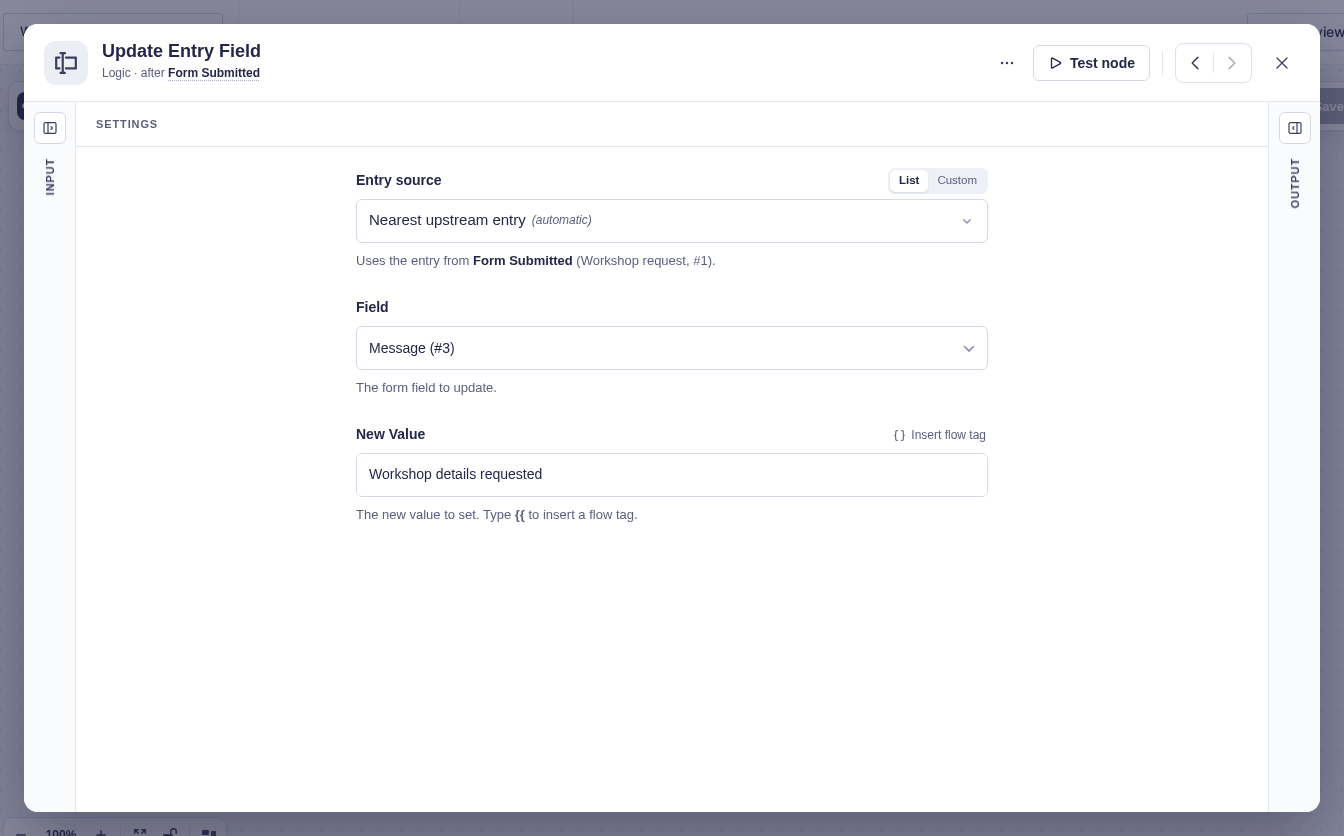
| Setting | What it controls |
|---|---|
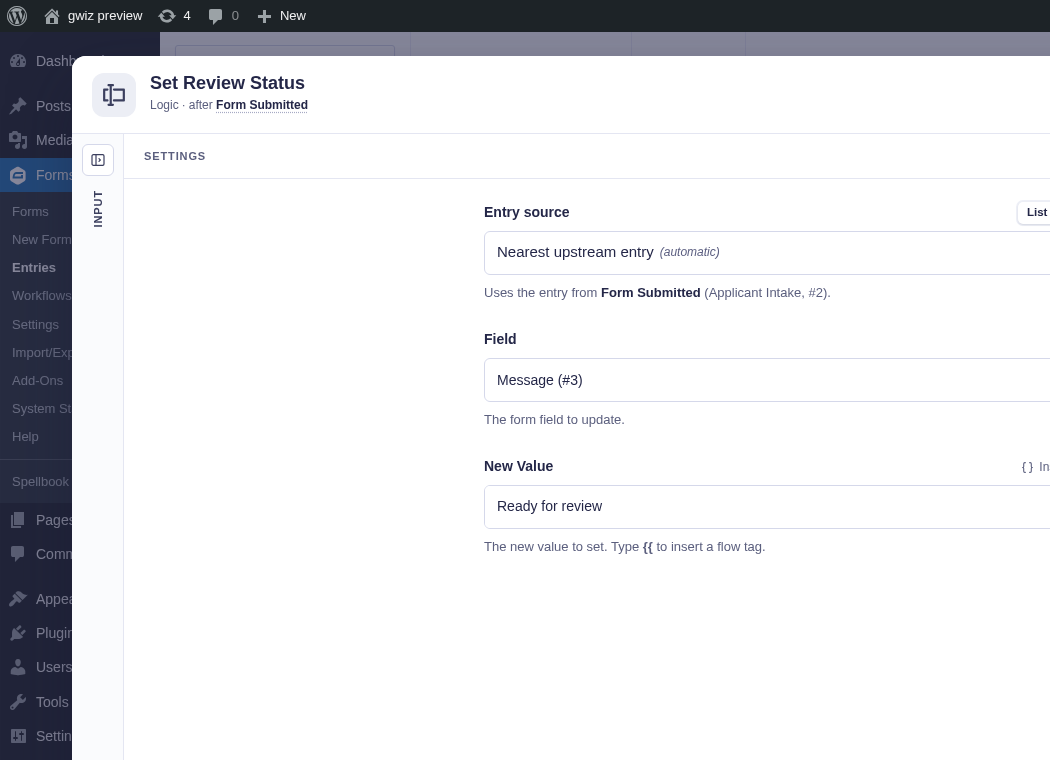
| Form Source | The form that owns the entry. Usually detected automatically. |
| Entry Source | The entry to update. It defaults to the current entry context. |
| Field | Required target field. Select it when the form is known, or enter a field/input ID such as 2.3. |
| New Value | Replacement value. Supports flow tags and can be empty to clear the field. |
Output and branches
Section titled “Output and branches”The step follows one output and provides Entry ID, Field ID, Old value, and New value. It fails if the entry or field cannot be resolved or Gravity Forms rejects the update.
Example
Section titled “Example”Choose an “Approval status” field and set New value to approved on the approved branch of a Condition.