Actions
Delete Entry
Move a Gravity Forms entry to the trash or delete it permanently.
Trash an entry or permanently remove it from Gravity Forms.
When to use it
Section titled “When to use it”Use this to clean up duplicates, temporary entries, or records already moved to another system. Prefer trash when someone may need to restore the entry.
Settings
Section titled “Settings”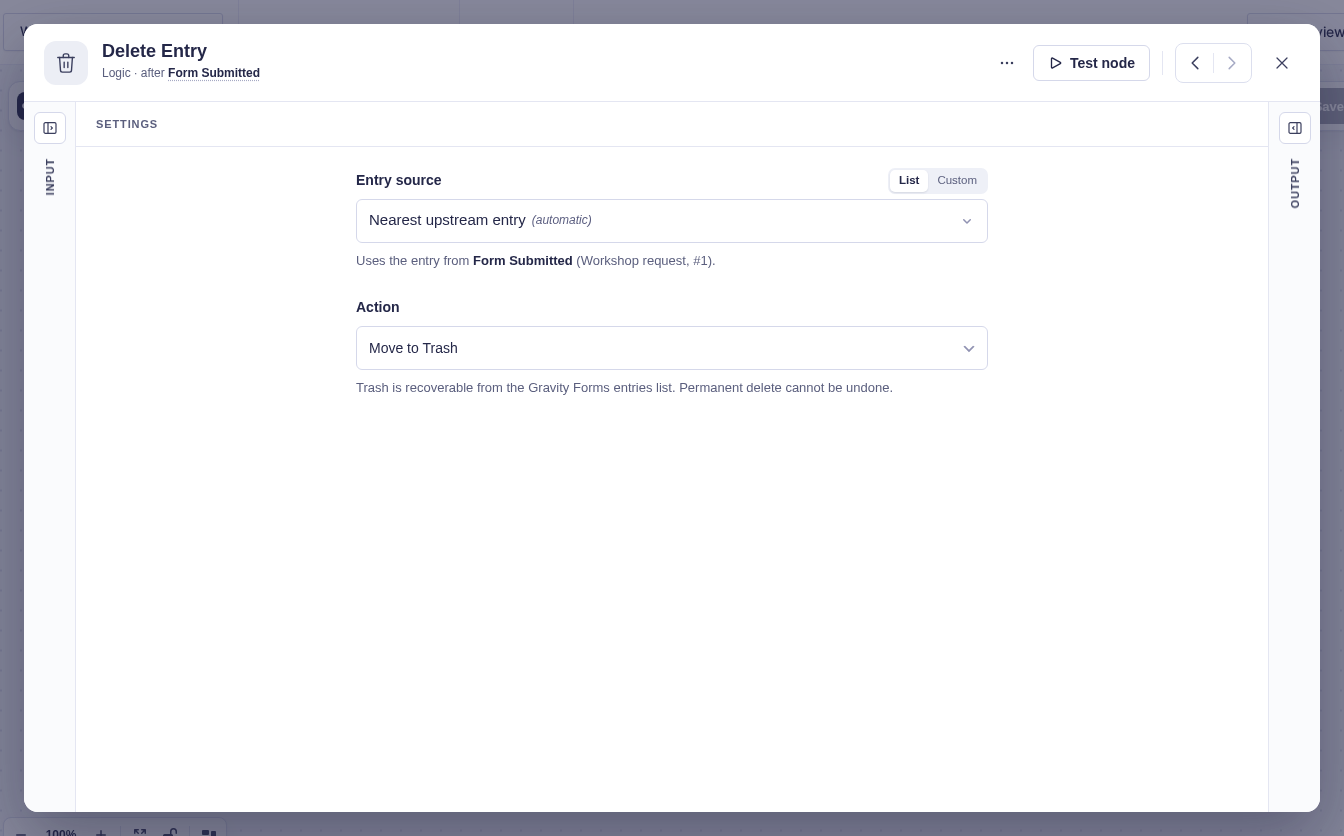
| Setting | What it controls |
|---|---|
| Form Source | The form that owns the entry. Flowcrafter usually detects it. |
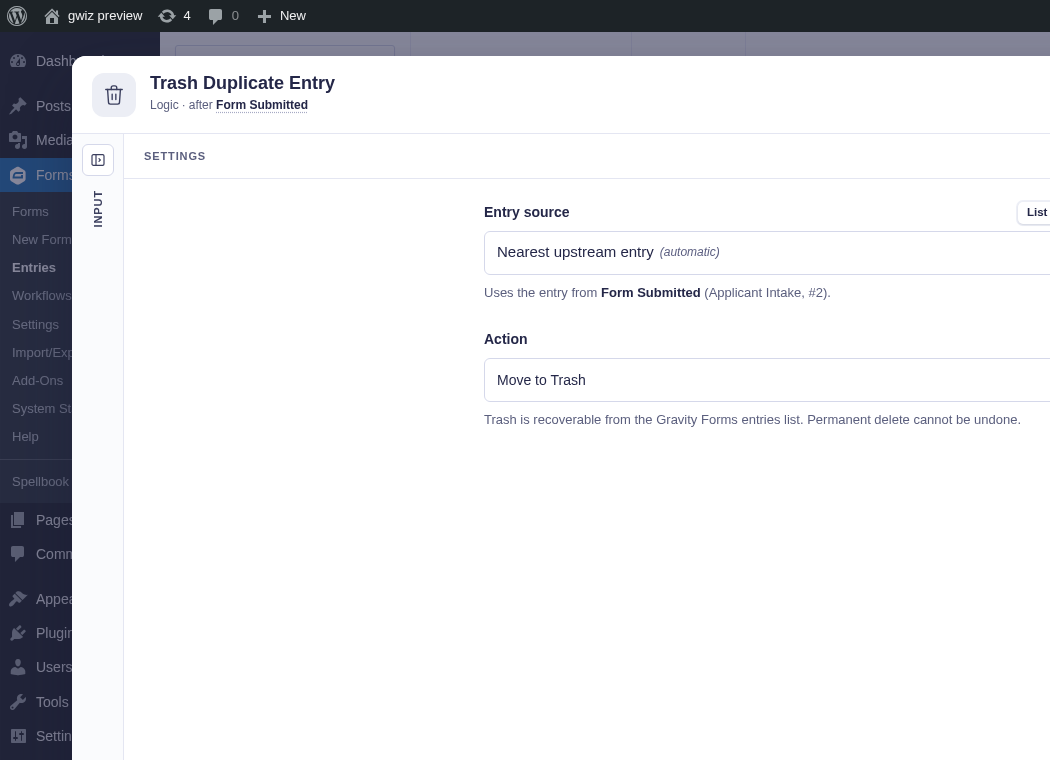
| Entry Source | The entry to remove. It defaults to the current entry context and can point to an earlier step’s entry. |
| Action | Move to trash (default) changes the status and remains recoverable. Delete permanently removes the entry, notes, meta, and uploaded files. |
Output and branches
Section titled “Output and branches”The step continues through one output and provides Entry ID and Action (trashed or deleted). It fails if the entry cannot be resolved or Gravity Forms cannot complete the action.
Effect on other runs
Section titled “Effect on other runs”Permanent deletion cancels other active runs whose original entry is the one being deleted, including queued or parked runs. The run executing this Delete Entry node is exempt for that deletion call, so it can finish its remaining steps using the captured data. Deleting another selected entry does not cancel unrelated runs.
Move to trash does not trigger this cancellation. The cancellation uses Gravity Forms’ pre-deletion hook; direct database deletions bypass it. Completed actions are not reversed.
Example
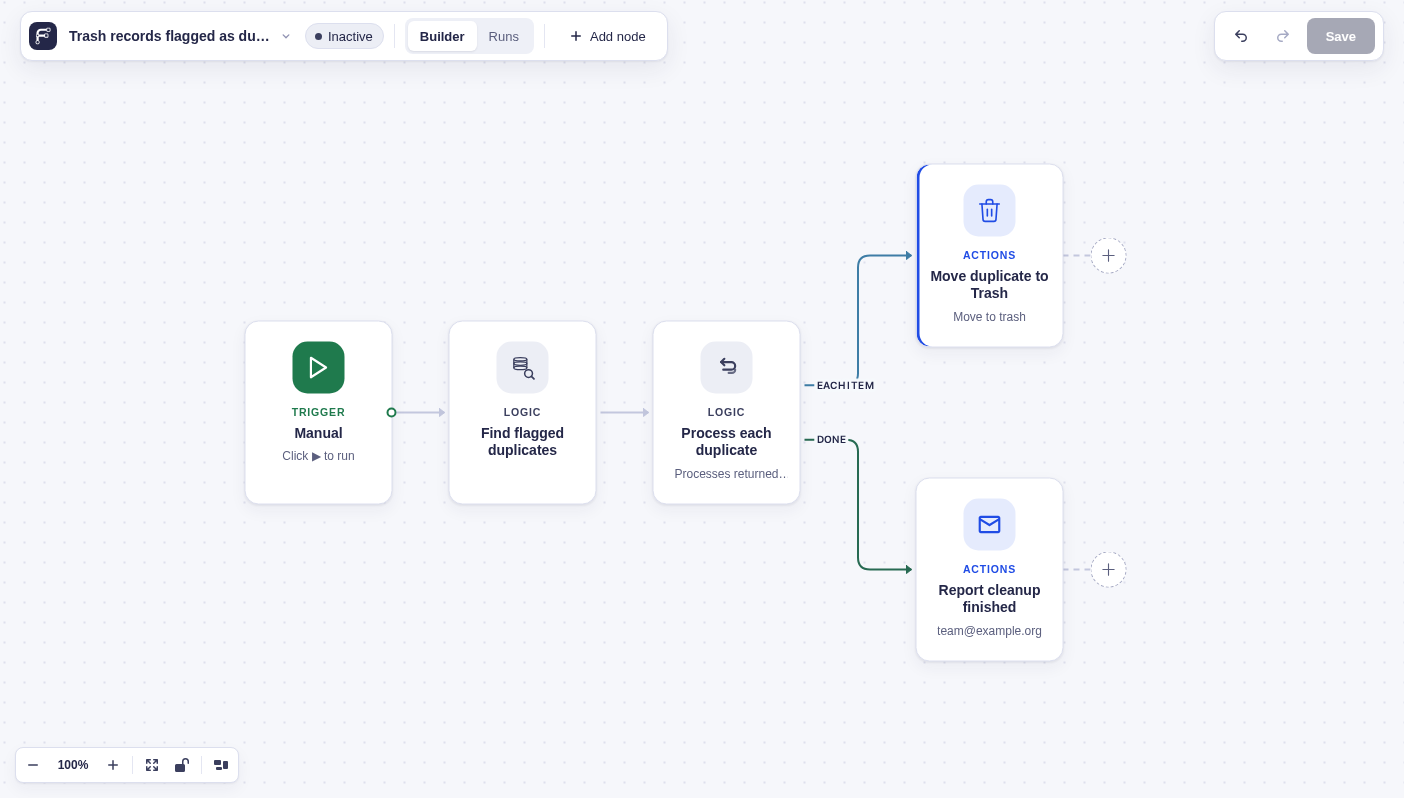
Section titled “Example”To clean up records already flagged as duplicates, use Get Entries to find active entries whose review flag is duplicate. Connect it to For Each and put Delete Entry on Each Item. Choose Move to trash so each duplicate remains recoverable. A Done branch can notify the team when the cleanup pass finishes.
Deduplicate keeps unique items but does not expose the dropped items, so its output is not a list of duplicate entries to delete.