Logic
Condition (data)
Send a run down a Yes or No branch by comparing upstream data.
Condition (data) compares flow tags or plain values from earlier steps. It does not require a Gravity Forms entry.
When to use it
Section titled “When to use it”Use it for API responses, webhook payloads, query counts, AI output, or any decision based on step output rather than entry fields.
Settings
Section titled “Settings”| Setting | What it controls |
|---|---|
| Conditions | One or more rules, each containing a source value, an operator, and a target value. Either value can be a flow tag or literal text. |
| Match | Whether all rules or any rule must match. |
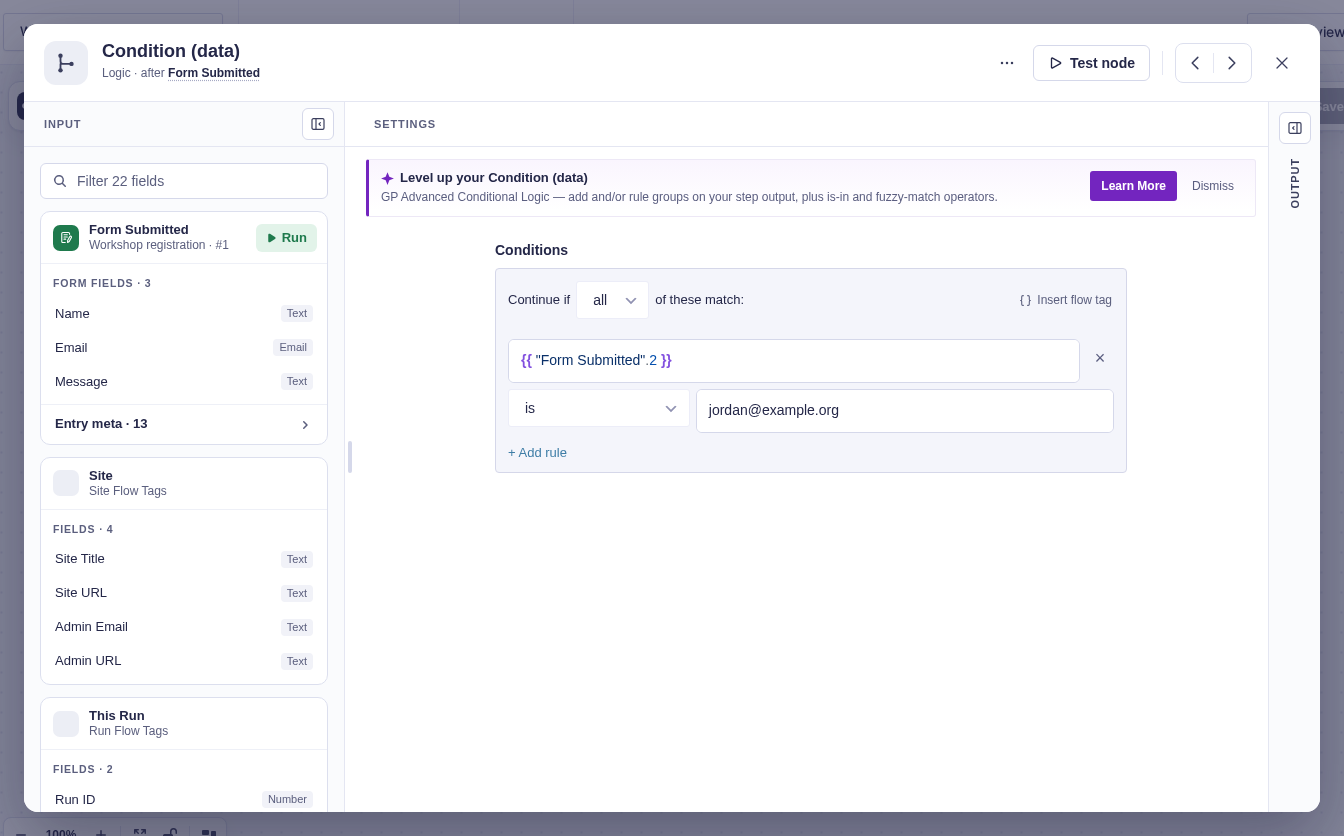
Core operators are is, is not, greater than, less than, contains, starts with, and ends with.
Output and branches
Section titled “Output and branches”- Yes runs when the configured logic matches.
- No runs when it does not.
resultisyesorno.logic_typeisallorany.rulesrecords the resolved values, operator, and result for each comparison.
Good-to-knows
Section titled “Good-to-knows”- An unresolved flow tag remains as its literal
{{ ... }}text instead of becoming blank. Test both branches with representative output so missing runtime paths are obvious.
Example
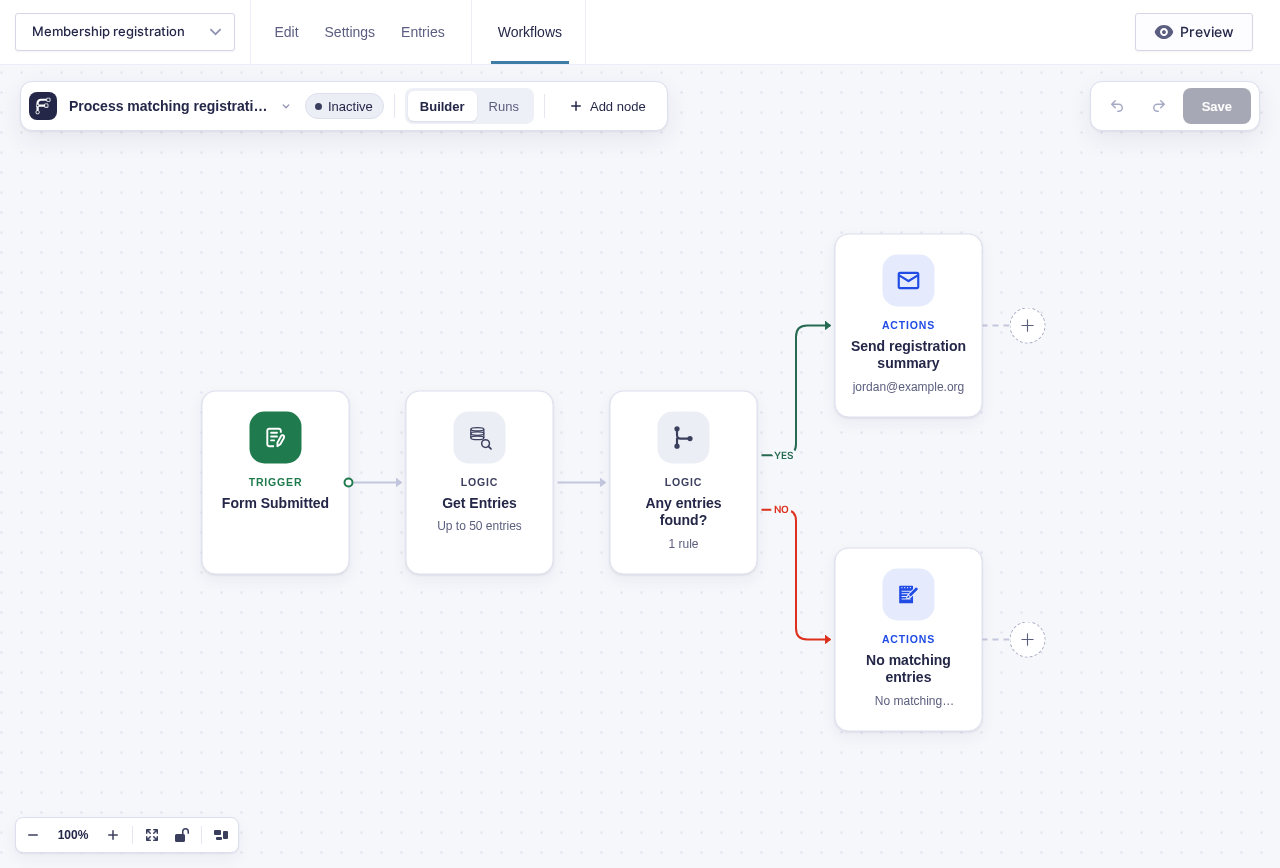
Section titled “Example”To branch on whether a query found registrations:
- Add Get Entries and configure the form and filters.
- In Condition (data), compare the Get Entries
countflow tag with0using greater than. - Connect Yes to Send Email and include the count in a registration summary.
- Connect No to Add Entry Note to record that no matching registrations were found.