

Triggers
Webhook Trigger
Start a workflow when an external service calls a unique URL.
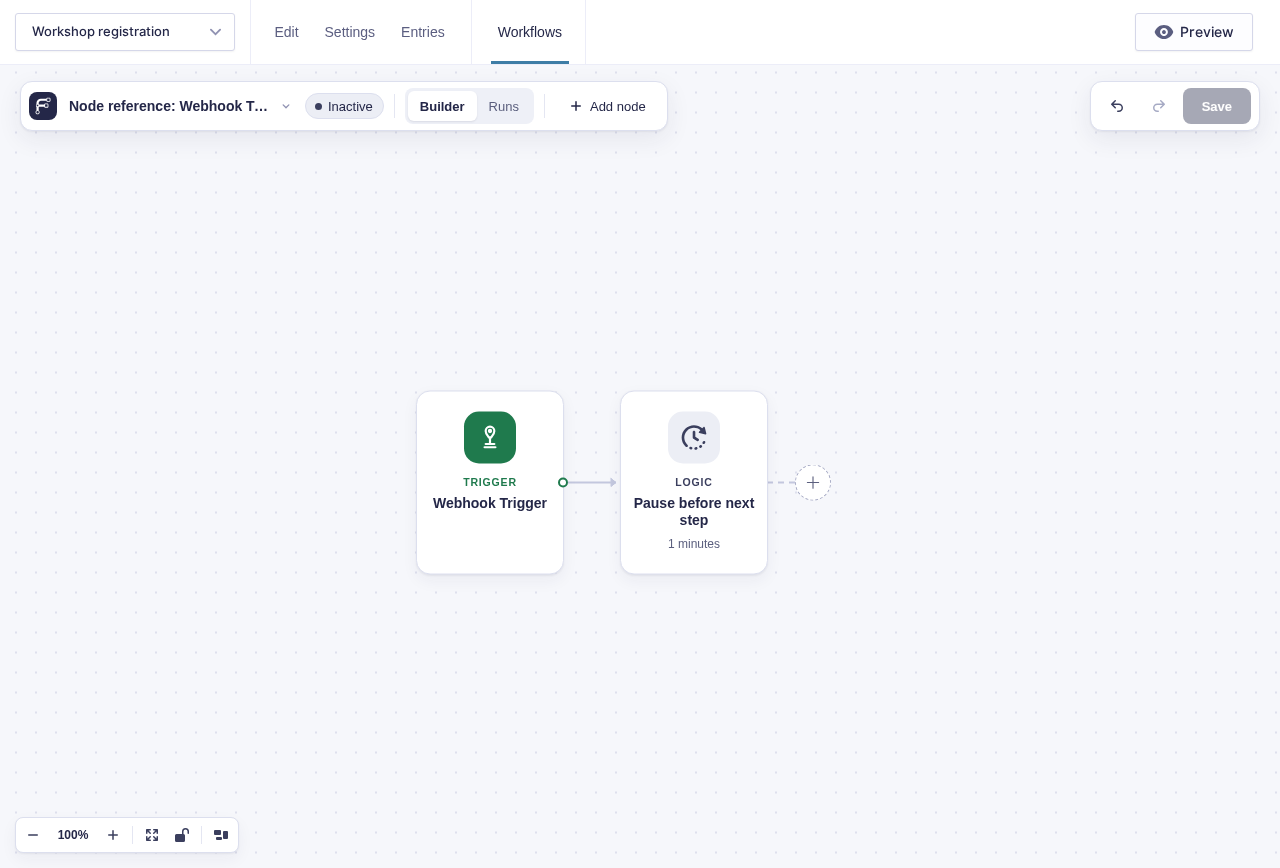
Webhook Trigger gives a workflow a public URL. An incoming HTTP request starts a run and makes the request data available to later steps.
Webhook Trigger is provided by GC API Alchemist. Flowcrafter advertises it in the step picker when API Alchemist is inactive; installing and activating API Alchemist unlocks the trigger.
When to use it
Section titled “When to use it”Use it when you need a payment service, CRM, another website, or an automation tool to start a workflow.
Settings
Section titled “Settings”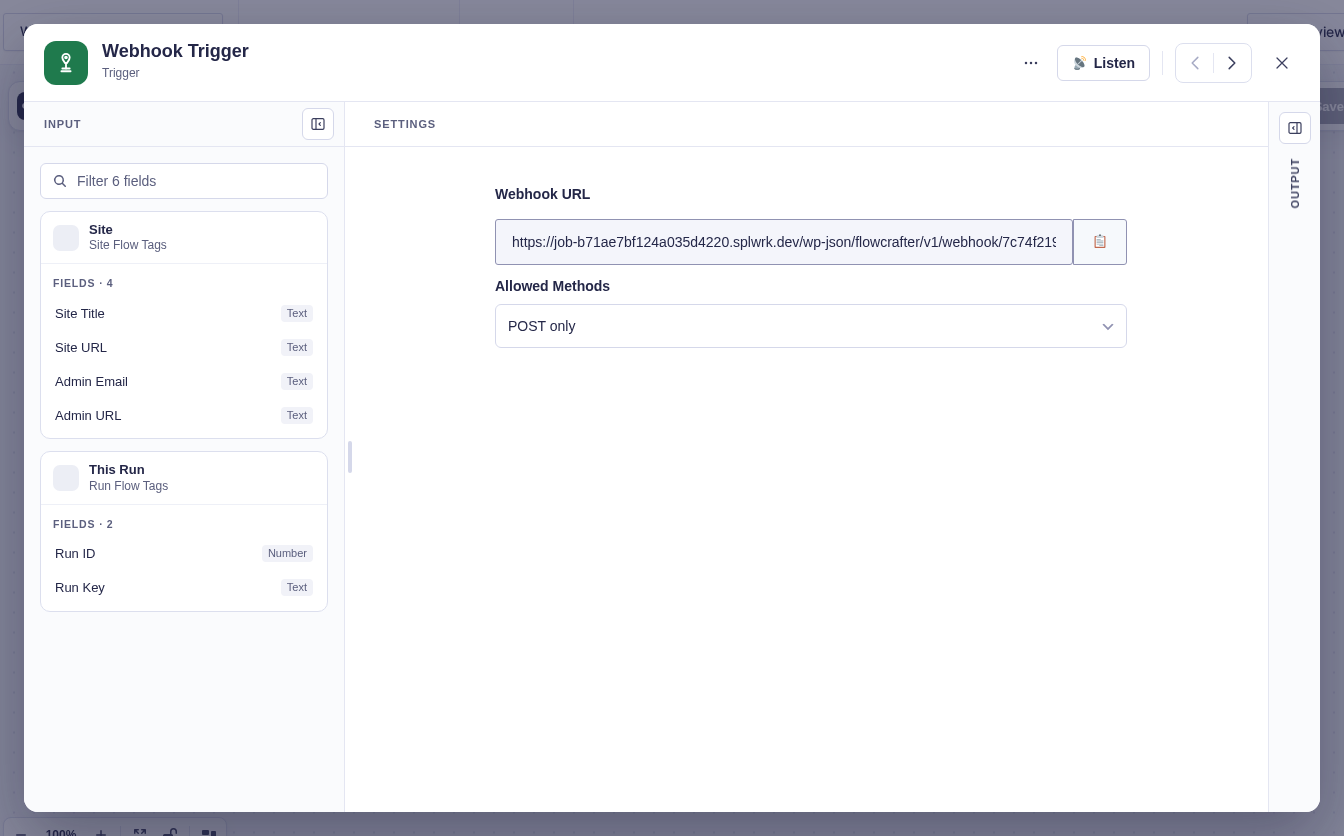
| Setting | What it controls |
|---|---|
| Webhook URL | Generated after the workflow is saved. Copy this URL into the sending service. |
| Allowed methods | Accept Any method (default), or only POST, GET, or PUT. |
Use Listen for webhook during testing to capture a real request and expose its fields in the flow tag picker.
Output and branch
Section titled “Output and branch”The single default branch receives:
| Output | Meaning |
|---|---|
method |
HTTP method used by the sender. |
headers |
Request headers. |
body |
A parsed object for JSON, otherwise the raw body text. |
query_params |
URL query parameters. |
ip |
Sender IP address. |
run_started_at, run_started_timestamp |
When this run started, in site time and as a Unix timestamp. |
last_completed_run_started_at, last_completed_run_started_timestamp |
When the last run that completed successfully started. Empty until a run has completed. |
Every trigger carries the two run-start values. To fetch only what’s new since the last run, put Last completed run started in Get Entries’ Created after and This run started in its Created before.
Security and known limitations
Section titled “Security and known limitations”- Production requests run only the saved, active, valid workflow. Test listening can use the frozen test workflow.
- The random URL token is the core access check. Treat the URL like a password; core does not verify provider signatures.
- Requests larger than the site’s maximum upload size are rejected.
- Provider retries are deduplicated by a supported delivery header, or by the raw body when no delivery ID is sent.
- A disallowed method returns an error instead of starting a run.
Example
Section titled “Example”For a payment callback:
- Set Allowed methods to POST.
- Have the provider send JSON such as
{"entry_id":42,"status":"paid"}. - Use Condition (data) to compare the webhook body’s
statuswithpaidbefore updating entry42.