Actions
HTTP Request
Call an external API or webhook and use its response later in the workflow.
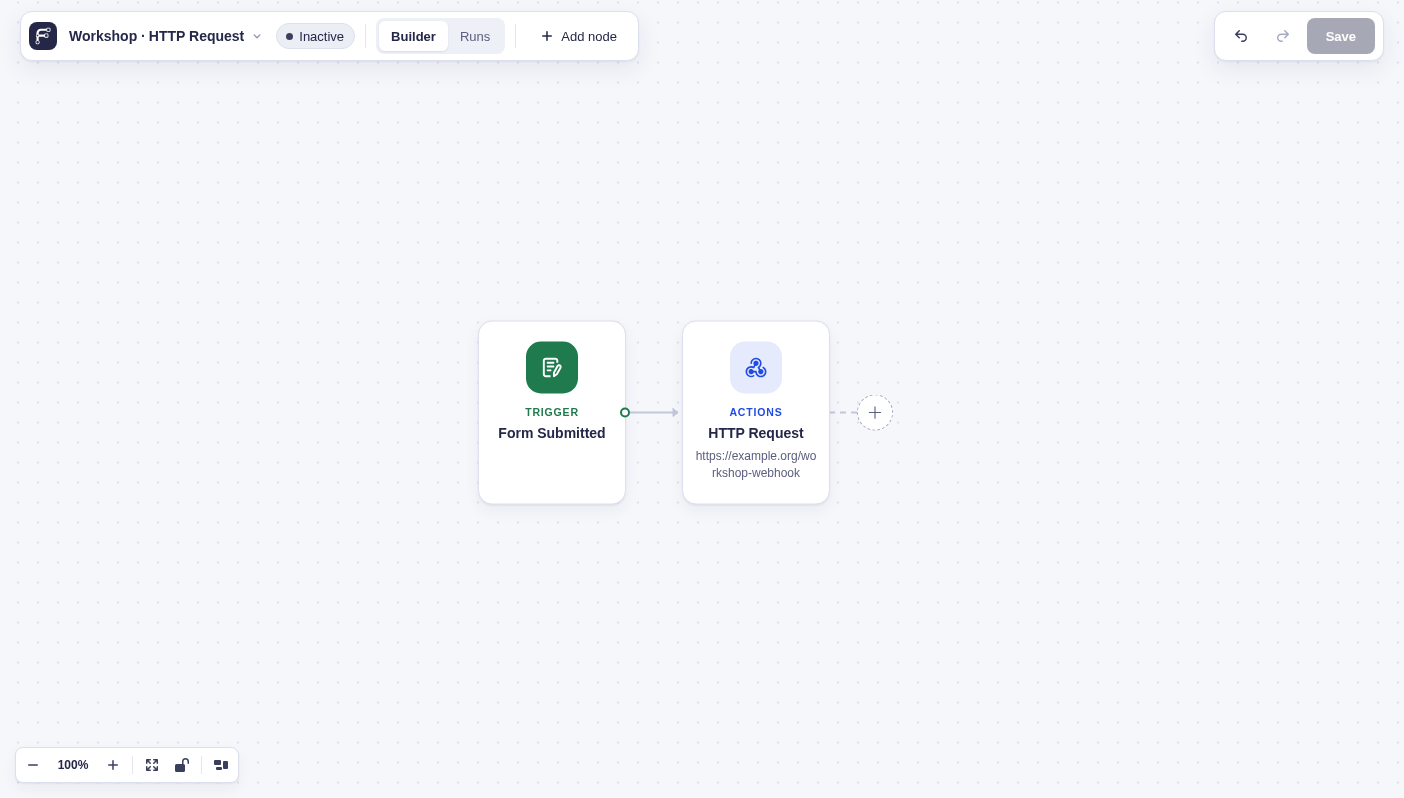
Send an HTTP request to a public API or webhook.
When to use it
Section titled “When to use it”Use this for a direct call to a service that accepts a URL, headers, and a request body. Build values from earlier results with flow tags. For reusable authentication and connection profiles, GC API Alchemist extends this node’s capabilities.
Settings
Section titled “Settings”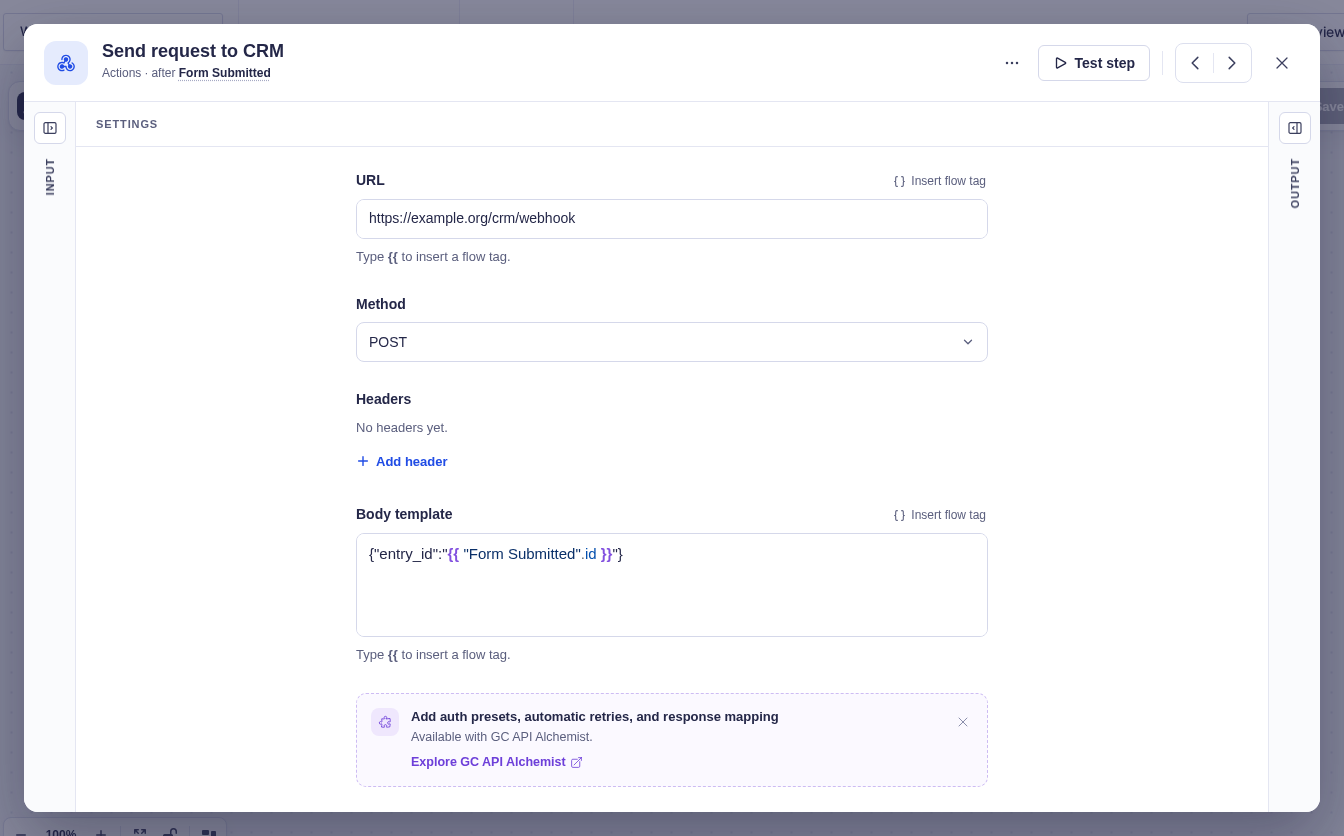
| Setting | What it controls |
|---|---|
| URL | The destination. Supports flow tags. |
| Method | GET, POST (default), PUT, PATCH, or DELETE. |
| Headers | Key/value request headers. Values support flow tags. With no headers, Flowcrafter adds Content-Type: application/json. |
| Body Template | The request body. Supports flow tags. A body entered for GET or HEAD is dropped. |
Output and branches
Section titled “Output and branches”The step has one output with HTTP status code, Response headers, and Response body. JSON objects and arrays become data that later steps can inspect; other responses remain text.
Troubleshooting
Section titled “Troubleshooting”- A
4xxor5xxresponse is still a completed request. The step succeeds and exposes the status and body so a Condition (data) can handle it. - DNS, connection, and timeout failures return an error — use the step’s retry policy, and fail the run after the allowed attempts are exhausted.
Example
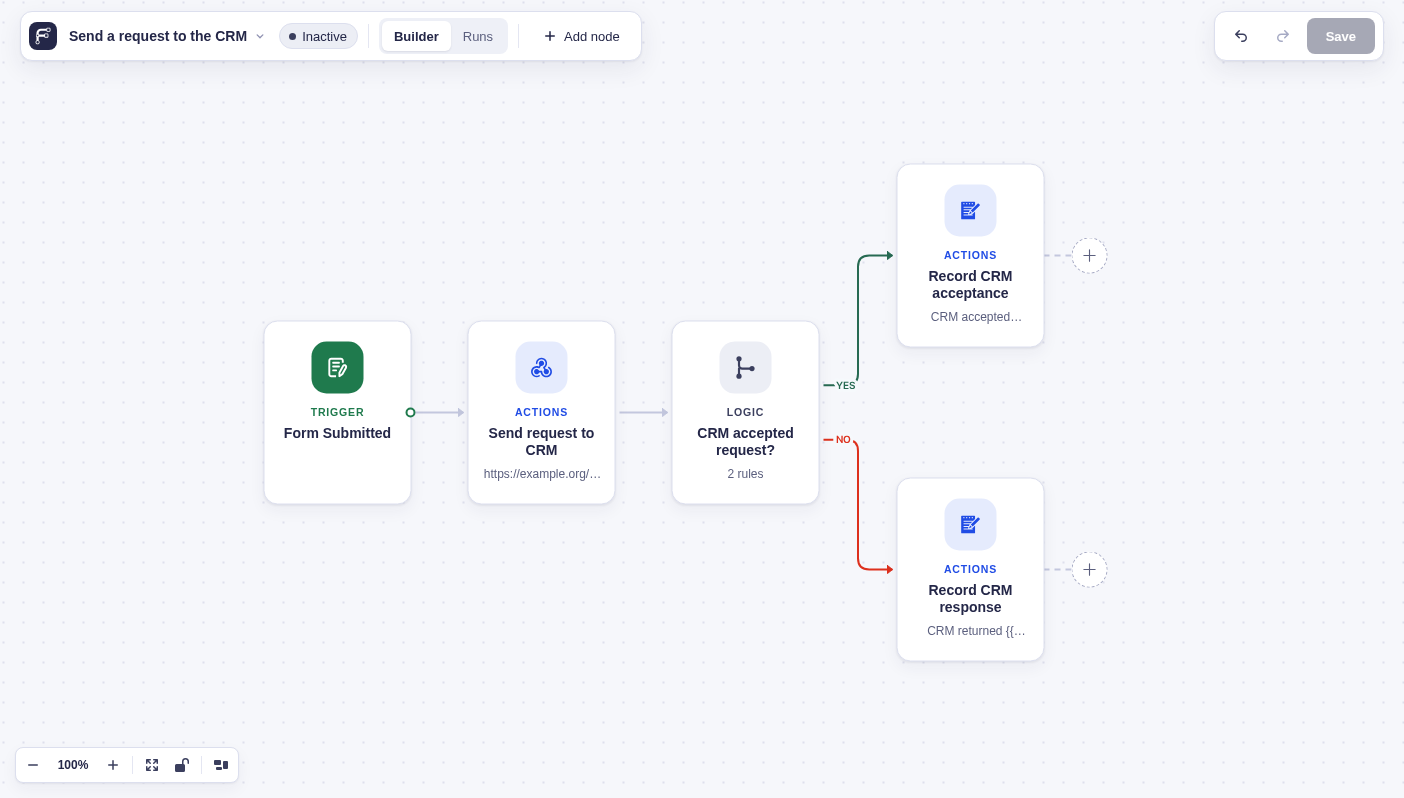
Section titled “Example”Send each new form submission to your CRM with a POST request. Include the entry ID in the request body:
{"entry_id":"{{ "Form Submitted".id }}"}
Then, use a Condition (data) node to check the CRM’s HTTP status code. For a successful response (200–299), continue the workflow. For any other status, add a note to the entry so the failed sync is easy to identify and troubleshoot.