Flow
Delay
Pause the workflow before moving on to the next step.
Delay pauses a workflow for a duration or until a specific date and time, then continues on its single path.
When to use it
Section titled “When to use it”Use Delay when a later step should run at a known time, such as sending a reminder three days after submission or waiting until an event date.
Settings
Section titled “Settings”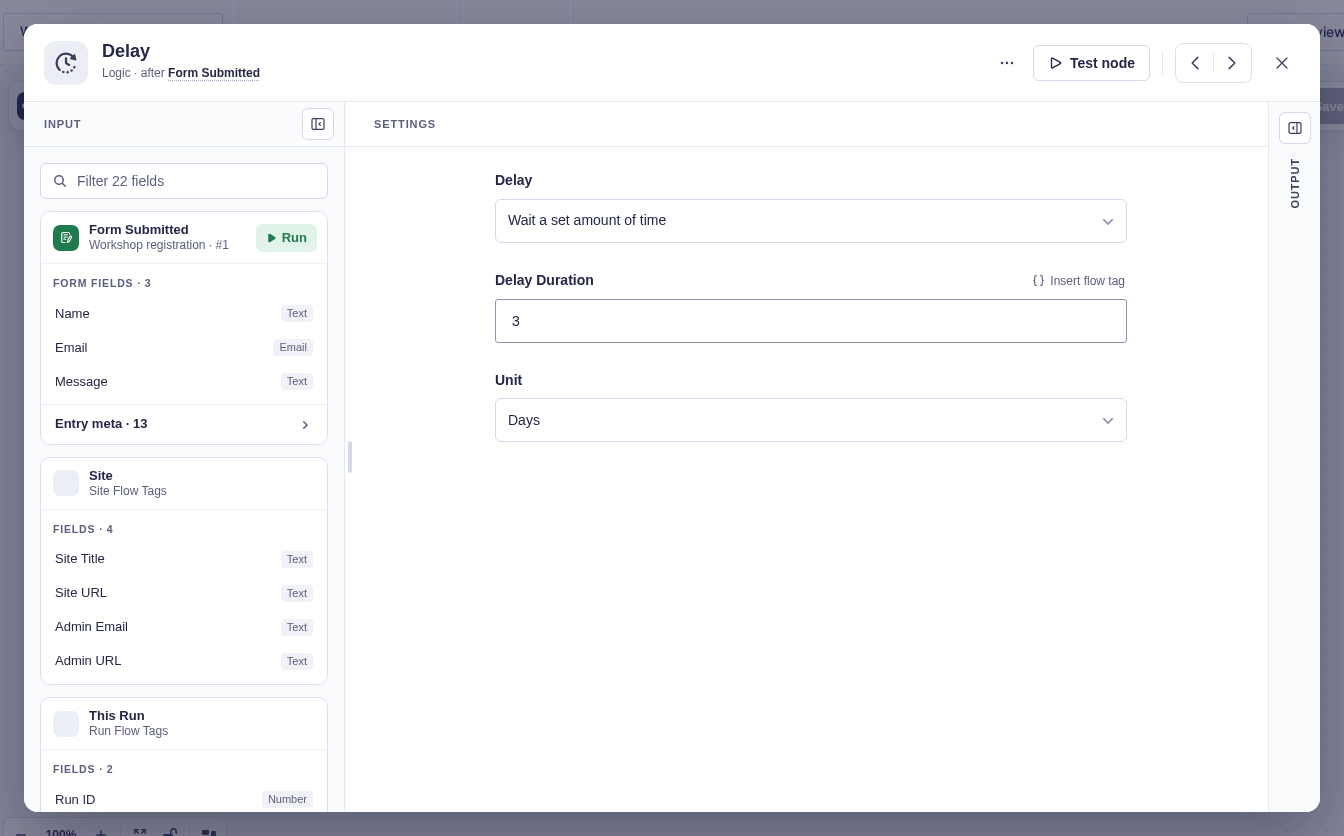
| Setting | What it does |
|---|---|
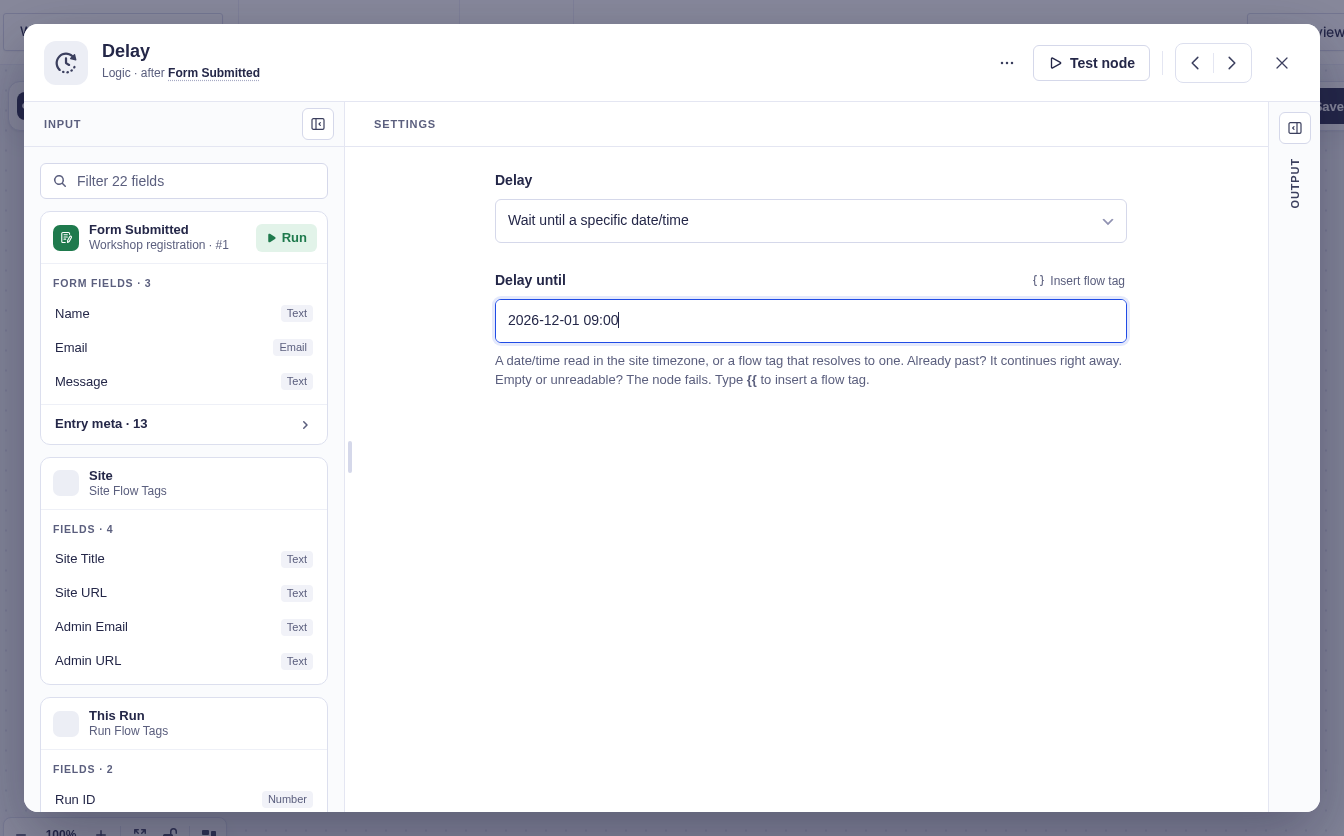
| Delay | Chooses Wait a set amount of time or Wait until a specific date/time. |
| Delay duration | Sets the relative amount. Defaults to 1 and accepts flow tags. |
| Unit | Sets seconds, minutes, hours, days, or weeks. Defaults to minutes. |
| Delay until | Sets an absolute date/time or a flow tag that resolves to one. It is read in the site’s timezone. |
Output and branches
Section titled “Output and branches”Delay has one output path and adds no flow tag output. The next step is scheduled after the wait.
Good-to-knows
Section titled “Good-to-knows”- A Delay until value in the past continues immediately.
- An empty or unreadable Delay until value fails the step.
- Delay is not allowed inside a For Each Each item branch. Put it before For Each or on Done.
- If the Delay node fails, the workflow’s error handling may retry it. A retry repeats the same delay operation.
Example
Section titled “Example”To send a follow-up two days after a form submission, choose Wait a set amount of time, enter 2 for Delay duration, choose Days, and connect Send Email after Delay.