Actions
Update Entry Status
Move a Gravity Forms entry between active, spam, and trash.
Change an entry’s status to active, spam, or trash.
When to use it
Section titled “When to use it”Use this when a workflow decides how an entry should be filed: mark suspicious submissions as spam, trash rejected records, or restore an entry to active after review.
Settings
Section titled “Settings”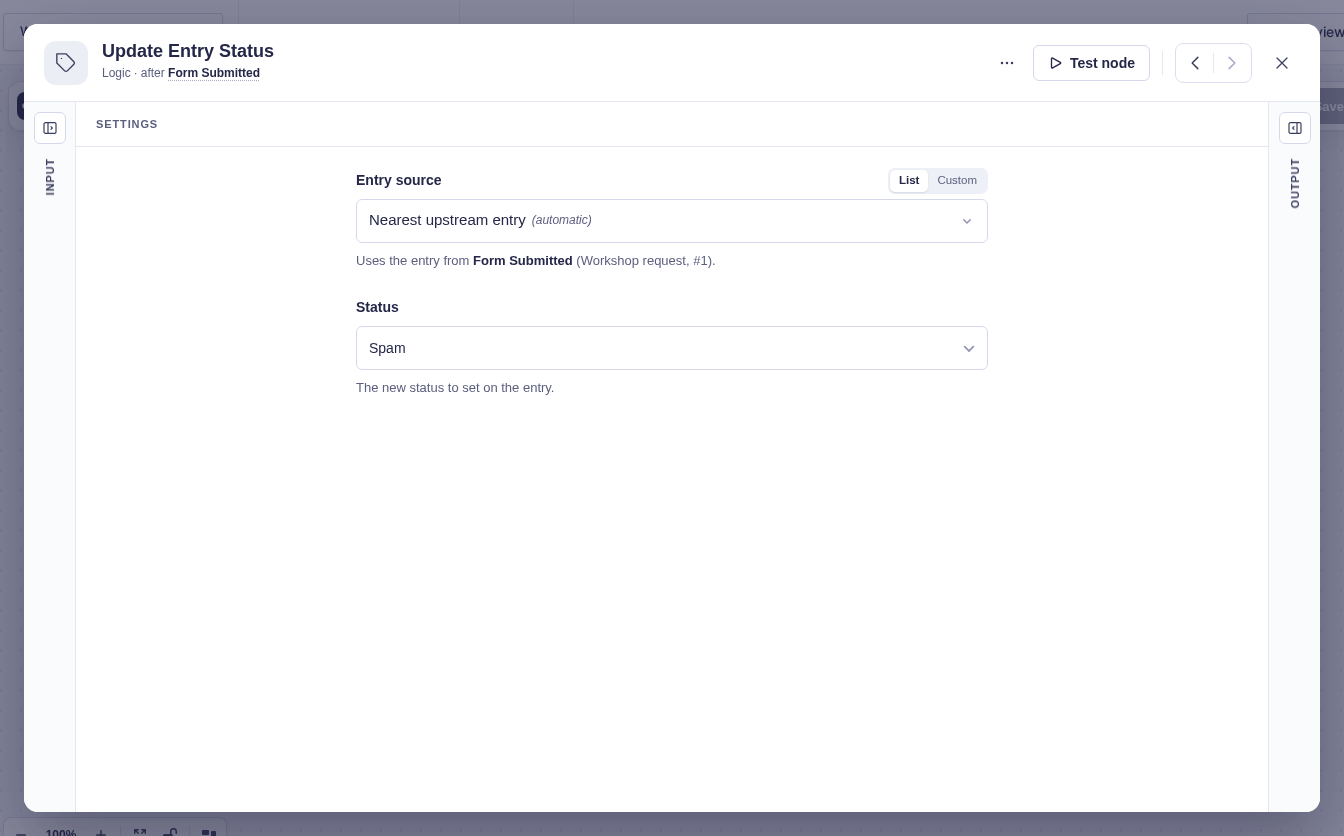
| Setting | What it controls |
|---|---|
| Form Source | The form that owns the entry. Usually detected automatically. |
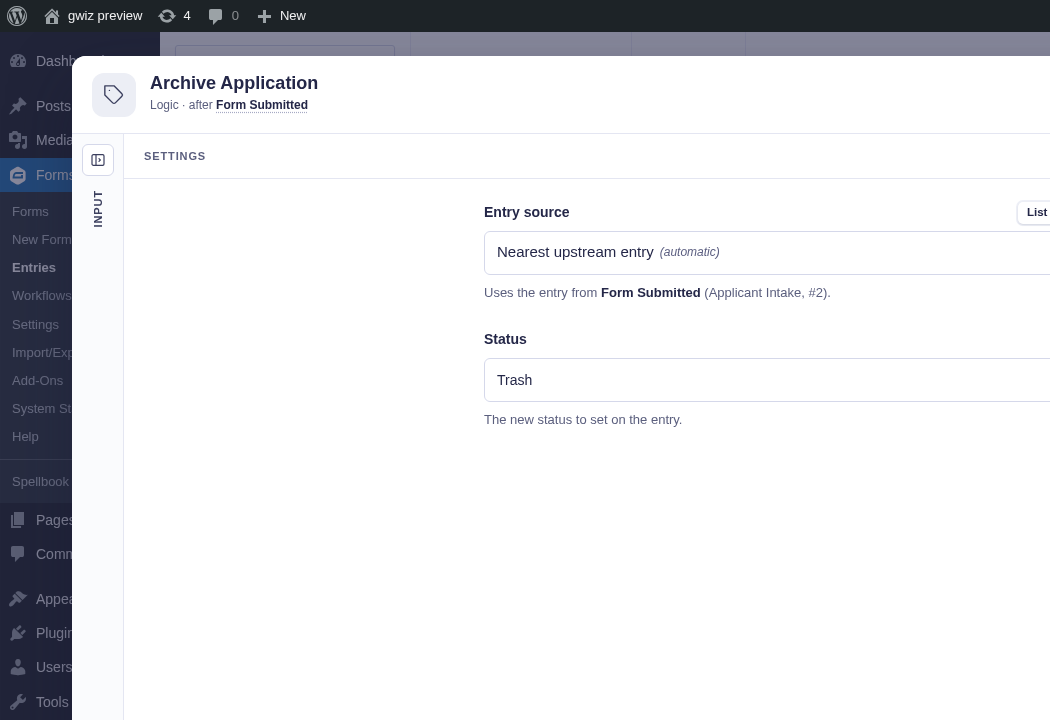
| Entry Source | The entry to update. It defaults to the current entry context and can target an earlier step’s entry. |
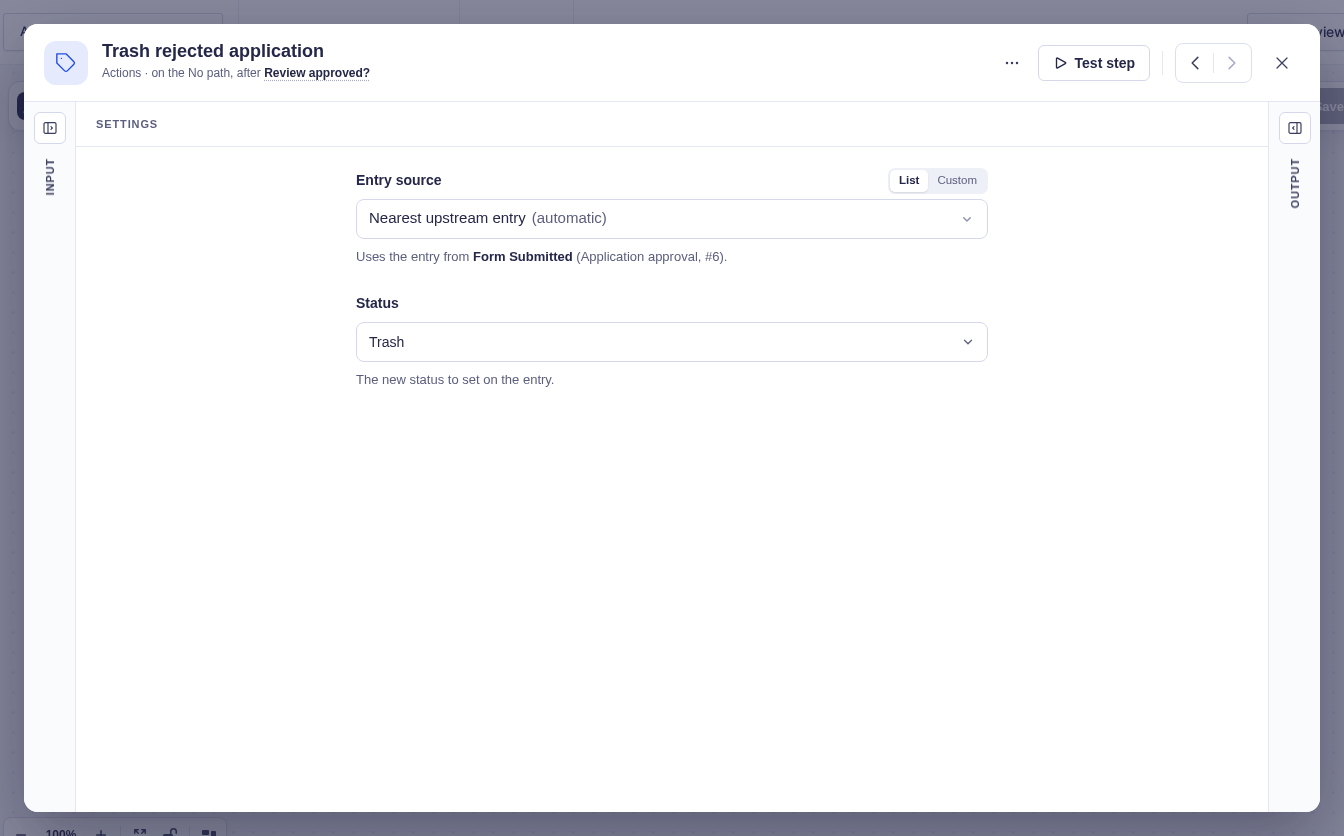
| Status | The new status: Active (default), Spam, or Trash. |
Output and branches
Section titled “Output and branches”The step follows one output and provides Entry ID, Old status, and New status. It fails if the entry cannot be resolved or Gravity Forms cannot save the status.
Trash is recoverable from the Gravity Forms entries screen. Use Delete Entry when permanent removal is required.
Example
Section titled “Example”On the “rejected” branch of a Condition, choose Trash. A later manual review can still restore the entry.