

Getting Started
Installation & Setup
Install Flowcrafter, check its requirements, and find its workflow screens in WordPress.
Flowcrafter is a WordPress plugin for Gravity Forms. Install it after Gravity Forms is active, then create workflows from a form’s Workflows screen.
Before you start
Section titled “Before you start”| Requirement | What you need |
|---|---|
| Gravity Forms | An active Gravity Forms installation. |
| WordPress | Version 6.8 or newer. |
| PHP | Version 8.0 or newer. |
| Action Scheduler | Nothing extra to install. Flowcrafter includes it for background processing. |
Install with Spellbook
Section titled “Install with Spellbook”Flowcrafter is available through Spellbook, our plugin manager.
- Install and activate Spellbook.
- Open Spellbook under Forms › Spellbook and search for Flowcrafter.
- Select Install, then activate.
- Confirm that Forms › Workflows now appears (might need a page refresh).
See Installing Your First Plugin with Spellbook if you need help with Spellbook itself.
Find your workflows
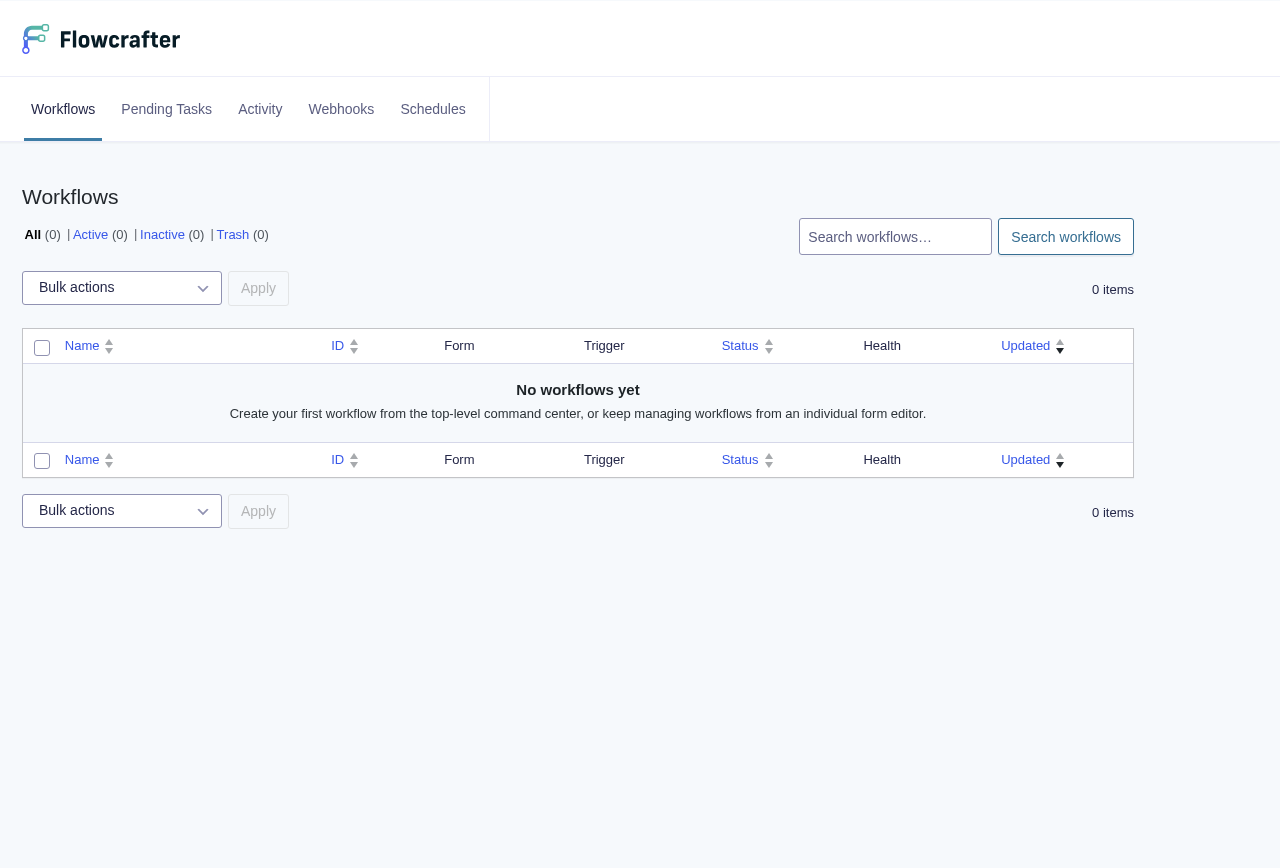
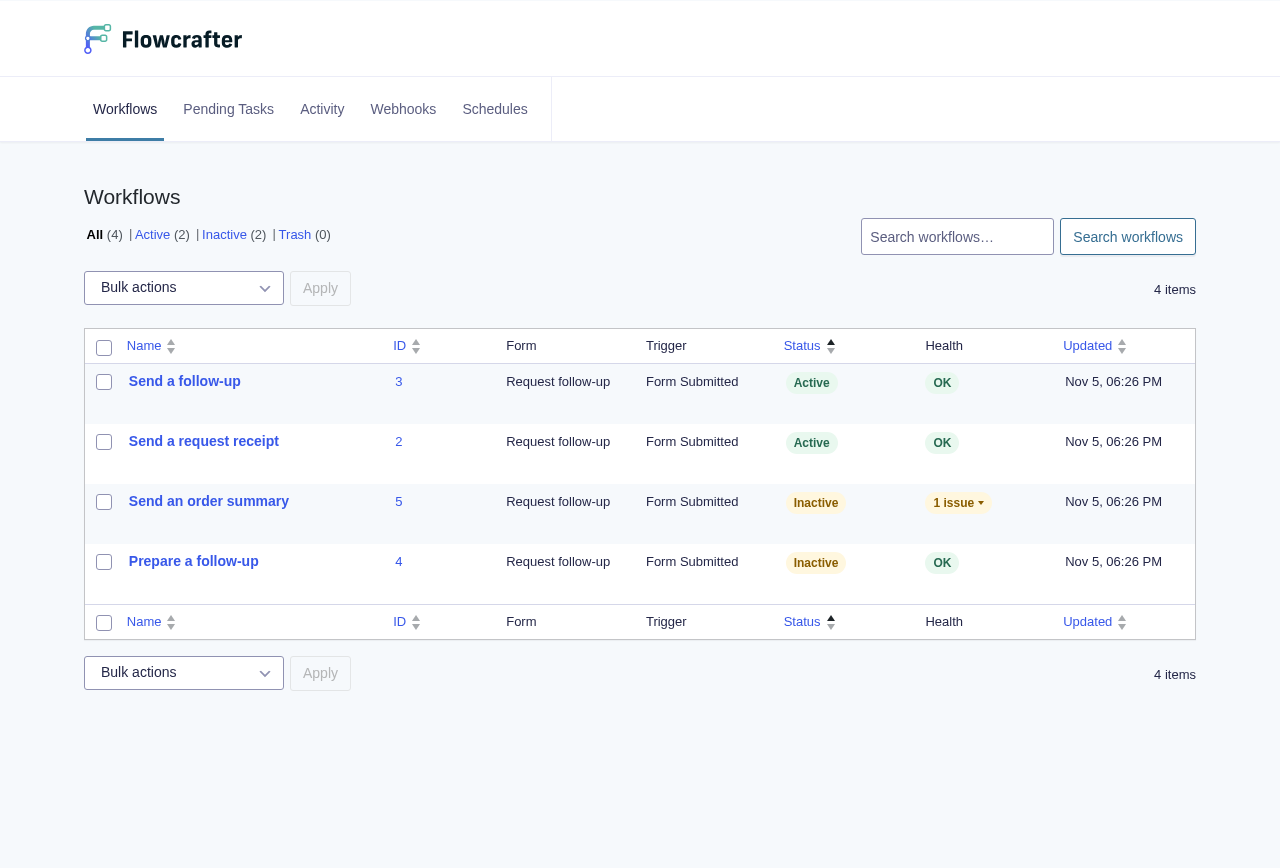
Section titled “Find your workflows”The Forms › Workflows page lists workflows across the site. Each workflow has a primary Gravity Forms form. To create one, open that form and select Workflows in its toolbar.
Global workflows: coming soon.
Create safely
Section titled “Create safely”New workflows start Inactive. An inactive workflow can be edited, saved, and tested, but automatic triggers do not start production runs.
Build and review the workflow first. Change the toolbar control from Inactive to Active only when it should respond to real submissions, schedules, or webhooks.