Actions
Add Entry Note
Append a note to a Gravity Forms entry.
Add a human-readable note to a Gravity Forms entry, just as you would from the entry detail screen.
When to use it
Section titled “When to use it”Use this when staff should be able to see what the workflow did: record an approval, an external service response, or a processing timestamp. Use Set Entry Meta instead for data meant for code rather than people.
Settings
Section titled “Settings”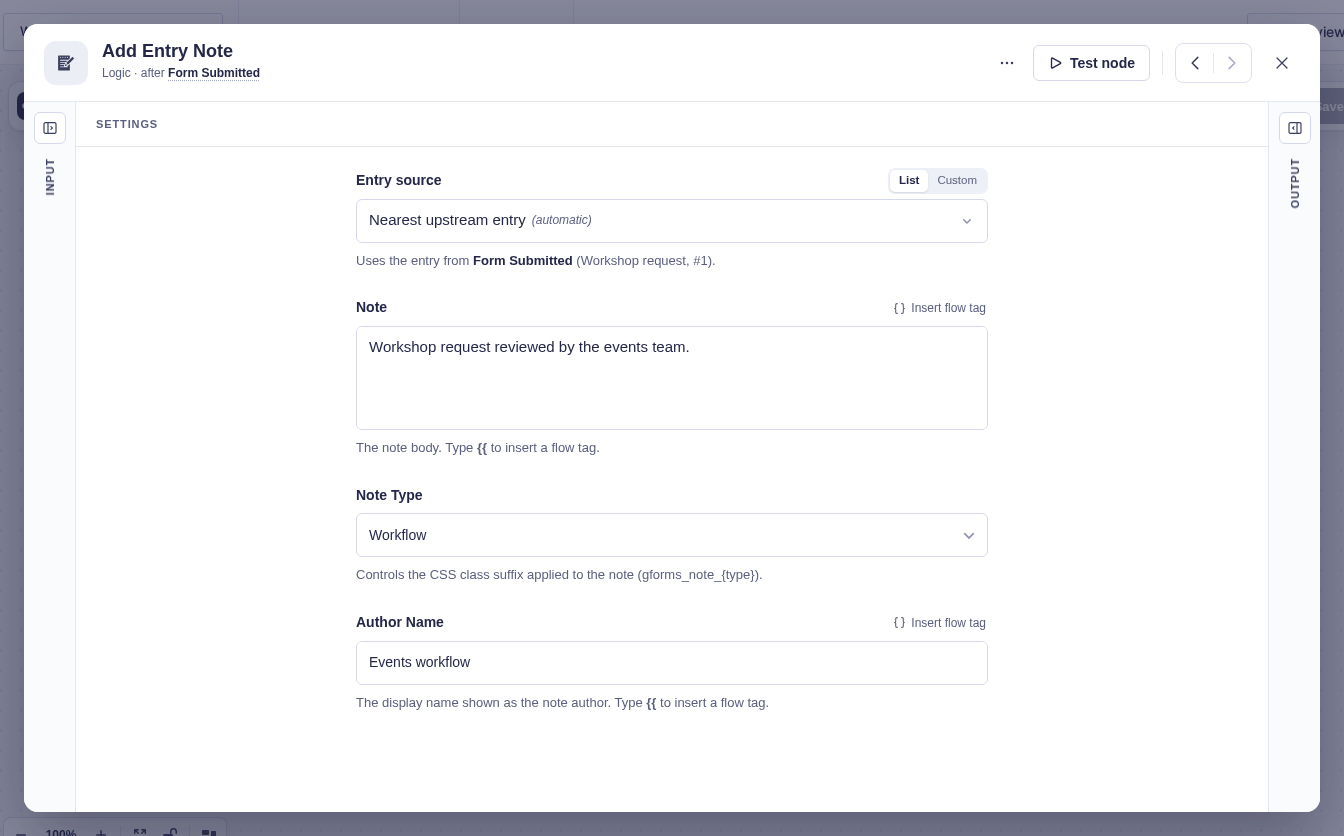
| Setting | What it controls |
|---|---|
| Form Source | The form that owns the entry. Flowcrafter usually detects it from the workflow or an earlier step. |
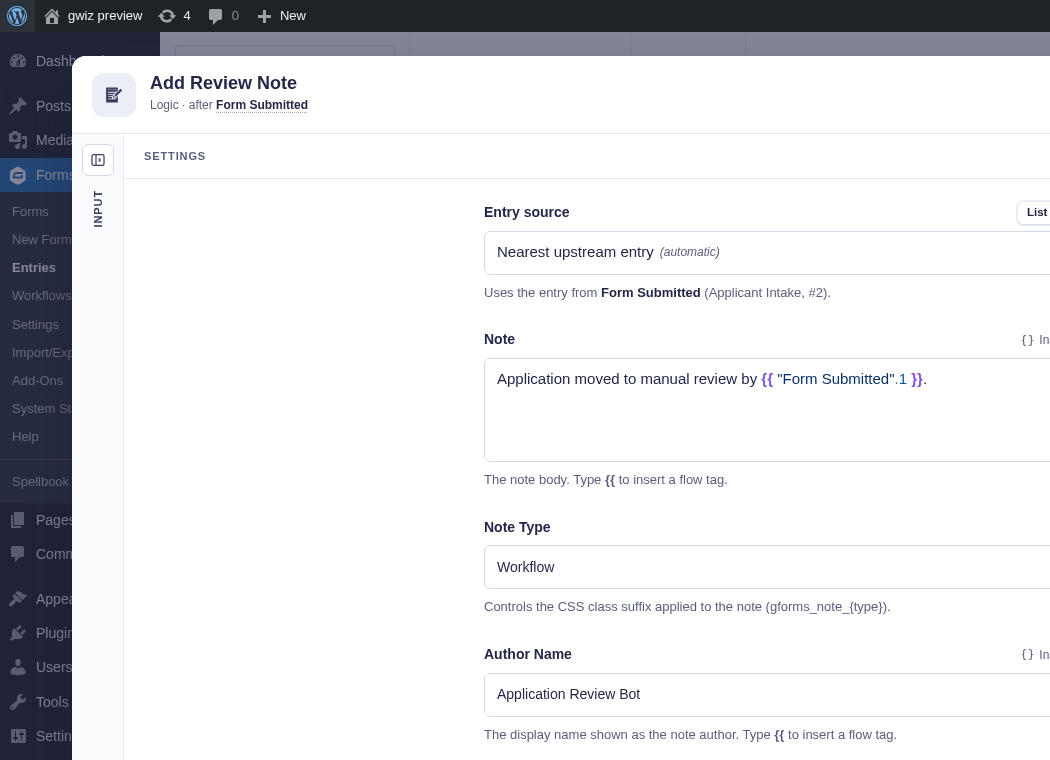
| Entry Source | The entry to update. It defaults to the entry in the current workflow context; use a flow tag to target another entry. |
| Note | The required note text. Supports flow tags. It must not be empty after tags are resolved. |
| Note Type | The Gravity Forms note style: User (default), Workflow, or System. |
| Author Name | The displayed author. Defaults to Flowcrafter and supports flow tags. |
Output and branches
Section titled “Output and branches”The step continues through its single output and provides Note ID. It fails if no entry can be resolved, the note is empty, or Gravity Forms cannot create it.
Example
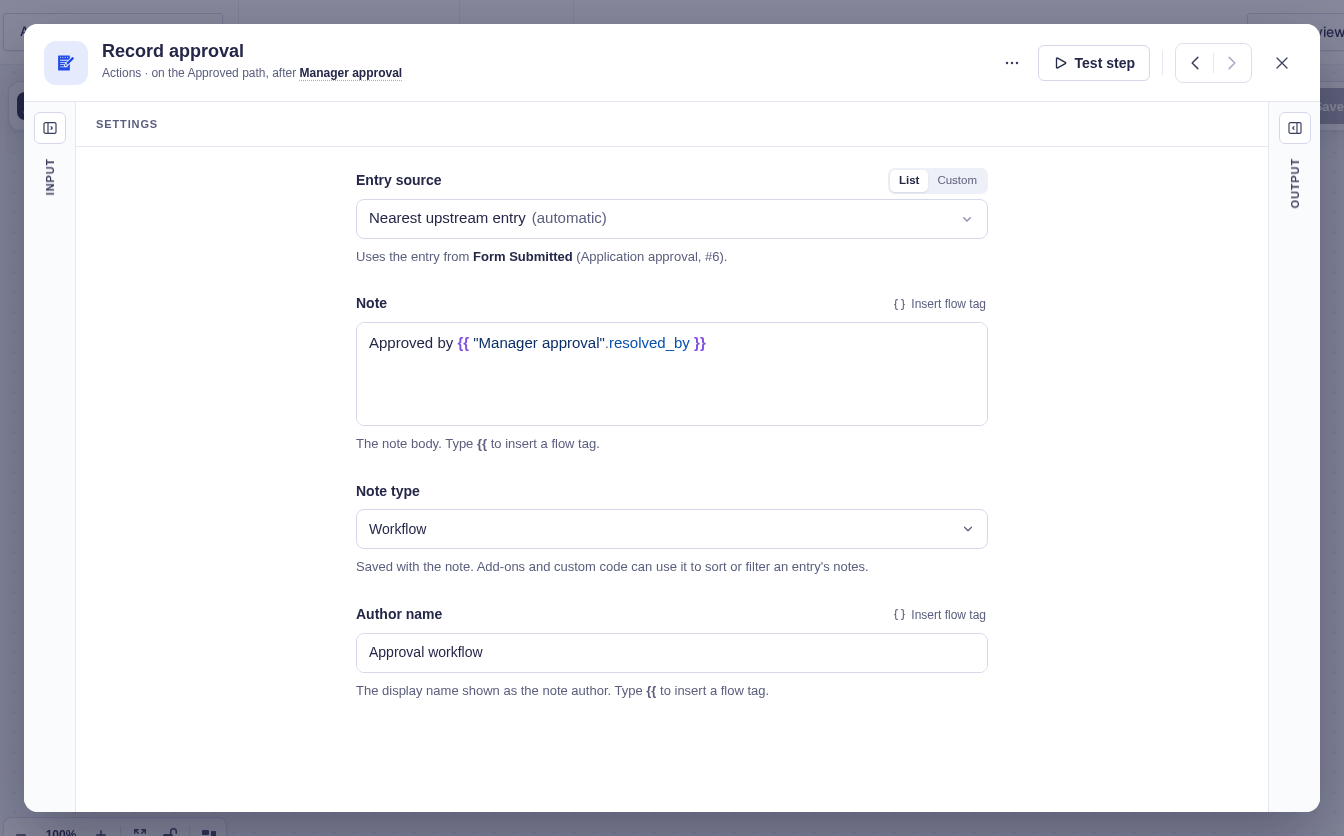
Section titled “Example”To leave an audit trail on the Approved branch of a Wait for Approval node named Manager approval:
- Note:
Approved by {{ "Manager approval".resolved_by }} - Note Type: Workflow
- Author Name:
Approval workflow