

Building Workflows
Creating & Organizing Workflows
Create a workflow, keep it inactive while you build, and manage copies safely.
A workflow is one automation: a trigger followed by the nodes that should run. New workflows are named Untitled workflow and start Inactive, so automatic triggers cannot fire while you are still building or testing.
A developer can make new workflows start active with the flowcrafter_new_workflow_status filter (see Hooks). Keep the default for normal builder use. Returning active does not bypass validation; an invalid workflow remains inactive.
Where to create a workflow
Section titled “Where to create a workflow”| Place | Best for |
|---|---|
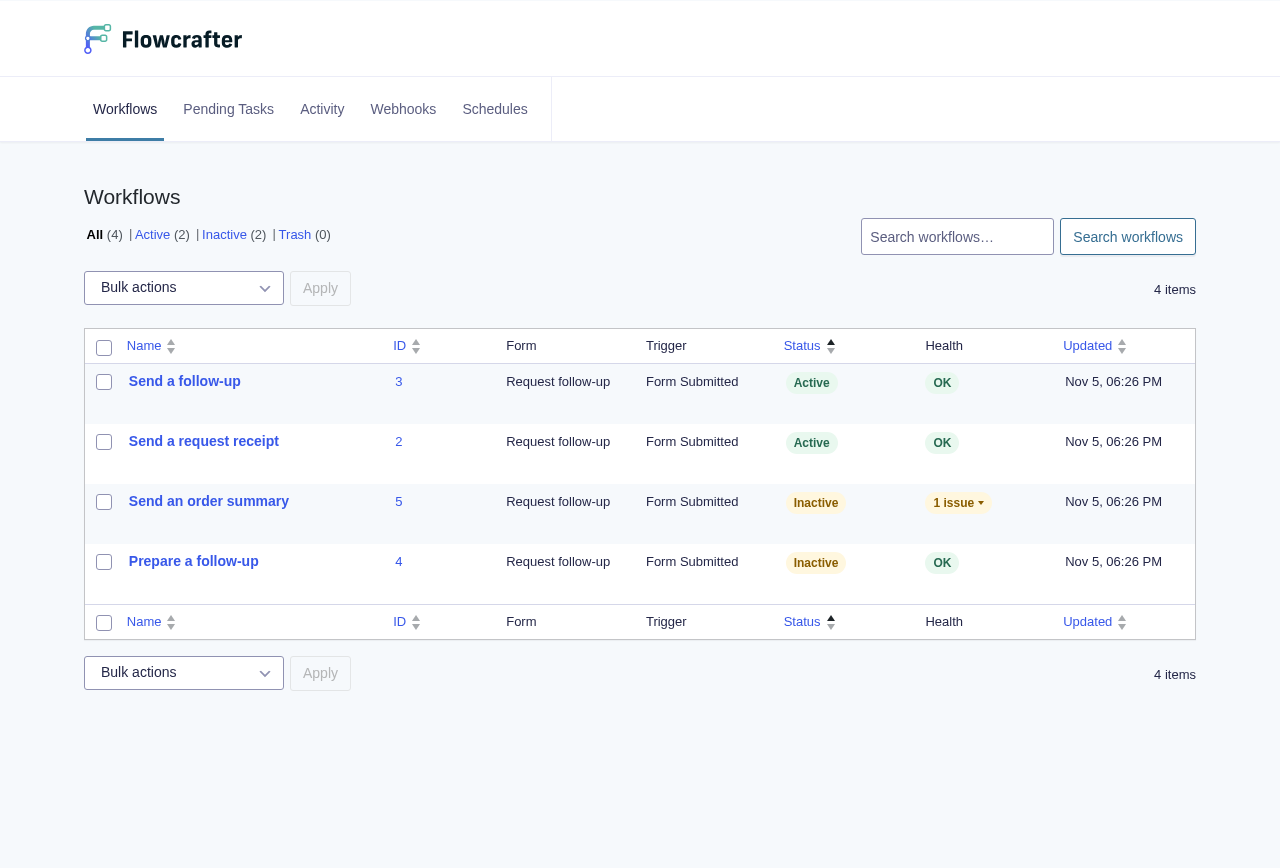
| Forms › Workflows | Seeing and managing every workflow |
| A form’s Workflows toolbar button | Creating a workflow attached to that form |
| Workflow builder | Adding nodes, connecting them, testing, saving, and activating |
Choose a form
Section titled “Choose a form”Every workflow is attached to one Gravity Forms form. Pick the form the automation begins with, or mainly acts on. The workflow is not limited to that form: nodes such as Get Entries can read entries from other forms.
Global workflows: coming soon.
Build before you activate
Section titled “Build before you activate”- Give the workflow an outcome-based name, such as Escalate overdue applications.
- Add a trigger and connect the nodes that should follow it.
- Save your changes.
- Test the paths that matter, including fallback and error paths.
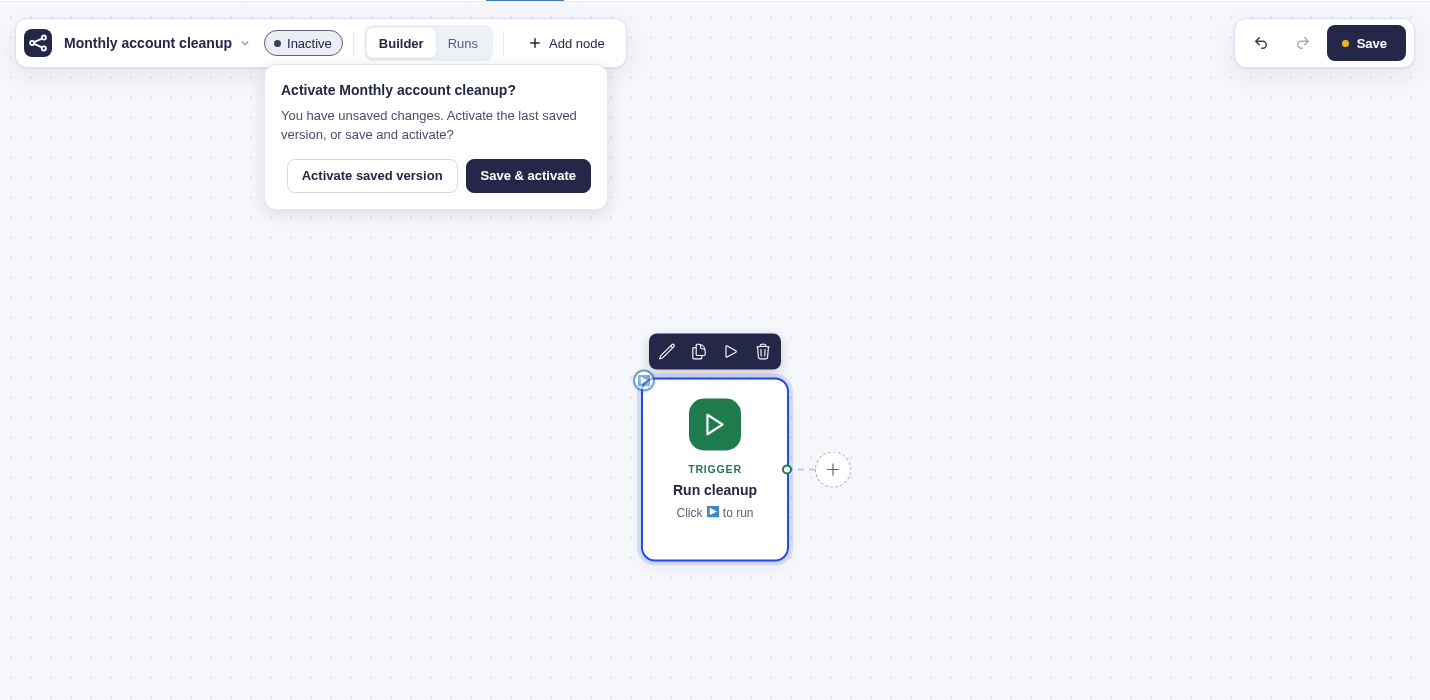
- Activate the workflow when it is ready for automatic triggers.
Inactive workflows ignore automatic form, schedule, and webhook triggers. You can still test them in the builder or start them manually.
Copy, deactivate, or delete
Section titled “Copy, deactivate, or delete”- Duplicate creates an inactive copy and opens it in the builder. A copied webhook workflow gets its own endpoint token.
- Deactivate stops new automatic runs. Runs already in progress keep using the frozen workflow they started with.
- Trash hides a workflow without deleting it permanently. Restore it from the Trash tab if needed.
- Delete Permanently cannot be undone.