

Under the Hood (Developers)
REST API
The flowcrafter/v1 REST namespace — the same surface the builder is built on, available to your own integrations.
The builder is a client of the same REST API you can call yourself. It lives under the flowcrafter/v1 namespace. Anything the builder does — build a workflow, run a test, read run history, approve a task — an integration can do too.
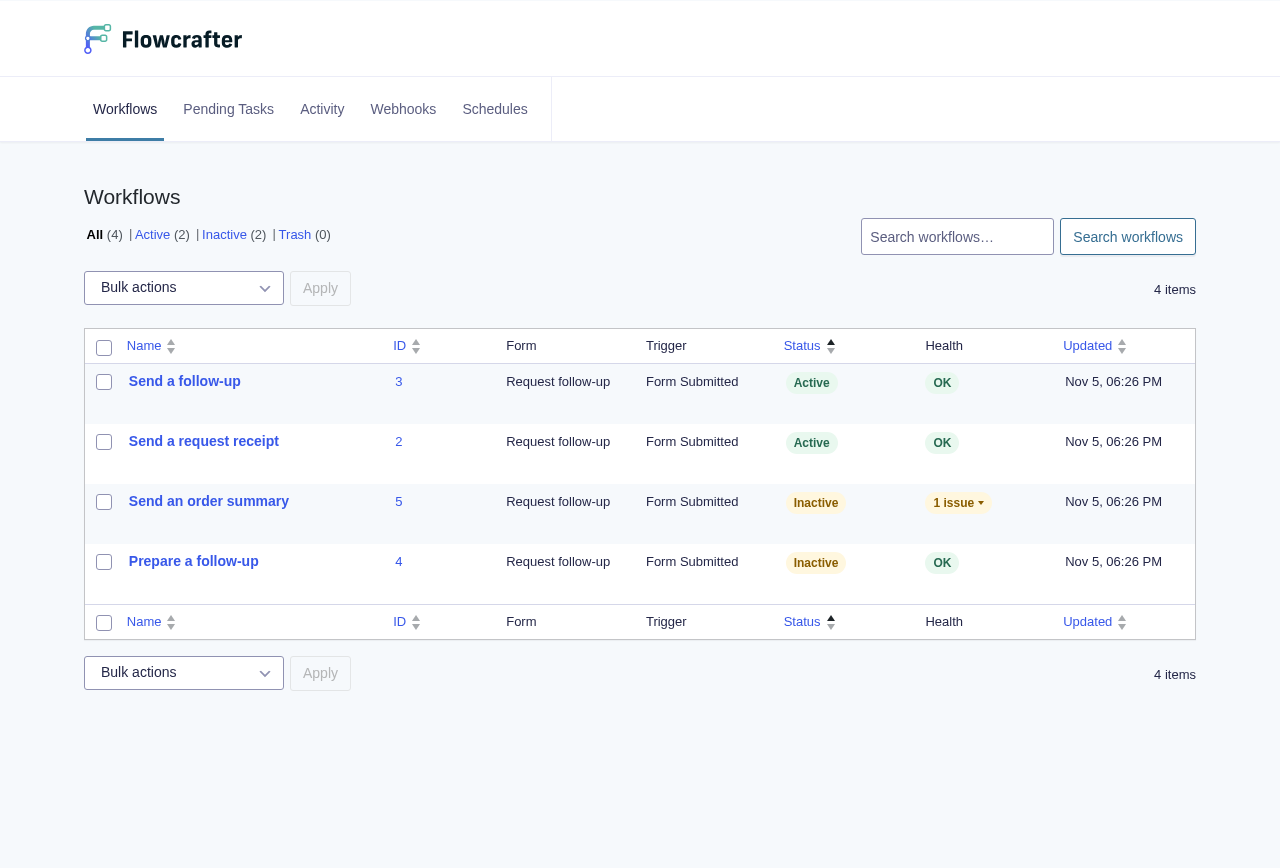
What flowcrafter/v1 covers
Section titled “What flowcrafter/v1 covers”- Workflows — create, read, update, delete, activate.
- Runs — list and read run history, plus operator actions: cancel, rerun, and stall-recovery tools (recover a stuck run, dispatch the next node, look up the next scheduled action).
- Tasks — the approval queue behind Wait for Approval: list pending approvals and approve or reject them.
- Test mode — create a test run, step it one node (or a batch) at a time, and stream progress. This is what the in-builder test runner is built on.
- Node types — the catalog the palette renders from, including which nodes are available vs. locked. Also the endpoint that converts a form’s existing Gravity Forms feeds into GF Feed nodes.
- Inventory — an at-a-glance list of every scheduled trigger and every inbound webhook across all your workflows.
- Templates — the starter recipes the template picker offers.
- Webhooks — the inbound endpoint a Webhook Trigger exposes (each with its own token), plus the run-webhook plumbing.
- Confirmation status — the endpoint the front-end confirmation poller checks so a form’s on-screen confirmation can update live as the run progresses.
You don’t need to memorize routes — the point is that the whole product is scriptable over flowcrafter/v1.
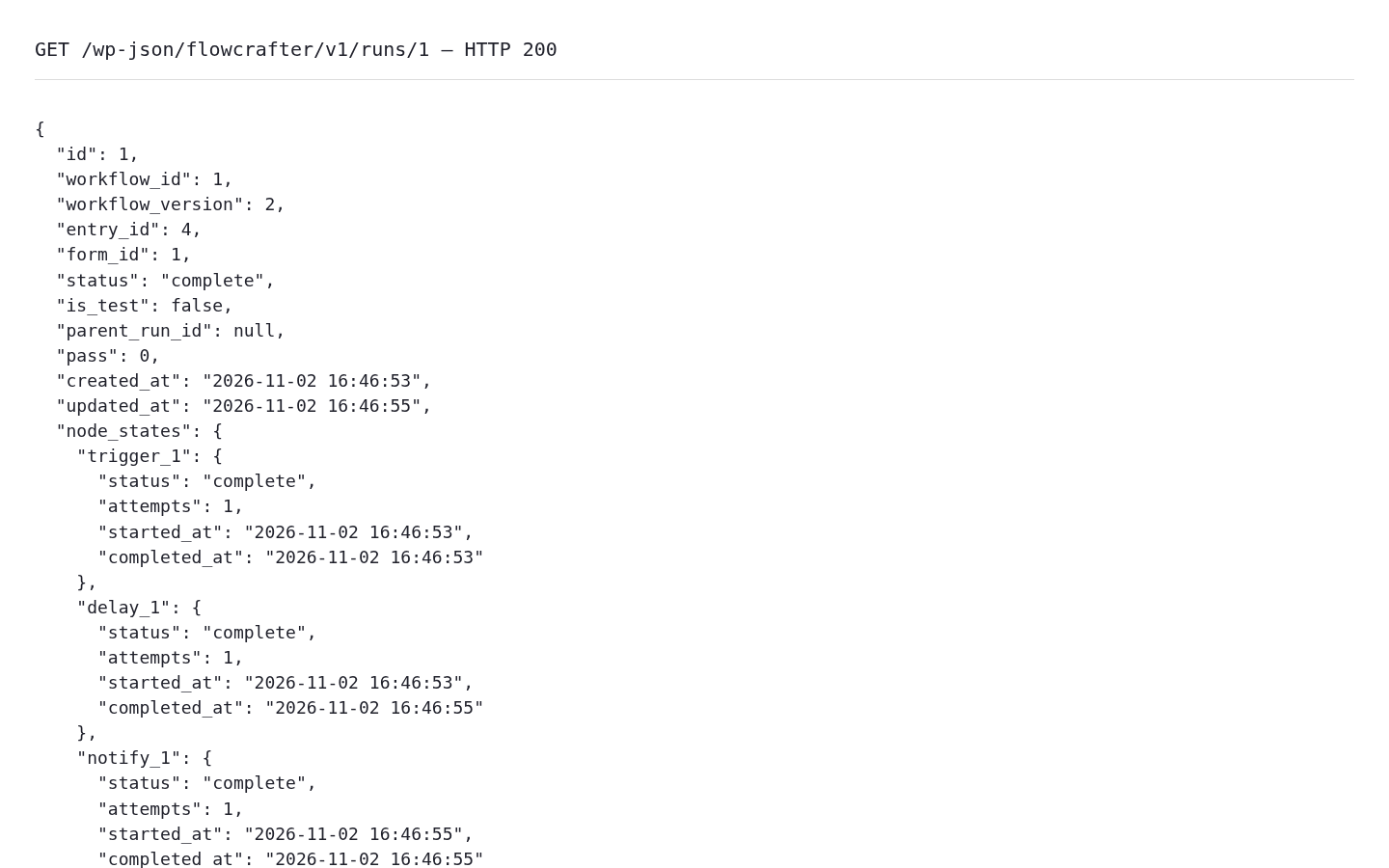
Here is the start of a real authenticated run response from the sandbox, formatted for readability without changing its values. Authentication is sent in request headers, never included in the image.
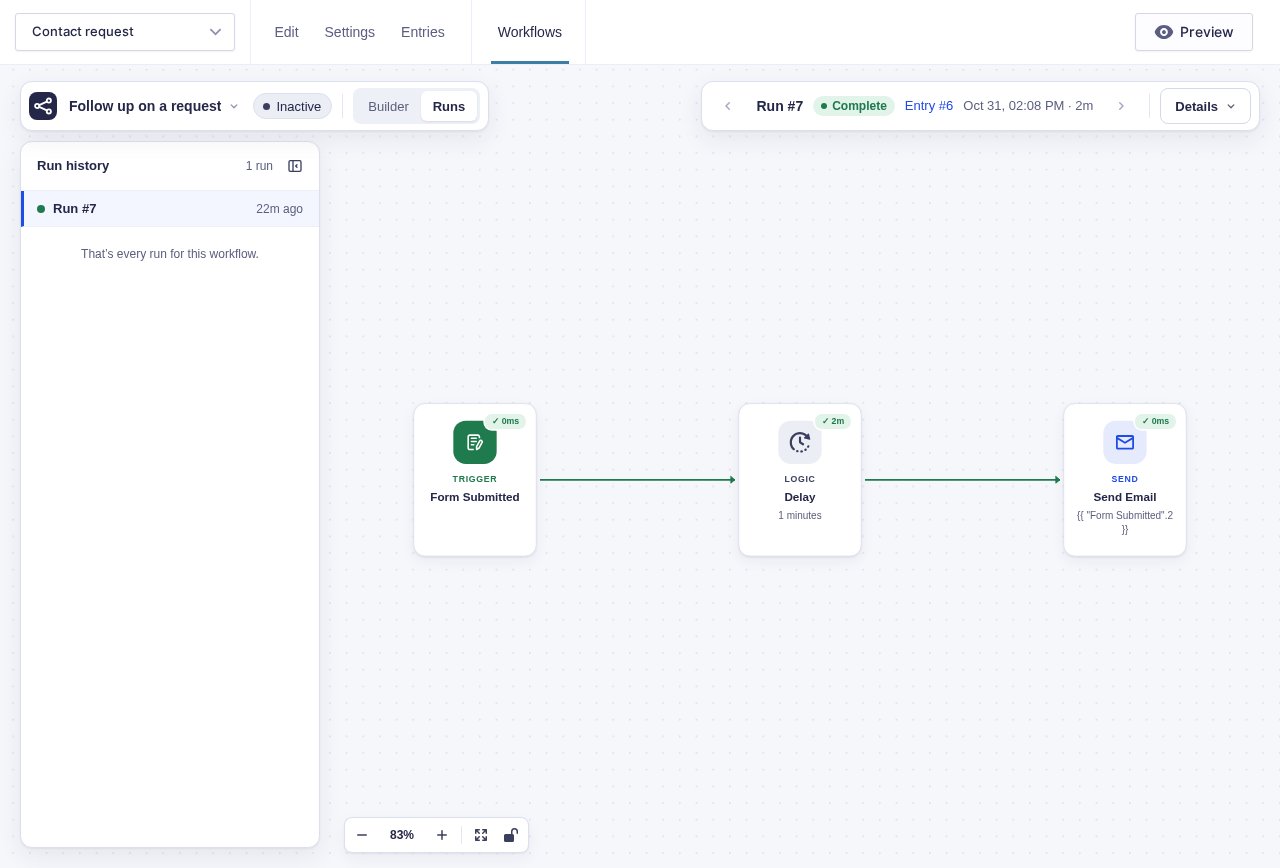
The builder turns this run data into a visual replay:
Resolving a pending approval
Section titled “Resolving a pending approval”Fetch GET /flowcrafter/v1/tasks and send the task’s scope_key and park_id strings unchanged in the JSON body of POST /flowcrafter/v1/tasks/{run_id}/{node_id}/approve or /reject. Together they identify this approval request, even if Go To visits the same step again.
A stale or missing modern identity returns HTTP 409 and an explanatory message. Refresh the task inventory and get a fresh decision; do not automatically approve the replacement request. Legacy requests created before request IDs existed still accept omitted identity only in the original unscoped wait.
Where to go next
Section titled “Where to go next”- WP-CLI — the same operations from the terminal.
- Abilities (Agent Surface) — the same operations, described with schemas for AI agents.
- The Execution Model — what happens after you POST a trigger.