GWW 298: It’s a Date!

GC Google Calendar is here! Plus, repeating scheduled notifications, more AI image models, and how to turn entries into a knowledge base.
Greetings, wizards!
If you haven’t noticed, there’ve been a lot of new products popping up in your Spellbook lately. Add GC Google Calendar to the list—it showed up yesterday right on schedule.
Well, technically, we were aiming for Tuesday, but you know what wizards say…
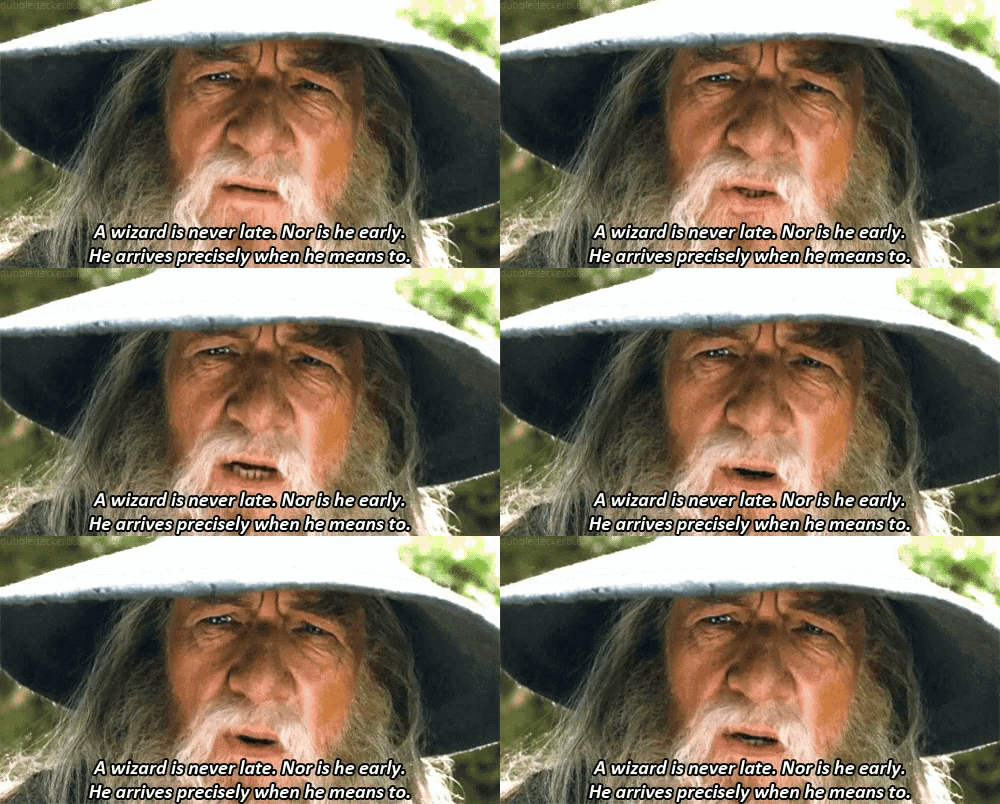
We feel the same way about products. 😉
New Connection: GC Google Calendar
We just released Gravity Connect: Google Calendar, and it does exactly what you’re hoping it does: turns Gravity Forms submissions into Google Calendar events automatically.
Connect your Google account, map your fields, and create events (with attendees and Meet links) the moment a form is submitted — no Zapier, no duct tape.
If you’re creating calendar events with Gravity Forms, this one’s going to make your life easier.
Top Picks: Product Highlights
GP Conditional Logic Dates
✦ Make anything conditional by date or time—static, relative, weekdays, or wildcards.
Do you remember all those wretched years where you had to add a Hidden field to your form with the {date_mdy} merge tag so you could apply conditional logic based on the current date?
Well, those days are behind us! We’ve added support for the special Δ Current Date option directly in the conditional logic rules.
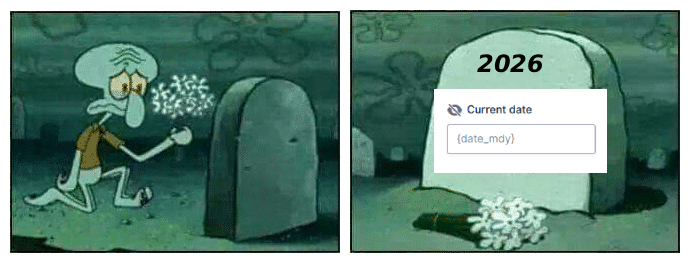
Use case inspiration: Early bird and rush pricing, seasonal offers and rates, late fees, and more!
—
GP Notification Scheduler
✦ Schedule Gravity Forms notifications to arrive when they matter most.
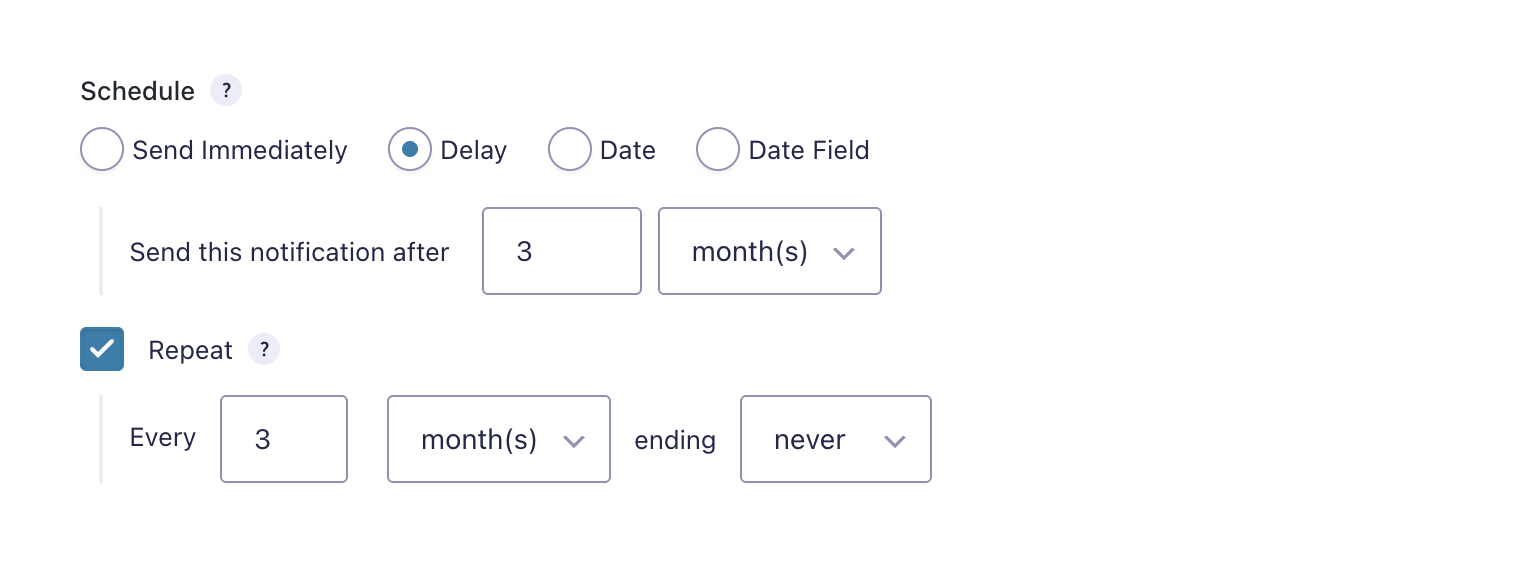
You can now repeat a scheduled notification any number of times. Here’s an example where we send a Wellness Check notification 3 months after the submission and then send it again every 3 months until the end of time!
—
GC OpenAI
✦ Enhance your forms with the magic of AI — text, images, audio, and more!
We’ve added support for gpt-image-1.5, gpt-image-1, and gpt-image-1-mini for image generation. That means more flexibility to choose the right balance of quality, speed, and cost for your AI-powered images.
Spotlight: Turning Gravity Forms Data into a Knowledge Base
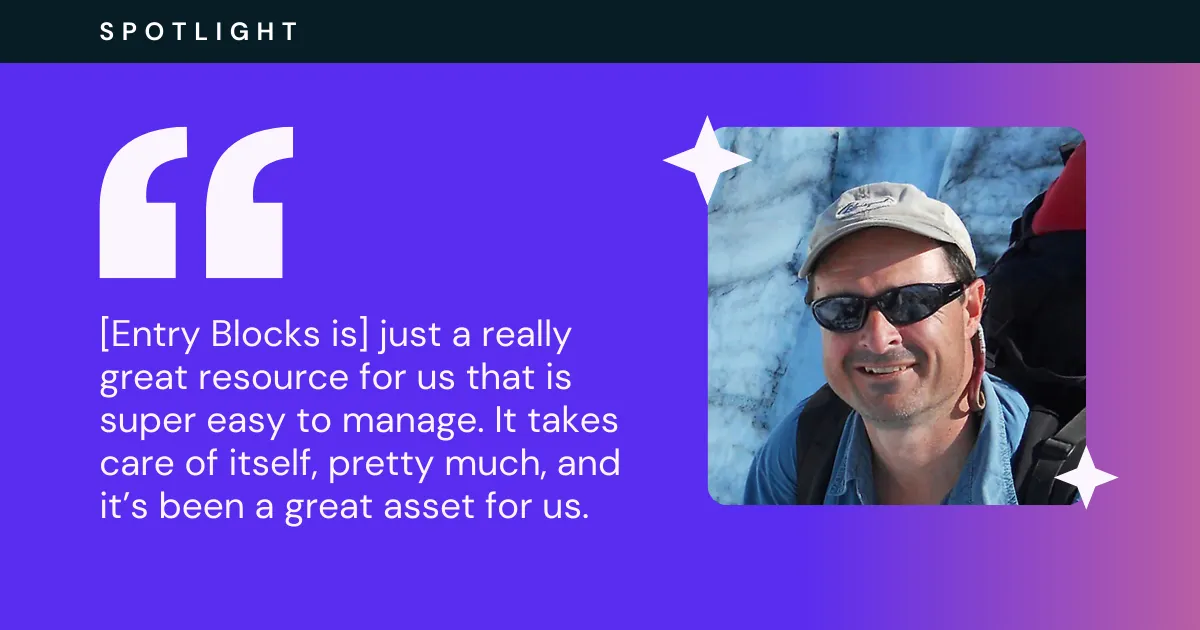
Expeditions Alaska had a treasure trove of field report data collected with Gravity Forms. The problem? It was locked away in the frosty backend. ❄️
Thankfully, the cold never bothered Carl Donohue anyway. He pulled on his hiking gear, surfaced the entries, and brought that data to the frontend using Entry Blocks. The result is a filterable database that’s easy to navigate, manage, and explore.
New Snippet: Insta-close Popup on Submit
GP Popups’ very first snippet has arrived — always a fun milestone to hit. 😄
By default, the Auto-close on Submission feature waits two seconds before closing the modal; this snippet closes it instantly after submission. 🫰
Product Updates
Gravity Perks
GP Advanced Save and Continue (v1.0.38)
- Fixed an issue where autosave did not run after adding a Nested Forms child entry.
GP Bookings (1.0-beta-1.2)
- Fixed issue where booking fields would fall back to base
GF_Fieldclass when GF Conversational Forms addon is active. - Fixed date localization in booking time fields to respect WordPress language settings and display translated names in order summaries and entry details.
GP Conditional Logic Dates (v1.2.28)
- Added Current Date as a selectable conditional logic field option.
GP Entry Blocks (1.0-beta-2.27)
- Fixed an issue where apostrophes in single-field filters were escaped and failed to match entries.
GP Popups (v1.0.3)
- Fixed popups not working on Gravity Forms backend preview pages.
- Fixed issue where scroll lock was not properly released with the “Popup” Display Mode. All popups-with the exception of banners-use a shared scroll lock mechanism now.
GP Unique ID (v1.5.21)
- Fixed issue where Unique IDs were generated for entries marked as spam by honeypot submission speed checks.
Gravity Connect
GC Google Calendar (1.0-beta-1)
- It’s a date!
GC OpenAI (1.0-beta-2.18)
- Added support for
gpt-image-1.5,gpt-image-1, andgpt-image-1-miniimage generation models.
Free Plugins
GF Form Notice (v1.0.1)
- Fixed an issue where the Form Notices settings tab could disappear when role management plugins were active.
GF Progress Meter (v1.3.3)
- Improved progress meter accessibility for screen readers.